

Open your site editor with a code to your work email. No password to keep, no secret in the link.
Enter your work address, enter the code, and your fields appear. Three checks stand between the public internet and your site's content, the link we send carries nothing secret, and a save goes live only once the whole site renders.

How do I get into my editor?
Pass three checks, in order. First, the access gate on the editor's own address, edit.trulata.com, sends a one-time code to your work email and lets you through when you enter it. Second, a fence on the tunnel behind that address lets a request reach the editor and nothing else. Third, a list inside the application names, for each site, the verified emails allowed to edit it. Clear all three and the editor shows your fields; each check stops a request that fails it before any content is served.
Your dashboard keeps its own gate. It uses a seat list and a single-use magic link, and that gate and every write path have their own page. The editor runs on a separate access application with its own guest list, kept apart from the one that guards our internal tools, so client identities live on their own list, separate from the one that protects them.
- The gateedit.trulata.com sends a one-time code to your work email
- The fenceThe tunnel behind the address lets a request reach the editor and nothing else
- The site listA list inside the application names the verified emails for each site
Do I need an account or a password?
A work email address is all you need. Enter it and a one-time code arrives; enter the code and you are in. The code takes the place of a password, so there is none to choose, store or reset, and we never hold one for you. Your address works while it is on the editor's guest list, which we maintain for you.
The gate stands in front of everything. The editor page, the content it loads and the save endpoint all sit behind it, and a request with no sign-in is turned away at the edge, before it reaches your site's content.

What else can the editor's address reach?
The editor, and only the editor. The tunnel that connects edit.trulata.com to our application allows one path prefix, the editor's, and answers every other path with not found. Pass the gate and you stand in a room with one door, and that door opens on the editor alone.
Adding a site keeps the fence exactly as it is. A new site is an entry inside the application plus its editors on the guest list, with the tunnel and the DNS untouched.
At the tunnel
- The editor's pathReaches the application
- Every other pathNot found
- A new siteAn app entry and its guest list; the fence is unchanged
Pass the gate and you stand in a room with one door, and that door opens on the editor alone.
Can another client open my editor?
Each site opens for the emails listed for it. Inside the application, a list names the verified emails that may edit each site. The email it checks is the one the gate verified, carried on the request by the gate itself rather than typed into a form. An address that passed the gate but is not listed for your site gets a refusal that says why and asks for the address to be added, and your fields stay closed to it.
Our own team can open any site we manage. That is how we help when you ask, and the exception is written into the code, not granted by hand.
Is there a secret in the link you send me?
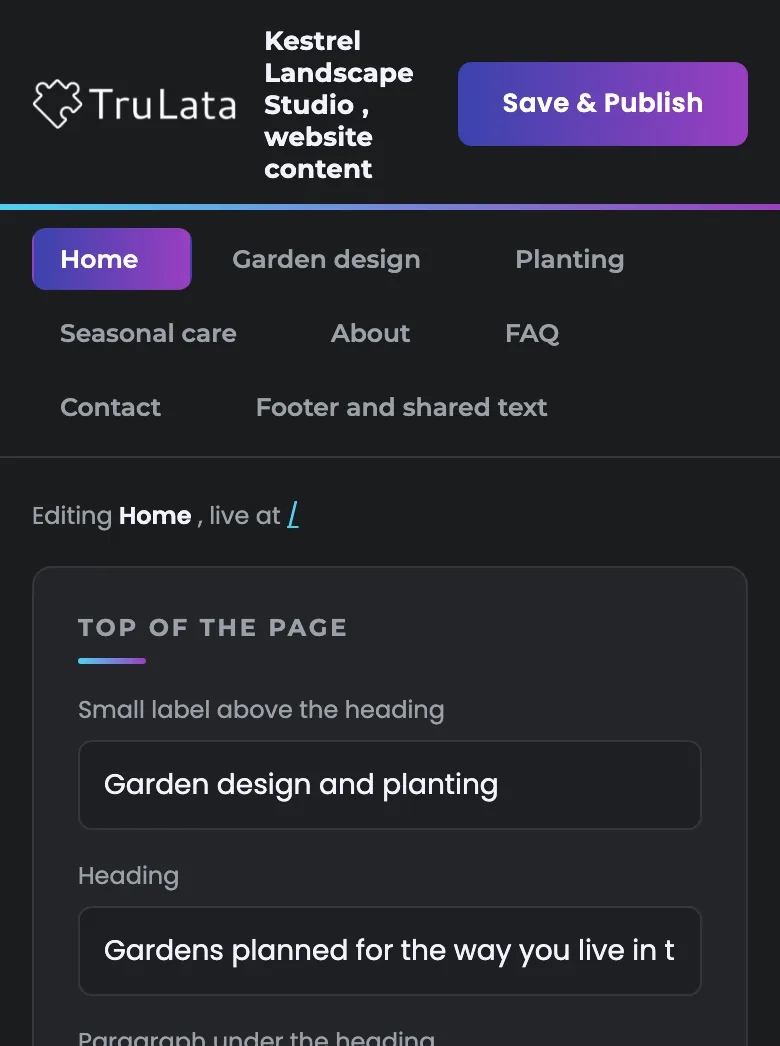
The link is a plain address with your site's name in it and nothing else. The page it serves carries no credential either. Once you sign in, your browser sends the gate's own cookie with every request the editor makes, so the link needs no key and carries none. Forward the link and it opens only for an address on the guest list.
One per-site key exists, and it stays on the server. It is a break-glass path for our internal tooling: never put in a link, never shared with a client, and useless on its own from outside, because the gate turns the request away before the key is read. The first version of the editor carried a key in the link. We rebuilt it, and the old key link now bounces to the gate like any other request.
The first version of the editor
- Carried a key in the link
- The key link now bounces to the gate like any other request
The link today
- A plain address with your site's name in it
- No key, no token, no credential in the page
- Forwarded, it opens only for an address on the guest list

No password to keep, no secret in the link.
What happens when I press save?
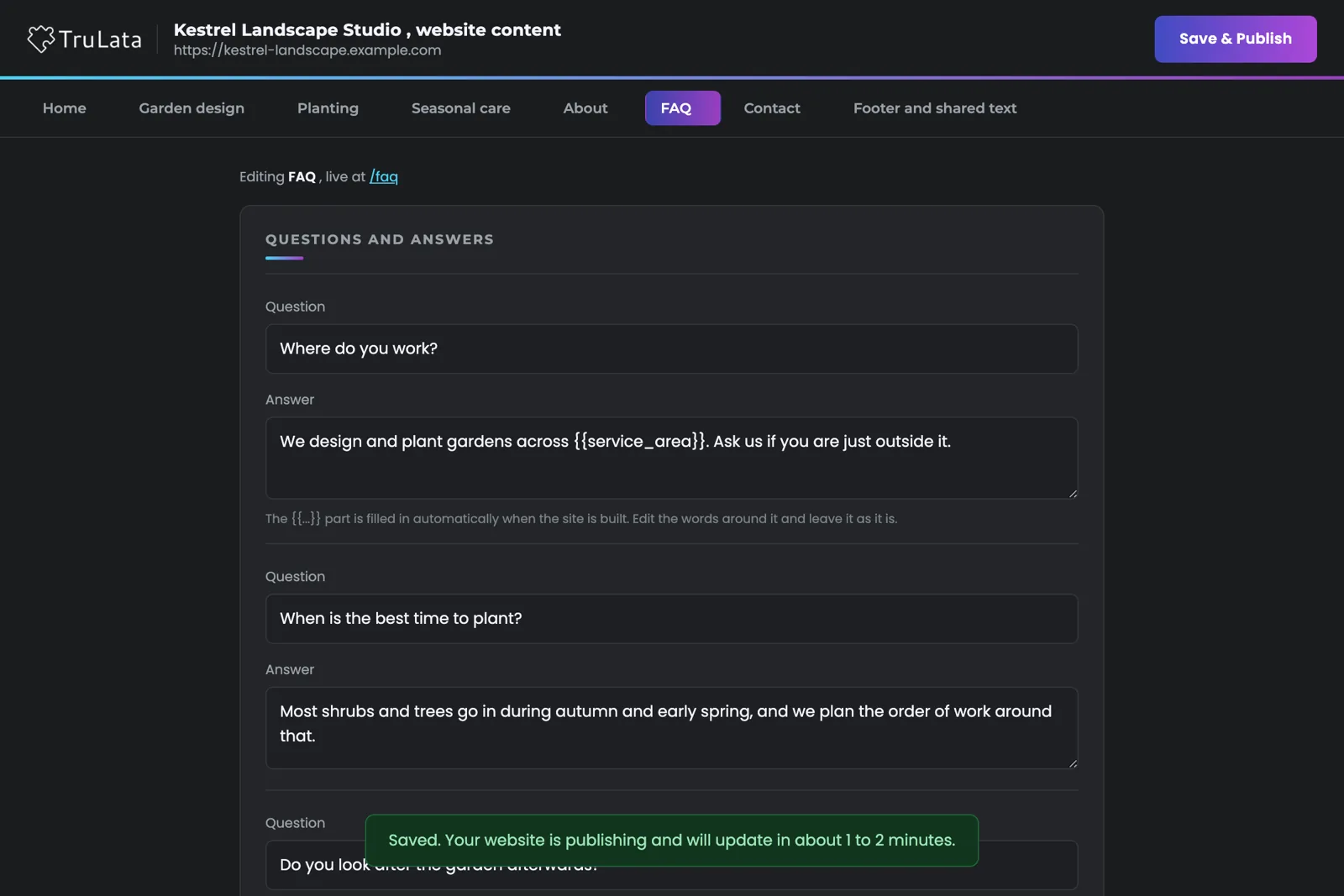
Every save is checked before anything publishes. The application keeps a copy of the current content, writes your changes to the site's content file, and re-renders the whole static site from it. If the render fails, the previous content goes back and the response says so, and your live site stays as it was. If it succeeds, the site redeploys and the editor tells you it will update in about one to two minutes.
Your visitors get the site alone. On our static path the public site stays 100 percent static, served without a content system or an editor script on any visitor-facing page. On the WordPress path a save writes into the site's own store and clears its cache. Either way the editor lives on its own address. It runs on two client sites and our concept sites today, is set up for each new site as it is built, and what it changes, field by field is its own page.
Every check, in one table.
| Layer | What it checks | When it fails |
|---|---|---|
| Access gate on edit.trulata.com | Who you are, by a one-time code to a listed work email | Sent to the sign-in gate before the application is reached |
| Tunnel fence | The path requested is the editor's | Every other path returns not found |
| Site list | The verified email against the site's own list | Refused, with a message to ask for the address to be added |
| Client link | Carries the site name and no secret | A forwarded link opens only for a listed address |
| Break-glass key | Server-side, internal tooling only | Useless from outside; the gate blocks first |
| Save | The site must render from the new content | Previous content restored; the live site stays as it was |
Four requests from the public internet with no sign-in, the plain link, the old key link, the key as a header and a forged email header, all landed on the sign-in gate, and that result is in the editor's setup record.
Questions, answered.
Do I need a password for the editor?
A one-time code takes its place. Enter your work address, a code arrives, and you enter the code. We never ask for your account password.
Can I forward the editor link to a colleague?
Yes. It opens for them once their address is on the editor's guest list and listed for your site; ask us to add them and it works.
Can another client see or edit my site?
Each site opens for its own list of verified emails alone. An address not listed for your site is refused, and the refusal says why.
What happens if a save fails?
Your live site stays as it was. The previous content is restored and the editor tells you the render failed, so you correct the field and save again.
Does the editor slow my website down?
The editor runs on its own address, apart from your public site, so a visitor downloads the static site and that alone. On our static path the public site stays 100 percent static.
Is this the same login as my dashboard?
They are separate on purpose. The dashboard uses a seat list and a single-use magic link. The editor has its own gate, its own guest list and a one-time code.
See how it would run
for your business.
15 minutes with TruLata. We show you what your marketing brings in, what each lead costs, and what we would change first.
Book a demo or start a 7-day free trial
No card. It ends on its own after 7 days unless you add one. See pricing.
New here? See what TruLata is. Prefer to write? Send us the one thing you want to know.
Start here: AI marketing platform · AI marketing software · all-in-one marketing platform · marketing automation software · marketing software for small business.
- Refreshed when you open itLive data on page load, never a monthly PDF
- Counted from your own formsLeads recorded server-side, compared daily with Ads and GA4
- Seen in AI answersHow often ChatGPT, Gemini, Claude, Grok, Manus, Google AI Overviews, Perplexity, Meta AI and DeepSeek name you, measured
- Every send loggedProspect emails leave from a review-first queue, and every send is logged.