
Customer Journey Automation Platform: Trigger the Right Message at the Right Time
A customer journey automation platform tracks every interaction a customer has with your business and fires the correct message at each stage: inquiry, quote, follow-up, scheduled job, completion, review request. Instead of relying on someone remembering to call back, the platform responds to what the customer did or did not do, automatically, at the moment it matters.
Most contractors already know the path. A homeowner fills out a form or calls. You quote. You follow up. You do the work. You ask for a review. The path is not the problem. The problem is that the path runs on human memory, and human memory is busy driving to a job in Bucks County with a phone on the dash. TruLata is the AI marketing platform for local service businesses across the United States and Canada, one screen that runs marketing and shows what it did, including the automated sequences that carry a lead from first contact to closed job.
What is customer journey automation, exactly?
Customer journey automation is the practice of using software and behavioral data to move a customer through a sequence of personalized interactions without manual intervention at each step. It works by connecting behavioral data to messaging logic: the system responds to what a customer does, or does not do, and sends the appropriate message at the appropriate moment.
The useful distinction is between automating one touchpoint and automating the journey. Plenty of contractors have an autoresponder on their contact form. That is one touchpoint. Journey automation software maps the whole sequence, so the form autoresponder knows what happens if nobody replies in 48 hours, and the quote email knows what happens if the PDF is opened three times and never accepted.
Upland Software notes that journey automation tracks from first contact through purchase and into the post purchase period, storing all of it. For a contractor, the post purchase period is where the money hides: reviews, referrals, maintenance plans, and the second job two years later.
Where do contractor leads actually fall through the cracks?
Four places, consistently.
Four places contractor leads fall through
- The first hour after the inquiryA 7:40pm form fill seen at 8:15am, after forms went to three companies
- Quote sent to quote decidedTwo to three weeks of comparisons, and one follow-up at most
- The scheduling windowNo confirmation, no arrival window, and the truck rolls to an empty house
- The 72 hours after completionA review request sent nine days later, after satisfaction has dropped
1. The first hour after the inquiry
A form fill at 7:40pm on a Tuesday gets seen at 8:15am Wednesday if it gets seen at all. Meanwhile the homeowner submitted forms to three companies. Whoever replies first usually gets the walkthrough. This is why first response wins more jobs than bigger budgets for most small service companies.
2. The gap between quote sent and quote decided
Roofing and HVAC quotes routinely sit for two to three weeks while a homeowner gathers comparisons and talks to a spouse. Almost nobody follows up more than once. The lead is not lost, it is unattended.
3. The scheduling window
Job booked for the 14th, no confirmation sent, no arrival window, no reminder. Homeowner is at work. Truck rolls. That is a wasted half day and a bad review risk.
4. The 72 hours after completion
Satisfaction peaks right after the work is done and drops steadily after. A review request sent nine days later performs worse than one sent the same afternoon, and the difference is entirely down to timing, not wording.
What does an automated customer workflow look like stage by stage?
Here is a concrete build for a residential service company. Adjust the timing to your sales cycle, but keep the structure.
- Inquiry receivedConfirmation within 5 minutes, an internal alert in 15, escalation at 2 hours
- Estimate scheduledDate and arrival window, a reminder the evening before, an on-the-way text
- Quote deliveredFive triggered touches, day 1 through day 30
- Job won and scheduledWhat happens on the day, reminders, a daily update on multi-day work
- Job completeSame day thank you and review link, a day 3 reminder, warranty documents sent
- Dormant customerSeasonal reminders, the install anniversary, a referral ask at 60 to 90 days
Stage 1: Inquiry received
- Within 5 minutes: automatic text and email confirming receipt, naming the person who will call, and stating the callback window.
- Within 15 minutes during business hours: internal alert to the phone of whoever owns first response, with the form details and the source of the lead.
- At 2 hours, no human contact logged: escalate to a second person. Do not let an unassigned lead age quietly.
Stage 2: Estimate scheduled
- Confirmation with date, arrival window, what you will need access to, and how long it takes.
- Reminder the evening before and a short text when the tech leaves the previous stop.
- If the homeowner never picks a slot, three touches over seven days on alternating channels, then a stop.
Stage 3: Quote delivered
This is the stage most contractors under-build. A real quote follow-up sequence that keeps leads warm looks like day 1 delivery, day 3 a short check for questions, day 7 something that reduces risk (warranty terms, a comparable job nearby, financing availability), day 14 a direct ask for a yes or no, day 30 a soft re-engagement. Five touches, all triggered, none requiring a sticky note.
Stage 4: Job won and scheduled
- Signed acceptance triggers a scheduling confirmation and a plain list of what happens on the day.
- Day before reminder and morning of arrival window.
- For multi-day work, a daily end of day update. This one line of automation kills most mid-job complaint calls.
Stage 5: Job complete
- Same day thank you plus a review request with a direct link to your Google profile.
- Day 3 reminder if no review has landed.
- Warranty or maintenance documentation delivered automatically rather than promised verbally.
Stage 6: Dormant customer
- Seasonal reminders tied to the service (pre-summer AC checks, pre-winter heating, gutter clearing in autumn).
- Annual maintenance nudge on the anniversary of the install.
- Referral ask at 60 to 90 days, once the work has proven itself.
That is roughly 20 triggered touchpoints. Sent manually that is hours of admin per job. Sent automatically it is a build you do once and edit occasionally.
Why do disconnected tools break journey automation?
Most contractors end up with a form tool, an email tool, a texting app, a CRM, a review tool, and a Google Ads account, none of which share a definition of what a lead is. The form tool counts submissions, the CRM counts contacts, the ads account counts conversions, and the numbers never agree. You cannot trigger on behavior your systems do not share, which is exactly why disconnected tools kill the lead pipeline.
Six tools, no shared definition of a lead
- The form tool counts submissions
- The CRM counts contacts
- The ads account counts conversions
- The numbers never agree
- You cannot trigger on behavior your systems do not share
LINK Mobility makes the practical point in its guide to building journey automation: instead of sending the same message to everyone, automation should guide a customer through the full lifecycle from first interaction to conversion, loyalty, and re-engagement. That requires one record of what the customer has done, not six partial ones.
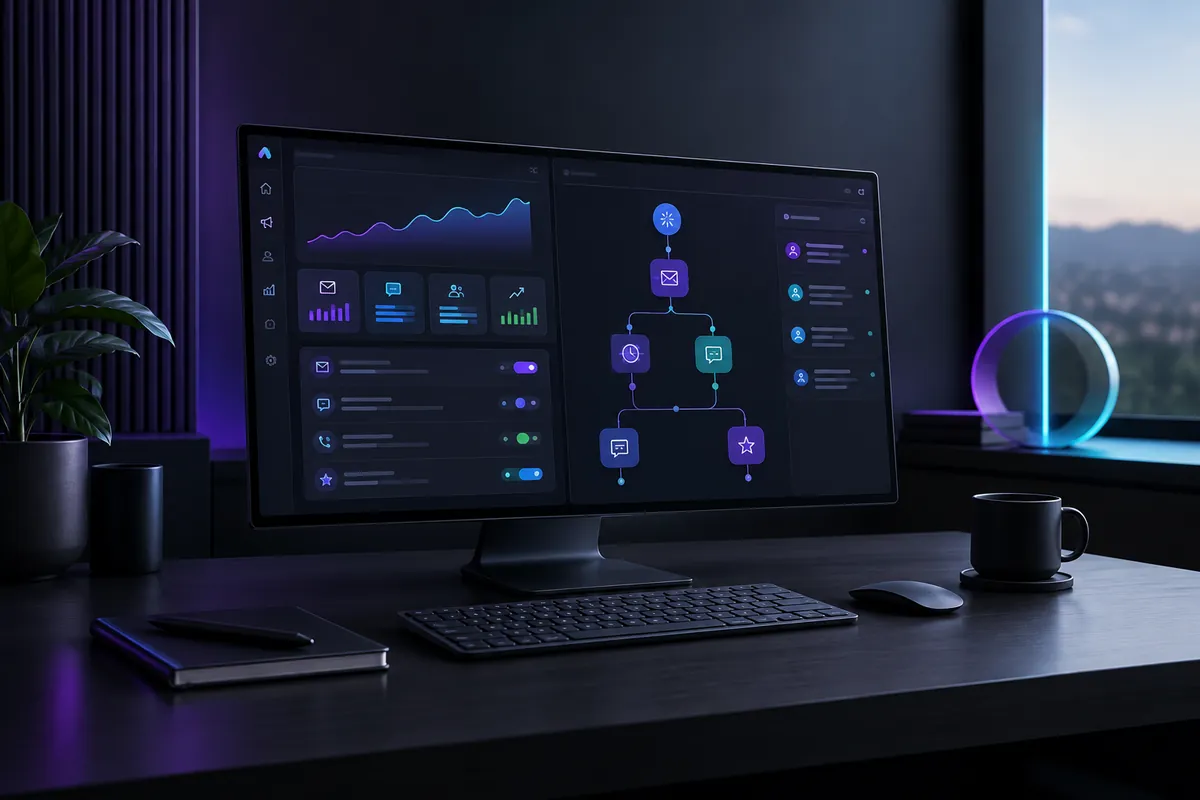
In your TruLata dashboard, the trigger data and the reporting sit in the same place. Lead counts come from lead tracking counted from your own forms rather than a platform's estimate, so the number that fires your follow-up sequence is the same number you judge your ad spend against. That matters because some touchpoints automate easily, but only if you can see them all in one inventory first.
How do you build this without breaking things?
Map before you automate
Write down every touchpoint you currently have, who sends it, on what trigger, and what the customer is supposed to do next. Most contractors find 6 to 8 real touchpoints and a dozen that exist only when someone remembers. Automate the gaps in the order they cost you money: speed to lead first, quote follow-up second, review requests third.
Automate the trigger, not the relationship
The confirmation, the reminder, the document delivery, the review ask: automate all of it. The quote conversation and the price objection stay human. A useful rule is that anything you would say identically to every customer should be automated, and anything that changes based on their roof should not.
Set stop conditions on every sequence
A sequence that keeps firing after the customer replies is worse than no sequence. Every branch needs an exit: human reply, booking made, quote accepted, unsubscribe. Test each exit before you turn the sequence on for live leads.
Write like a contractor, not a marketing department
Short sentences. Name the technician. State the arrival window. Ask one question. Automated messages that read like they came from a person get replies; templated enthusiasm gets ignored. If you use AI to draft variants, treat the output as a first pass, which is how contractors auto-generate quotes and follow-ups without sounding synthetic.
Measure at the stage level
Track conversion from inquiry to estimate booked, estimate to quote, quote to won, and won to review. When one stage drops, you know which sequence to fix. That is the difference between a dashboard that distracts and the TruLata dashboard showing you where the journey is leaking.
Automate the trigger, not the relationship
Automate it
- The confirmation
- The reminder
- The document delivery
- The review ask
Keep it human
- The quote conversation
- The price objection
- Anything that changes based on their roof
What should you expect after 90 days?
Realistic outcomes for a small residential service company that builds the six stages above:
- First response time drops from hours to minutes on every inbound lead, including evenings and weekends.
- Quoted jobs get five follow-up touches instead of one, which recovers work that used to be logged as "never got back to us."
- Review volume rises because the ask is sent the same day, every day, on every completed job.
- Admin time per job falls, because confirmations, reminders, and warranty documents send themselves.
None of that requires more ad spend. It requires that the journey you already run stops depending on someone remembering.
The path is not the problem. The problem is that the path runs on human memory.
Run the whole journey from one screen
TruLata handles customer touchpoint automation alongside the reporting that tells you whether it worked: lead counts from your own forms, Google Ads performance, search and AI visibility, all refreshed when you open it. Walk through the live demo to see how the stages are built and what the stage level numbers look like in practice.