

Publish pages your buyers search for, on your cadence, with our team on the work.
Content creation at TruLata runs on the content engine inside the Command Center. Each topic is briefed to a band of real search demand, the research step cites current sources, every draft is filed as a Google Doc with its featured image in a Drive folder for your business, and the piece publishes on the cadence set with you, awaiting approval or not, your choice. Our team runs it for you on Command or through the managed strategy retainer.
What does content creation actually get me?
A page on your site, on a schedule, aimed at a phrase people type into a search box, with the sources it leans on cited inline and a copy filed as a Google Doc in a Drive folder for your business. That is the service in one sentence, and each part is briefed or checked before the piece exists. The topic is briefed to a band of real demand, roughly 100 to 20,000 searches a month, a band set from Google's keyword planner through our Ads access. The draft may cite only sources the research step actually found, three to five of them inline. The topic is checked against what is already queued for your account that month.
It runs on a schedule whether anyone is at a desk. The default is two blog posts a month, set with you, and research papers and press releases move through the same stages. You read each piece in the Content view of your Command Center and in your Drive folder, and you see what it earned in the search view, read from Search Console.
The demand check runs before a word is written. Ranking is not earning, so a topic passes a gate on real search volume from Google's keyword planner and on what already holds the results page, and a phrase with no measured demand behind it is held back. Content creation here aims each piece at a phrase people search and a results page a business your size can take, then shows you the clicks rather than the rankings.
What does the Command Center show me about my content?
The Content view, which appears on your dashboard where the content engine runs for your account. It shows pipeline counts for your account beside settings cards for your platform and cadence; in the demo the counts are researched, drafted, optimized and published, and the cards are platform, cadence, content types and auto-publish. Each recent piece opens to its type, its status and where it was published, with a link to the live post and a control to request a rewrite. Below that sit your categories and tags, each with an add control, and the Drive folders of finished Google Docs. The content engine page walks through the view in full.
Whether a page earned anything shows in two other views. The search view reads Search Console: the queries you appeared for, impressions, clicks and average position, two to three days behind. The positions there are Search Console's own averages, not a rank tracker. The analytics view reads Google Analytics 4: sessions, sources, pages and key events, hours behind intraday. Google's AI Overviews are measured through the search view. The four answer engines, ChatGPT, Gemini, Claude and Grok, are scored at baseline and re-run as the program moves, on the AI visibility view.
The page refreshes because you opened it. It loads last night's snapshot first, fetches the live payload from a cache, and if the snapshot is older than five minutes a pull runs behind the request. A fallback snapshot is baked every night at 12:01am Central, and a failed pull leaves the previous page up rather than an empty one. The live data page covers the mechanism.
What runs on a schedule, and what still needs a person?
The pipeline runs on a schedule whether anyone is at a desk. On the first of each month at 7am Eastern it queues the month's pieces for your account, and each one moves queued, researching, writing, draft, then approved, posting and posted, or rejected. On our own site's engine, the demand gate reads Google's keyword planner through our Ads access for the phrase's real search volume: under 100 searches a month is rejected, 20,000 or more is rejected as a head term, and a phrase with no figure at all is rejected too, because the gate passes only a measured number. A second check reads the live top ten for the phrase and drops the topic when more than six of the ten belong to major publishers or funded software vendors. The gate runs on our own site's engine before a word is written, and every client topic is briefed to the same band.
The research step runs up to four web searches and hands the writer up to twelve current sources, each with its address. The writer cites three to five of them inline and may only use addresses it was given. Before publish, the external links are opened; a dead one is unwrapped so the sentence still reads, a piece where more than half its links are dead is held rather than published, and a source that blocks automated visitors is kept, because a 403 is not a dead link. A featured image is produced per piece and saved beside the Google Doc in a folder for your business, one subfolder per month. Publishing goes to WordPress, Webflow or Shopify through their APIs, or to a static site we host by re-render and redeploy, and a connector we have not built yet is built during setup.
A person still decides what a person should decide. Auto-publish is a per-client setting. With it off, every draft waits as a Google Doc in your Drive, awaiting approval, and nothing posts until someone says yes; a rejection is recorded with your notes for the team. A platform with no publishing API gets its approved Doc published by hand, with the live address recorded. From the screen you can request a rewrite, a new category, a tag, a keyword or a targeting change. Each request lands with the team as a logged ticket, and a person makes the change on your site.
Can I see the content engine running before I buy anything?
Yes. Open the demo at demo.trulata.com. It opens without a form, and nobody follows up because you opened it. The company is fictional, it is called Meridian, every number is illustrative, and the engine code is the same code every client dashboard runs. Open the Content view. Look at the four pipeline counts, one piece opened to its detail, the categories and tags with their add controls, and the settings cards for platform, cadence, content types and auto-publish.
Then look at what a piece has to pass before it ships. A demand gate in front of the engine checks the phrase for real search volume and for a page a business your size can win, real source addresses reach the writer on every piece, and every link is opened before every publish. The engine you would be buying was fixed on us first.
Access during setup, the first pull, baselines, keyword set and ads watch early in setup, and the content cadence later in setup. The how it works page lays out the steps.
Which tier includes content creation?
The content engine runs on Launch, Growth and Command. Starter includes the Command Center, full analytics, leads, search visibility, the AI visibility program, managed Google Ads search, the assistant and briefings and support tickets. Google Ads search is managed on all tiers. Meta ads are managed on Growth and Command. The outbound engine runs on Command. Command adds the outbound engine, ad creatives and your full marketing team, always on, is scoped per engagement and carries no number on this site.
Seats are three on Starter, three on Launch, ten on Growth and unlimited on Command. Starter is $400 a month, Launch $650, Growth $1,200, and Command is scoped per engagement. Every published tier is one flat monthly figure, month to month, and an annual commitment takes twenty to twenty-five percent off the monthly. The pricing page carries the same figures as every other page on this site.
Can your team run content creation for me?
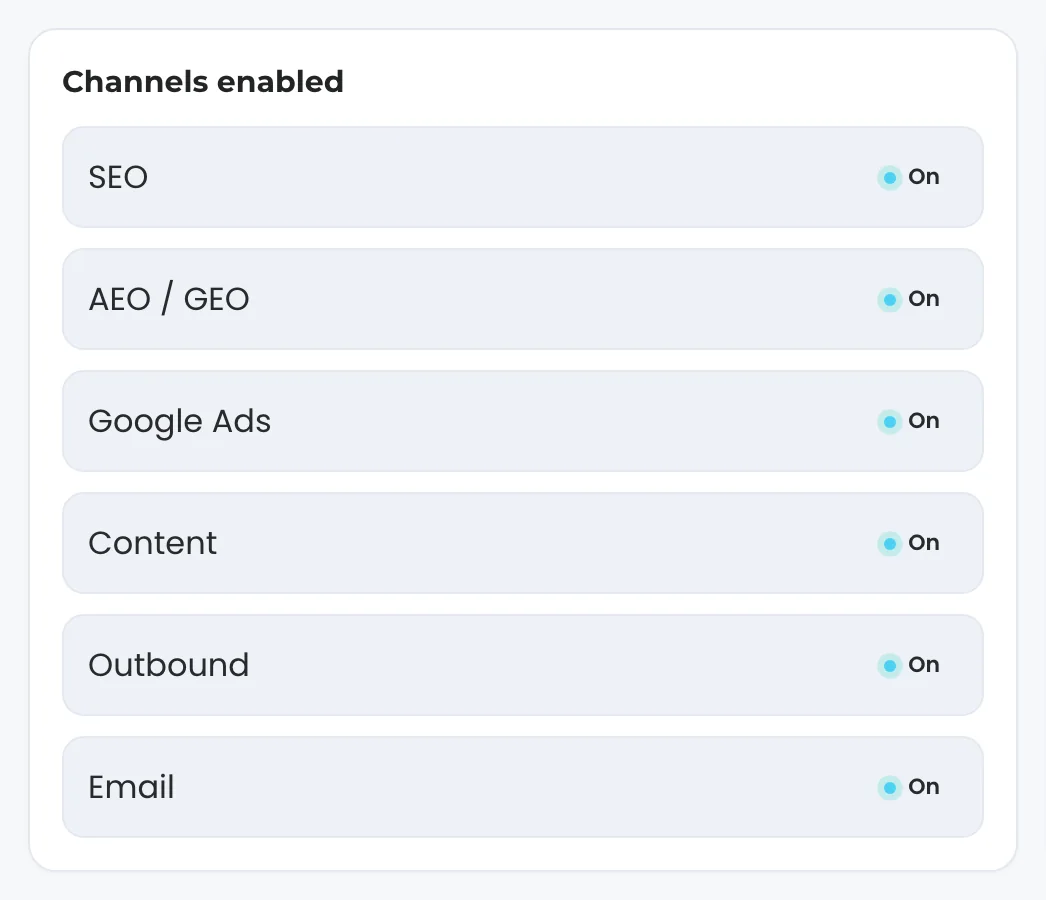
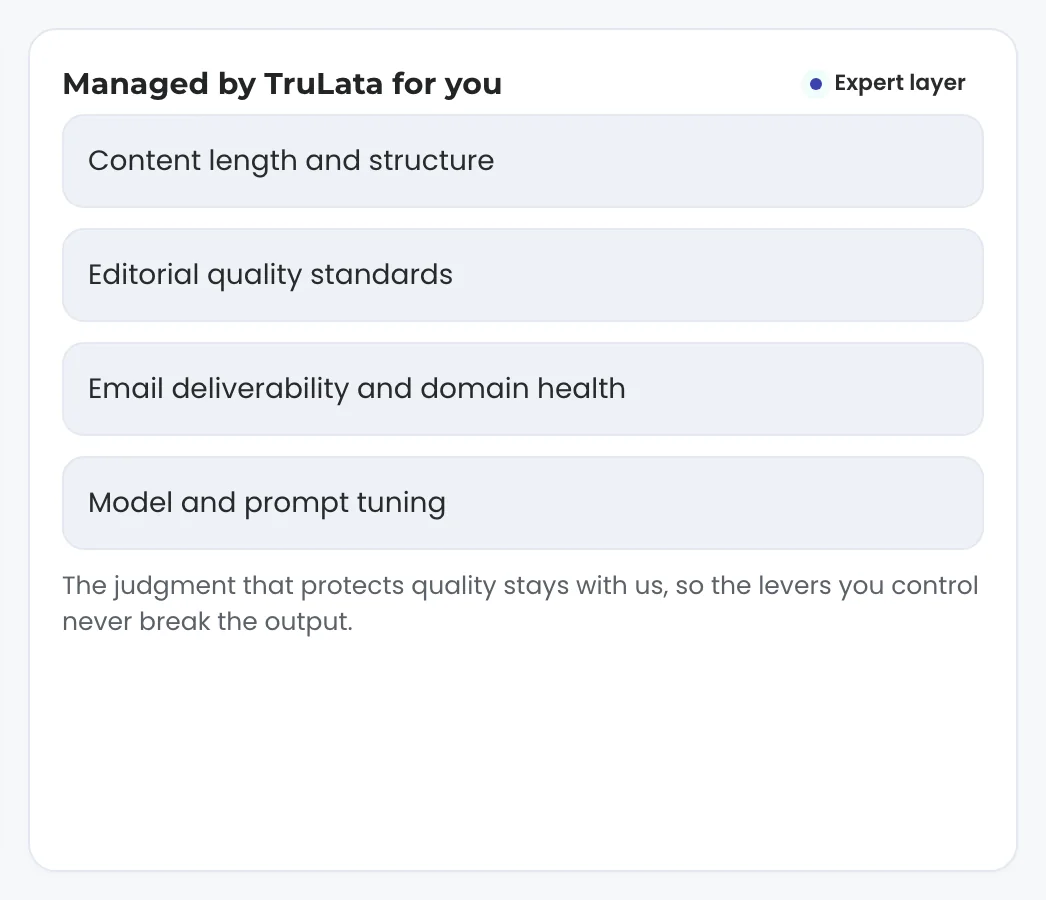
Yes, and that is the service half of this page. On Command, the tier that adds the outbound engine, ad creatives and your full marketing team, always on, our team runs the program: the target keywords and negative keywords set with you, the brand voice and cadence shown in your Settings view, the approvals when you want a person reading every draft, and the by-hand publish on a platform with no API. Command is scoped per engagement and carries no number on this site. The managed strategy retainer sits on top of any tier, scoped with you: strategy, optimization and approvals from our team, the judged work the engine hands to a person. It carries no number here either. The managed page covers both.
TruLata is also a marketing services firm, and the software sits beside that work. When our team writes your content as a service, the same engine, the same gate and the same Drive archive are what we work in, and you read every piece in your Command Center as it moves. Search and digital marketing are the services this one feeds, and the services hub lists the rest.
What content creation reads, writes and shows.
| What | Where it comes from | How fresh |
|---|---|---|
| Topics | A brief aimed at the band of roughly 100 to 20,000 searches a month; the demand gate on Google's keyword planner and the live top ten runs on our own site's engine | At topic selection |
| Research and citations | Up to twelve current sources with their addresses; three to five cited inline; every link opened before publish | At writing time, and again at publish |
| Dedupe | Topics already queued for your account that month | At topic selection |
| Draft and archive | A Google Doc in your Drive, one folder per business, one subfolder per month, image beside it | As each piece is written |
| Publish | WordPress, Webflow or Shopify through their APIs, or a static site we host by re-render and redeploy; by hand where a platform has no publishing API | On your cadence; awaiting approval when auto-publish is off |
| What it earned | Search Console in the search view; Google Analytics 4 in the analytics view | 2 to 3 days behind; hours behind intraday |
| Answer engines | ChatGPT, Gemini, Claude and Grok, each through its own API | Baseline, re-run as the program moves |
Positions are Search Console's own averages, two to three days behind. Answer engines are scored at baseline and re-run as the program moves. Every topic is briefed inside the band of real search demand, every claim is carried by a cited source, every topic is checked against the month's queue, and every link is opened before publish.
Questions, answered.
Will anything publish without my approval?
Only if auto-publish is on for your account. With it off, every draft waits as a Google Doc in your Drive, awaiting approval, and nothing posts until someone says yes. A rejection is recorded with your notes for the team.
Where do the topics come from?
From a brief aimed at real demand. The research step is told to propose phrases in the band of roughly 100 to 20,000 real searches a month and to avoid topics already queued for the month. The demand gate checks a phrase against Google's keyword planner and the live top ten, and it runs on our own site's engine before a word is written.
Is this the same AI content everyone else publishes?
Each piece is researched first, then written, then checked. Up to twelve current sources with their addresses go to the writer, it may cite only those, three to five inline, and every external link is opened before publish. The gate and the checks exist because of failures found on our own site.
Which platforms can it publish to?
WordPress, Webflow and Shopify through their APIs, and static sites we host by re-render and redeploy; a connector we have not built yet is built during setup. A platform without a publishing API gets its approved Google Doc published by hand, with the live address recorded in the pipeline.
How do I know whether a piece earned anything?
In the search view, read from Search Console two to three days behind: queries, impressions, clicks and average position, which is Search Console's own average and not a rank tracker. In the analytics view, read from Google Analytics 4 hours behind intraday. The answer engines are scored at baseline and re-run as the program moves.
Which tier includes it, and can your team run it?
The content engine runs on Launch, Growth and Command. Command adds the outbound engine, ad creatives and your full marketing team, always on and is scoped per engagement. The managed strategy retainer sits on top of any tier and is scoped with you. Neither carries a number on this site.
See it running
before you decide.
The demo is the real product on a fictional company, with no form in front of it. Pricing is three published tiers.
Open the live demo See pricing
New here? See what the Command Center is. Prefer to write? Send us the one thing you want to know.
Start here: AI marketing platform · AI marketing software · all-in-one marketing platform · marketing automation software · marketing software for small business.
- Refreshed when you open itLive data on page load, never a monthly PDF
- Counted from your own formsLeads recorded server-side, compared daily with Ads and GA4
- Four answer engines, measuredChatGPT, Gemini, Claude and Grok, with a published denominator
- A review-first queue on every sendEvery draft waits in a review-first queue and every send is logged.