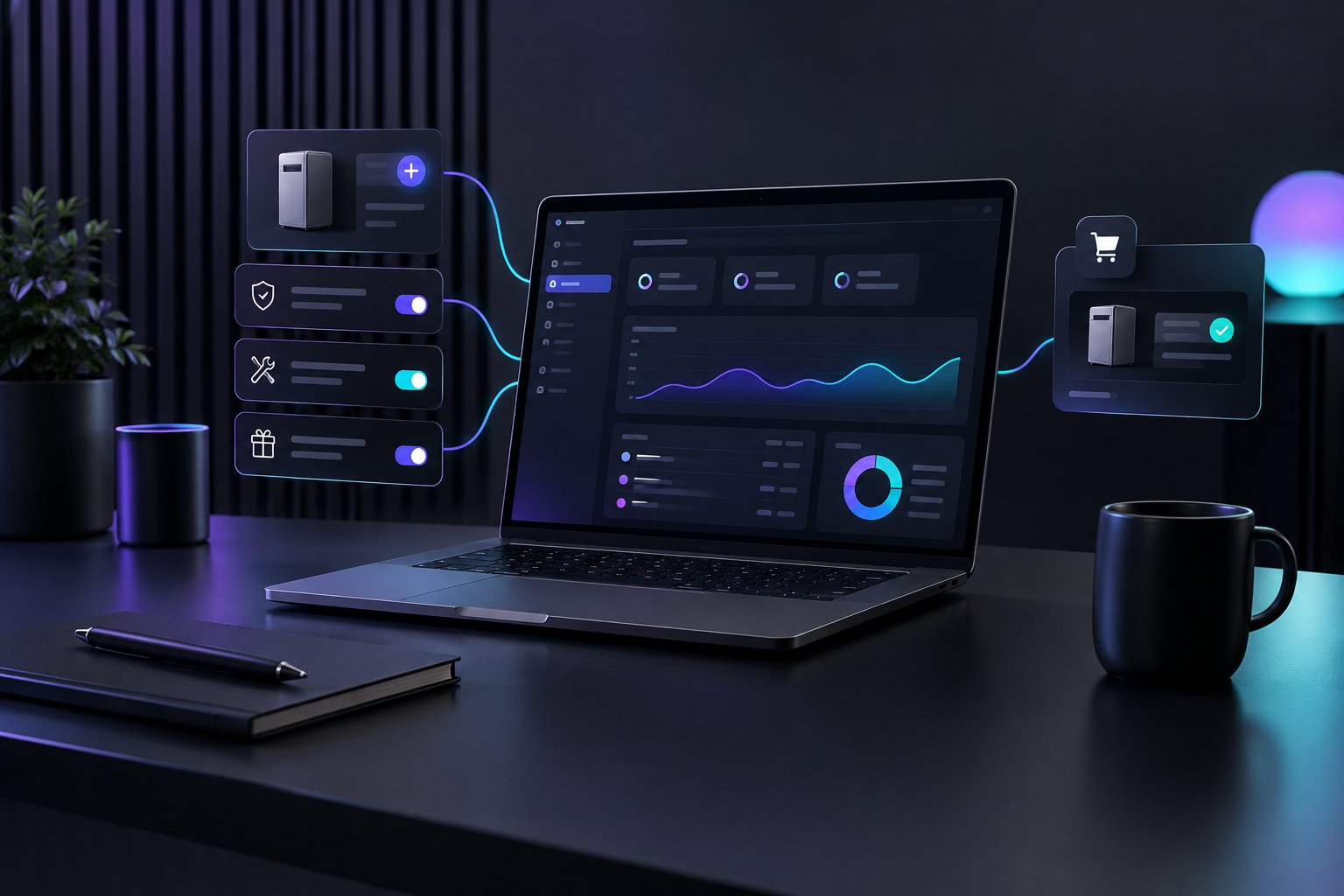

An ecommerce marketing automation platform lets HVAC, plumbing and roofing contractors sell maintenance plans, extended warranties and replacement parts through online checkout links. Follow-up emails go out automatically after the job, so nobody writes invoices by hand. Each add-on is offered once the service call is complete, the customer pays online, and every sale is recorded.
Most contractors already field questions that could become add-on sales. "Do you sell the filters?" "Can you come back in the fall?" "Is there a warranty on the water heater past the manufacturer's?" Usually a tech answers the question on the driveway, the office meant to send a quote, and nothing was sent. This article covers which add-ons fit an HVAC, plumbing or roofing business, how online checkout replaces manual invoicing, and what the follow-up sequence after a job should contain.
TruLata is an AI marketing platform for service businesses, including HVAC, plumbing and roofing companies. It runs search, ads, content, outbound and email from one screen, counts leads from the business's own forms, and shows payments live from Stripe. That combination supports the add-on model described below.
Why do service businesses need revenue streams beyond the service call?
A service call pays once. The truck, the tech's hours and the drive time are spent to earn it, and the next job has to be found from scratch. Adding a product or a plan to a customer you already served costs much less, because acquisition is already paid for and the customer has seen your work in their home.
Plenty of established businesses already run this way. The U.S. Chamber of Commerce notes that many successful businesses combine product and service offerings to diversify revenue, and gives the example of home improvement companies selling materials such as flooring or tile alongside installation. For a contractor, the comparable items are filters, water treatment cartridges, gutter guards, smart thermostats and maintenance memberships.
The usual barrier is staff time, not demand. Every add-on sold the old way requires someone to quote it, invoice it, chase payment and log it. An office manager already handling dispatch and callbacks will drop that work first. Automating checkout and follow-up removes that bottleneck without adding a role.
Which add-ons should HVAC, plumbing and roofing contractors sell online?
Start with products closely tied to the work you already do. If a customer needs to understand the product before buying, the tech should explain it on site. If the customer only needs a reminder and a link, it belongs in automated checkout.
HVAC
- Seasonal tune-up memberships: spring cooling check and fall heating check, billed annually or monthly, with priority scheduling during heat waves and cold snaps.
- Filter replenishment: the correct size for the customer's system (recorded by the tech during the visit), shipped or delivered on a schedule.
- Indoor air quality upgrades: UV lights or media filter cabinets offered after a technician has noted a dust, allergy or humidity complaint.
Plumbing
- Water heater flush and anode inspection plans: an annual visit sold right after a water heater install or repair.
- Water treatment cartridges: softener salt delivery or filter cartridge replacement for systems you installed.
- Extended labor warranties: offered on new fixtures or repipes, covering your labor past the manufacturer's parts coverage.
Roofing
- Annual roof inspections: sold at project closeout, with a written condition report and photos each year.
- Gutter cleaning and gutter guard add-ons: often requested once the roof is finished and the customer is looking up at the gutters.
- Post-storm inspection priority: a membership that puts existing customers ahead of new calls after hail or wind events.
Don't launch all of these together. A small business guide that went through test-and-expand approaches reaches the same conclusion most operators do: pick one product with strong affinity to your current work, sell it to a small group of recent customers, and add more only after the first one sells without staff stepping in.
How do you price an add-on so it actually adds margin?
Price with your full cost in mind, not just the parts cost. The Business Development Bank of Canada describes the cost of sales for a reseller as the cost of products plus labour, supplies, amortization and facility overhead. For a contractor selling filters or cartridges, that means including:
- Product cost from your supplier, including freight to your shop.
- Storage space on your shelves and in your trucks.
- Delivery or install time, even when the visit is short.
- Payment processing fees on online checkout.
- Returns, wrong sizes and warranty replacements.
Maintenance plans are priced differently. Add up the labor hours you commit to per year, the scheduling priority you promise, and any discount on repairs. A plan with a repair discount should be checked against your repair margins before it goes online. Most contractors already have a sense of which plans carry their weight once they look at the visit hours per member.
How does online checkout replace manual invoices for service add-ons?
The Small Business Administration's guidance is straightforward: if you sell your product or service online, you can accept payment through your website with an online payment service. These services accept credit and debit cards and charge fees just like a card reader in the field. The SBA also recommends writing a sales plan that explains each step a customer takes after deciding to buy. For add-ons, that plan is short:
- The customer receives an email or text with a single product and a checkout link.
- They pay online. A recurring plan bills on its schedule with no further action.
- The payment processor sends a receipt automatically.
- The sale shows up wherever you track revenue, linked to the customer.
- If the add-on requires a visit, it enters your booking system as a job.
Nobody in the office creates an invoice, emails a PDF, or follows up for payment. Missed payments on recurring plans are retried by the payment processor instead of a person on the phone.
For a detailed look at how these workflows plug into booking and quoting, see our guide on how service businesses use e-commerce workflows.
What does selling products as a contractor look like after the job is done?
Selling products as a contractor works best when the offer comes from what happened on the job. A generic "check out our products" email gets ignored. "Your system uses a 16x25x4 filter, here's a six-month supply" gets bought. Here is a post-job sequence for an HVAC repair. Plumbing and roofing follow the same structure with different products.
Day 0: job completion
The tech closes the job in your booking platform and records the filter size and system age. Your email system sends a thank-you and a review request. It doesn't try to sell anything yet.
Day 3: the relevant product
One product, tied to the job: filters in the recorded size, with a checkout link. If the tech mentioned a humidity issue, the email states that plainly and offers the fix.
Day 14: the plan
The maintenance membership, presented around what the customer just went through: "You called us during a breakdown. Members get the seasonal check that catches most of these early, and priority booking when it's 95 degrees."
Seasonal: the reminder
Customers who didn't buy are reminded before the next heating or cooling season, when the offer is most timely. Customers who bought filters get a reorder link when their supply runs low.
Three or four messages across a season is enough. More than that is noise, and these are customers you want to call you again.
How do maintenance plans create recurring revenue for service companies?
Recurring revenue for service companies mostly comes from memberships, not product sales. Product reorders help, but a maintenance plan does three things a one-time sale doesn't:
- It fills slow weeks. Tune-up visits can be scheduled into shoulder seasons, keeping techs busy when emergency calls slow down.
- It keeps you first on the list. A member with a problem calls the company that visits twice a year, not the top ad result.
- It generates repair and replacement work. Seasonal visits find worn parts and aging equipment, which become quoted jobs.
The U.S. Chamber of Commerce points out that service businesses often price using flat rates or monthly and yearly subscription packages. Monthly billing makes the plan easier to start. Annual billing improves cash flow and retention. Offering both at checkout lets the customer pick.
Plans fail when the visits don't get booked. If a member pays and never hears from you, they cancel at renewal. The scheduling reminder matters just as much as the checkout link.
What should an ecommerce marketing automation platform track for a contractor?
A tool that sends emails without showing what they produced leaves you guessing. For add-on sales, you need four figures in one place:
- Payments received, pulled live from your payment processor, split between one-time product sales and recurring plan billing.
- Email performance by message in the post-job sequence, so you can see whether day 3 or day 14 drives sales.
- Jobs from your booking platform, so plan visits and repairs found during those visits appear next to the revenue.
- Lead sources, so you can tell which customers first came from search, ads or referrals, and which of those buy add-ons later.
This is how TruLata is set up. The Revenue view shows payments live from Stripe. The Email view runs lifecycle flows with live stats. The Jobs view pulls your pipeline from your booking platform. Leads are counted from your own forms with their source and outcome, as covered in lead tracking counted from your own forms. Everything sits on your TruLata dashboard, which refreshes when you open it, so the figures are current when you check them.
TruLata reads your existing payment processor and booking system. It doesn't replace them. Checkout runs through Stripe, jobs stay in your booking platform, and TruLata runs the marketing around them and shows the results. The steps for connecting each account are described in how TruLata works.
What mistakes stop contractors from selling add-ons online?
Offering everything to everyone
A roofing customer who just paid for a full replacement doesn't need five upsells. Send one relevant offer per job, chosen from the work done.
Losing the job details
If the tech doesn't record the filter size, system age or fixture model, the follow-up email can't be specific. Add those fields to job closeout in your booking platform before writing any emails.
Treating the plan as a one-time sale
Members who aren't contacted to schedule visits will cancel. Build the scheduling reminder at the same time as the checkout.
Not connecting sales to marketing spend
If an ad-driven customer buys a plan six months later, that sale belongs in the ad's results. Without lead source tracking connected to payments, add-on revenue looks like it appeared from nowhere, and you may cut the campaigns that are actually paying off. Our article on keeping leads from stalling between quote and close covers the same handoff problem earlier in the customer's journey.
How do you start selling add-ons in the next 30 days?
- Week 1: Choose one add-on. For HVAC, filters or a tune-up plan. For plumbing, a water heater maintenance plan. For roofing, an annual inspection. Price it using your full cost of sales.
- Week 1: Create the product or subscription in your payment processor and generate a checkout link.
- Week 2: Add the required closeout fields (size, model, age, condition notes) to your booking platform, and brief techs on recording them.
- Week 2: Write the day 0, day 3 and day 14 emails. Keep each to one offer and one link.
- Week 3: Turn on the sequence for jobs completed from that point forward, and send the offer once to customers served in the past 90 days.
- Week 4: Review payments, email performance and plan signups side by side. Revise the message with the weakest results before adding a second product.
Run your add-on sales from one screen
TruLata brings together the parts of this system contractors usually juggle across separate tools: lifecycle email after the job, payments live from Stripe, jobs from your booking platform, and leads with their source and outcome, all on one screen next to your search, ads and content. Plans are flat monthly, month to month, with no setup fee. Open the live demo at trulata.com/product/demo to see the real product, or sign up at login.trulata.com/signup and connect your accounts.