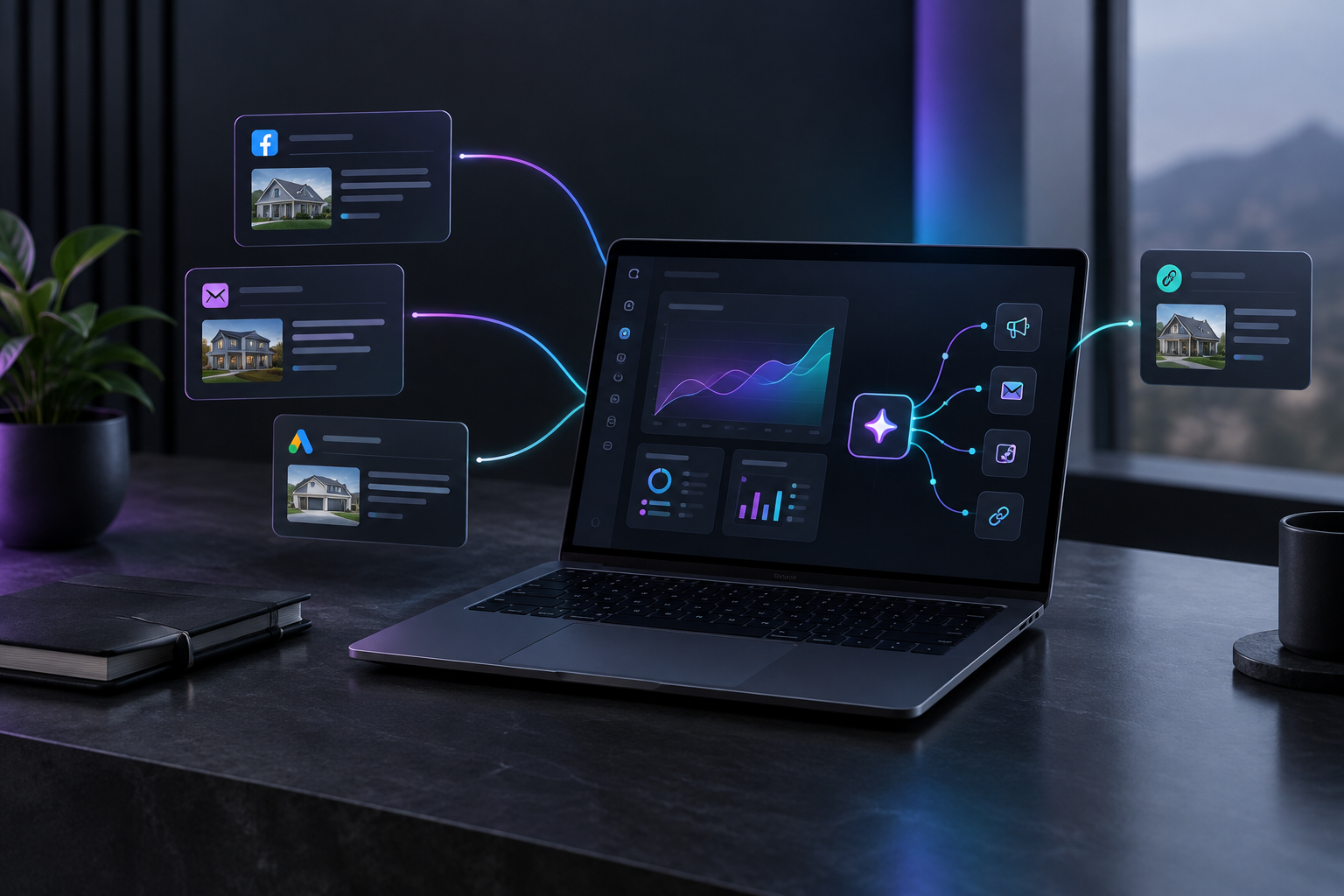

For a contractor, the best digital marketing automation platform is the one that connects to the accounts you already have, starts producing useful output within the first week, and can be run by the owner without a technician. Fast setup with a few working automations is worth more than a large feature set nobody configures.
Most contractors who buy marketing software don't fail at strategy. They fail on a Tuesday night in week two, staring at a "connect your domain" screen or an empty workflow builder. The software assumed an IT person would handle that step, and the owner, who also quotes jobs, chases invoices, and covers a crew member who called in sick, closes the tab. This guide covers how service businesses can get automation running when the person setting it up is the same person running the business.
TruLata is an AI marketing platform for local service businesses such as HVAC, plumbing, roofing, electrical, landscaping, and cleaning companies. Its dashboard runs the marketing work and shows what it did, so whoever handles marketing can check results in one place.
Why do contractors stall during marketing automation setup?
Most automation tools were designed for companies with a marketing operations person, a web developer, or both. That background shows up in the setup steps. You are asked to map contact fields, write branching logic, configure tracking scripts, and build email sequences from blank templates before anything sends.
For a ten-person roofing company, each of those steps is a separate project. The stall usually happens at one of three points:
- Data import. Customer records live in a field service app, a spreadsheet, a phone, and an old email inbox. Getting them into one list takes longer than expected, and the automation can't start without them.
- Technical connections. Installing a tracking pixel, verifying a sending domain, or linking a form to the platform often requires access to a website someone else built years ago.
- Blank-canvas workflows. A visual builder with dozens of triggers looks powerful in a demo. Faced alone, it forces the owner to design a marketing system from scratch before seeing any result.
None of these problems is about whether automation works. They are about whether the first few hours of setup ask for skills the business doesn't have on staff.
What should a digital marketing automation platform do in the first week?
Judge any platform by what it has done after seven days, not by its feature list. A reasonable first-week checklist for a service business:
- Your Google Business Profile, website, and ad accounts are connected and reporting.
- Leads from your own website forms are being counted and attributed to a source.
- You can see where you rank for the searches that bring in jobs, such as "water heater repair near me."
- At least one automated task is running on its own, such as publishing content or flagging an ad problem.
- You can open one screen and see what changed since yesterday.
If a platform can't reach most of that list in a week without outside help, the setup cost will keep growing. Review sites that compare tools, such as this roundup of CRM tools with marketing automation, often describe products as beginner-friendly. Treat that label as a claim to test during a trial, using your own accounts and your own week.
Connection over configuration
The fastest setups connect to sources you already own: Google Analytics, Google Search Console, Google Ads, your Business Profile, and your website forms. A platform that reads from those accounts gives you real numbers immediately, with no migration. A platform that requires you to rebuild your contact database first puts the useful part at the end of the project.
Defaults that already fit a service business
An HVAC company and a SaaS company need different things. The service business cares about calls, form fills, booked jobs, local rankings, and reviews. A platform with service-business defaults saves you from deciding what to measure, which is one of the hardest steps for a solo owner.
How do you set up automated marketing workflows without IT support?
The order of operations matters more than the tool. This sequence keeps each step small enough to finish in one sitting.
Step 1: Collect your logins before you start
Most setup delays come from hunting for passwords. Before the first session, write down who owns admin access to each of these:
- Your website (and who built it, if a contractor manages it)
- Your Google account that owns Analytics, Search Console, and the Business Profile
- Your Google Ads account, if you run ads
- Your domain registrar, if you plan to send email from your domain
If a former employee or web designer holds any of these, recover access first. This step alone can save days.
Step 2: Connect reporting before you automate anything
Turn on measurement before turning on output. Once your accounts are connected, you have a baseline: current traffic, current lead volume, current rankings. Without that baseline, you can't tell later whether automation changed anything.
Step 3: Count leads from your own forms
Many contractors can't say how many leads came in last month, or from where. Fix this early. Count submissions from the forms on your website, tag each by source, and compare that number to what your ad platforms and analytics report. When those numbers disagree, trust the count from your own forms. TruLata handles this through lead tracking counted from your own forms, so the number on the dashboard matches what actually arrived.
Step 4: Turn on one output automation
Pick one recurring task you currently skip or do badly, and automate only that. Good first candidates for service businesses:
- Service-area content. Pages and posts that answer the questions homeowners search, such as how long a furnace lasts or what a sewer camera inspection involves.
- Ad account monitoring. A daily check that flags disapproved ads, spend spikes, or campaigns that stopped serving.
- Review monitoring. Alerts when a new review arrives so you can respond the same day.
Run that one automation for two to three weeks. Check it on the dashboard. Add the next only after the first is working and you trust its output.
Step 5: Add outbound last
Prospecting emails to property managers, builders, or commercial accounts can bring in steady work, but they carry the most risk if handled carelessly. Add them after reporting and content are stable. Use a setup where prospect emails leave from a review-first queue and every send is logged, so you can see what went out and to whom.
What is no-code marketing automation, and is it enough for a contractor?
No-code marketing automation means building or running marketing tasks without writing scripts. Instead of code, you use settings, templates, and visual builders. For a service business, no-code is the minimum requirement. A tool that needs a developer for routine changes will stall the moment that developer is unavailable.
No-code is not automatically simple, though. Many no-code tools still hand you an empty canvas and expect you to design triggers, conditions, and branches yourself. That skips the coding but keeps the design work. For an owner running marketing alone, the more useful question is how much the platform does without being designed at all.
There are roughly three levels:
- Builder tools. You design every workflow. Flexible, but setup time is high and maintenance falls on you.
- Template tools. You pick prebuilt workflows and fill in details. Faster, but templates are often written for ecommerce or software companies.
- Managed platforms. The platform runs defined jobs (content, monitoring, reporting) and shows you the results. Least setup, and the focus moves from building to reviewing.
For a deeper comparison of how these categories hold up for busy owners, see our guide to marketing automation platforms.
Which features can a service business skip at first?
Feature sprawl is a real cost. Every feature you turn on is something to configure, check, and fix. These are reasonable to postpone until the basics are running:
- Multi-branch email nurture sequences. Useful for long sales cycles. Most residential service jobs are decided in hours or days, so speed of response matters more than a ten-email sequence.
- Lead scoring. Helpful with high lead volume and a sales team. With a few dozen leads a month, you can read each one.
- Social scheduling across every network. Pick the one or two channels where your customers actually are.
- Custom dashboards. Build these after you know which numbers you check every week.
Postponing a feature is a choice you can reverse later. Turning on ten features in week one and abandoning them in week three usually is not.
How do you know the automation is working?
You need one place to check, and a short list of numbers to check there. For most contractors that list is:
- Leads this week, by source
- Rankings for your top service and city combinations
- New reviews and your response status
- Ad spend against leads from ads
- Whether your business is mentioned when someone asks an AI assistant for a recommendation in your area
The last item is newer. Homeowners now ask ChatGPT, Gemini, Claude, and Grok for contractor recommendations, and being named in those answers is a separate result from ranking on Google. TruLata includes AI visibility tracking across four answer engines so you can see whether you are being mentioned and how that changes over time.
Data freshness matters too. If your report is a PDF from last month, you are reacting late. Your TruLata dashboard pulls current numbers each time you open it, and it lists the work the platform did since your last visit.
What does a realistic first month look like?
A practical timeline for an owner setting up alone, a few hours a week:
- Week 1: Gather logins, connect accounts, confirm form leads are counting correctly. Note your baseline numbers.
- Week 2: Turn on one output automation, usually content or ad monitoring. Review what it produces.
- Week 3: Fix whatever looked wrong in week two. Compare lead counts against the baseline. Respond to every new review.
- Week 4: Decide whether to add a second automation or tighten the first. If you do outbound, start a small, logged batch from the review queue.
The goal at the end of month one is modest: accurate lead counts, one or two automations you trust, and a habit of opening the dashboard a few times a week. That is a working system you can extend.
Where should a contractor start?
Start with what you already have: your accounts, your forms, your reviews. Connect them, measure them, then automate one task at a time. If you want to see that sequence on real screens before connecting anything, read how TruLata works, or open the live demo to see the dashboard, lead counts, rankings, and AI visibility for a sample service business.