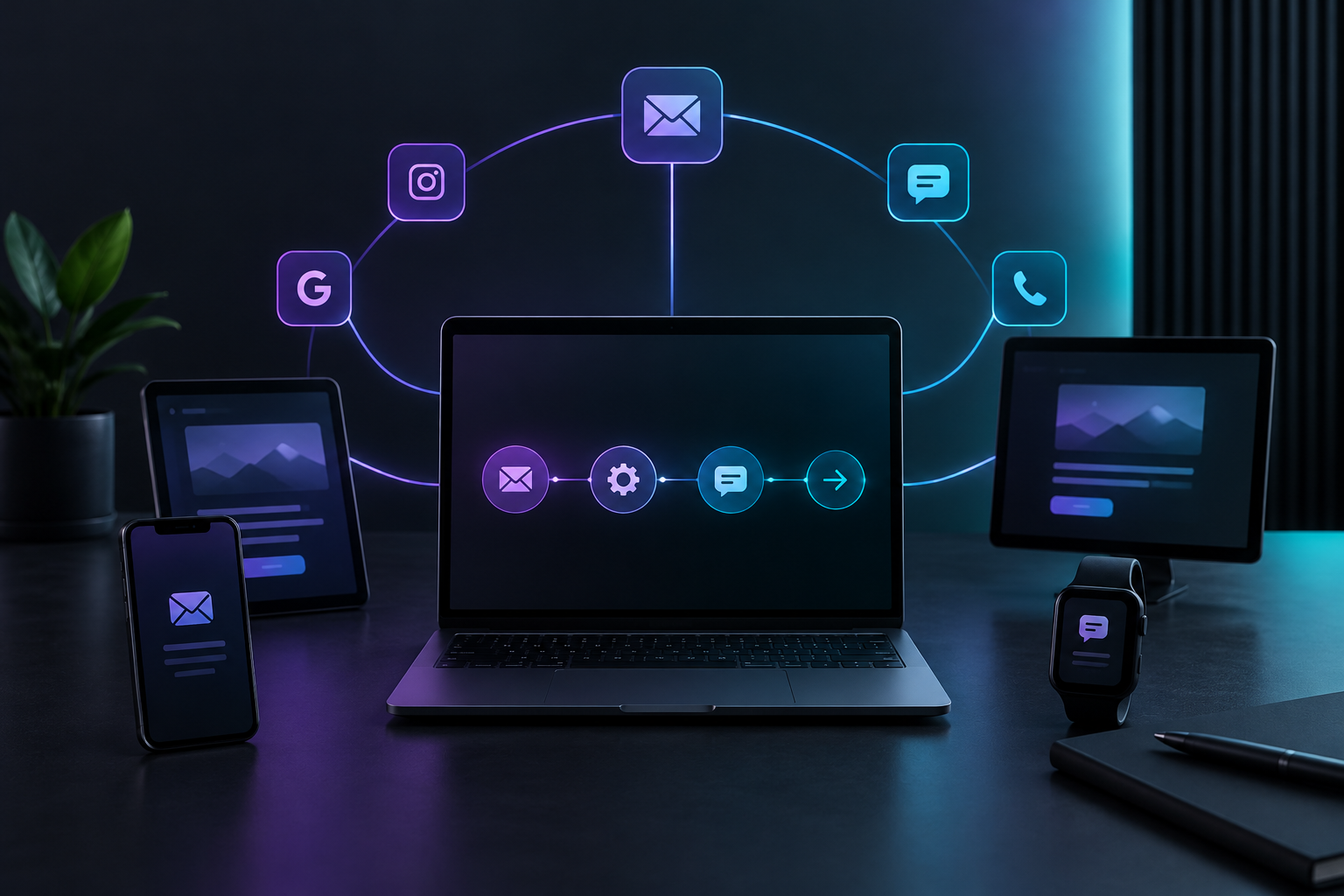

Omnichannel marketing automation is one coordinated sequence that decides what each customer hears next on email, SMS and ads, based on what they have already done. Every channel works from the same record. When someone books, all channels stop. When someone goes quiet, all channels shift to the same next step instead of each one firing on its own.
Most service businesses do not have a messaging problem. They have a coordination problem. A homeowner books a furnace tune-up on Tuesday. On Wednesday they get an email offering a discount on the tune-up they already booked. On Thursday a text asks if they are "still interested." On Friday a retargeting ad shows them the same offer at a different price. Each message made sense to whoever set it up. Together they make the business look disorganized, and they teach the customer to ignore you.
TruLata is an AI marketing platform for service businesses that runs search, ads, content, outbound and email from one screen and counts leads from the business's own forms. This guide covers how to build one sequence that keeps every channel aligned, whoever runs the marketing.
What is omnichannel marketing automation, and how is it different from multichannel?
Multichannel marketing means you are present on several channels. Omnichannel means those channels share memory. The distinction matters more than the vocabulary suggests.
In a multichannel setup, your email tool, your texting tool and your ad accounts each hold their own list and their own rules. The email tool does not know a lead called yesterday. The ad platform does not know the job was booked. Each system treats the customer like a stranger.
In omnichannel marketing automation, one event (a form fill, a booked job, an unanswered quote) updates a single customer status, and every channel reads that status before it sends anything. The practical test is simple: if a customer books, does every channel know within the same day? If the answer is no, you are running multichannel, not omnichannel.
Why the difference shows up in response rates
Contradictory messages do two kinds of damage. First, they waste the send: a discount offered after booking earns nothing and can trigger a refund request. Second, they erode attention for the next send. A customer who has received three irrelevant messages is less likely to open the fourth, even when the fourth is the one that matters, like an appointment reminder or a review request.
Why do service businesses end up sending contradictory messages?
It rarely starts as a mistake. It starts as reasonable decisions made separately.
- Tools were added one at a time. Email came first, then a texting tool when the front desk wanted reminders, then ads when a slow season hit. Nobody connected them because each worked fine alone.
- Lists drift apart. The email list, the text list and the ad audience were each exported at different times, so they disagree about who is a lead, who is a customer and who opted out.
- Nobody owns the stop condition. Starting a campaign is easy. Stopping it for the right people at the right moment requires a shared definition of "done," and most setups never write one down.
- Offers change in one place only. Someone updates the spring promotion in the ad account but not in the email flow, so two prices run at once.
The fix is not more tools. It is one sequence, one status field and one set of rules every channel obeys.
How do you build one sequence that runs across email, SMS and ads?
Think of the sequence as a script with stages, not a set of campaigns. Each stage defines the customer's situation, the one message they should receive and which channel carries it. Here is a structure that works for most service businesses.
Step 1: Define the stages by customer situation
Start with four to six stages, named for what is true about the customer, not for the channel:
- New inquiry: submitted a form or called, not yet quoted.
- Quoted: received an estimate, has not accepted.
- Booked: job scheduled.
- Completed: job done, invoice sent.
- Dormant: past customer with no job in a defined window, such as 12 months.
- Opted out: asked to stop on any channel.
Every customer sits in exactly one stage. That single field is what keeps your channels honest.
Step 2: Assign one message per stage, then pick the channel
Write the core message first, then decide where it lands. A quoted customer's message might be: "Your estimate is ready, here is what is included, and here is how to book." That message can go out as a detailed email, a short text that points to the email, and a retargeting ad that repeats the same offer at the same price. Three channels, one story.
The rule that prevents contradiction: channels can vary format, never substance. Price, offer, deadline and next step stay identical everywhere.
Step 3: Give each channel a job it is good at
Channels are not interchangeable, and good email and sms automation uses each for its strength:
- Email carries detail: estimate breakdowns, what to expect on the day, maintenance guides, seasonal checklists.
- SMS carries urgency and logistics: confirmations, arrival windows, a nudge that the estimate expires Friday. Keep texts short and only send them to people who agreed to receive them.
- Ads carry reinforcement and reach: they keep the same offer visible to people who have not acted and introduce you to people who look like your best customers.
Step 4: Write the exit and suppression rules before the send rules
This is where most integrated marketing workflows fail, so do it first. For every stage, write down what moves a customer out of it and what that change turns off:
- When a lead moves to Booked, stop every quote follow-up email, cancel any pending "still interested?" texts and remove them from quote retargeting audiences.
- When a customer moves to Opted out on one channel, decide deliberately what that means for the others, and respect messaging consent rules on every channel.
- When a job is Completed, switch from sales messages to service messages: a thank-you, a review request, a maintenance reminder.
If you only automate the sends and never the stops, you have automated the contradiction.
Step 5: Set timing so channels take turns
Aligned messages can still feel like noise if they all land at once. Space them so each channel follows the last. A pattern for a quoted customer:
- Day 0: estimate email with full details.
- Day 2: short text pointing back to the estimate, sent only if the email was not opened or the quote not accepted.
- Days 2 to 10: retargeting ad with the same offer.
- Day 7: final email with the expiry date, then the sequence ends.
Each touch checks the customer's stage before it sends. If they booked on day 3, nothing after day 3 goes out.
What data does cross-channel marketing automation need to work?
Cross-channel marketing automation is only as good as the record it reads. You need fewer fields than you think, but they must be accurate and shared:
- Stage: the single status from Step 1.
- Lead source: where the inquiry came from, so you can see which channel starts the conversations that turn into jobs.
- Consent by channel: who agreed to email, who agreed to texts.
- Last touch and date: what was sent most recently, on which channel.
- Outcome: booked, lost, no response.
The source of truth should be where leads actually arrive. Counting leads from a platform's own reporting tends to overstate or double count, because every ad platform claims credit for the same customer. With lead tracking counted from your own forms, the inquiry is recorded once, server-side, and your team sets the outcome, which gives every channel the same starting point.
Connect the tools you already use
You do not have to replace your booking software or CRM to get alignment. What you need is for stage changes to flow in one direction, from the system that knows the truth to the channels that send. In TruLata, the API and automations view can send each new lead to Zapier, Make, n8n, Pipedream or your own code through keys, endpoints and webhooks, so a new inquiry can trigger the right step in whatever texting or CRM tool you rely on. The full list of what connects and how is on the TruLata integrations page.
How do you keep integrated marketing workflows simple enough to maintain?
The most common failure is not a bad sequence. It is a clever one that nobody can maintain, so it gets abandoned within a quarter. A few rules keep integrated marketing workflows alive:
- Cap it at one active sequence per stage. If two flows can reach the same person in the same stage, they will eventually contradict each other.
- Keep one offer calendar. When a promotion changes, change it everywhere on the same day, from one written list.
- Name things plainly. "Quoted, day 2 text" beats "Q3_nurture_v4_final."
- Review monthly, not daily. Check stop rules, look for customers in two stages at once and retire messages that no longer earn replies.
For more on building workflows a team actually keeps running, see our guide to the best automation workflows your team will use.
How do you measure whether omnichannel marketing automation is working?
Measure the sequence, not the channels in isolation. A text might get the reply, but only because the email delivered the estimate and the ad kept the offer visible. Judging each channel alone pushes you to cut the ones doing quiet, necessary work.
Track these instead:
- Quote-to-booking rate for customers who entered the quoted stage.
- Time from inquiry to booking. Aligned sequences should shorten it.
- Opt-out and unsubscribe rates by stage. A spike usually means a stop rule is broken.
- Contradiction count: spot check a handful of recent customers each month and read every message they received in order. If any two disagree, fix the rule, not just the message.
Because jobs often close over several days and several touches, credit should be shared across the channels that contributed. Our explainer on the multi touch attribution model for a 5-day close walks through how to do that without overcrediting any single platform.
Put every channel on one screen
Alignment is hard to keep when the evidence lives in five consoles. In your TruLata dashboard, search, ads, content, outbound and email sit side by side, refreshed when you open it, so you can see at a glance whether the email flow, the ad spend and the lead count tell the same story. Email lifecycle flows show live stats, ads report spend and cost per lead with a daily watch, and ad creative waits for your approval before it runs. Prospect emails leave from a review-first queue and every send is logged, which gives you a record to check when you are hunting for a message that went out of step.
What does an aligned sequence look like for a real service business?
Take a plumbing company running a water heater replacement offer.
- A homeowner fills out the website form. They enter the New inquiry stage, get a confirmation email with what happens next, and a text confirming a callback window.
- After the site visit, they move to Quoted. The estimate email goes out. Two days later, a text points back to it. The retargeting ad shows the same unit, the same price and the same expiry date.
- They book. Every quote message stops that day, and they drop out of the quote audience.
- After installation, they move to Completed: a thank-you email, a review request a few days later, and a maintenance reminder set for the following year.
At no point does the customer receive two prices, a sales pitch after booking or a "still interested?" text after they paid. That consistency is the entire point, and it is what earns the reply when you do reach out.
How do you get started this week?
- List every automated message currently sending, on every channel. Most businesses find at least one they forgot existed.
- Write your stages and tag each message with the stage it belongs to.
- Find the messages with no stop rule and write one for each.
- Pick one stage, usually Quoted, and rebuild it as a single aligned sequence.
- Read the full message history of five recent customers next month and fix anything that disagrees.
Start with one stage done well. A single aligned quote sequence will do more for your booking rate than a dozen disconnected campaigns.
Ready to see every channel in one place?
TruLata gives service businesses one screen that runs search, ads, content, outbound and email, with leads counted from your own forms and every send logged. Plans are flat monthly, month to month, with no setup fee. Open the live demo to see the real platform, or sign up at login.trulata.com/signup and connect your accounts.