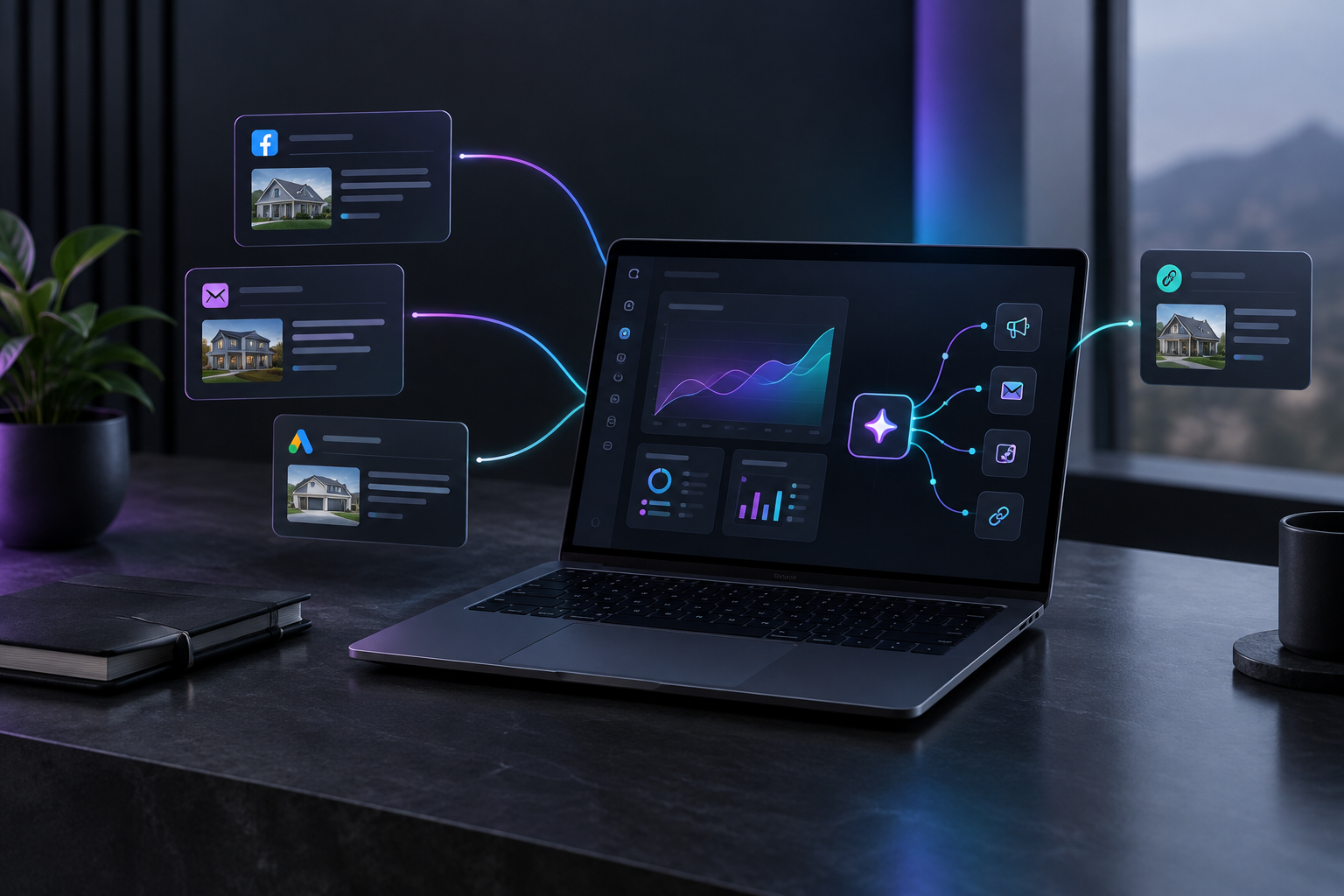

Sales and marketing automation sends the first reply, the quote reminder and the check-in for you, the moment each one is due. Service businesses lose many jobs after the quote goes out, when nobody has time to follow up. Automation closes that gap, so a stretched team wins more of the leads its ads already produce.
TruLata is an AI marketing platform for local service businesses such as HVAC, plumbing, roofing, electrical, pest control, landscaping and cleaning companies. It runs the marketing and shows what it did in one dashboard. This guide covers where leads drop between first contact and signed job, and how to set up follow-up that runs while you are on a roof or in a crawlspace.
Where do service businesses actually lose leads?
Most owners blame lost jobs on price or on the ads. Look at the trail of a lost lead and the usual cause is timing. The call came in during a job. The voicemail got returned the next afternoon. The quote went out Tuesday, and nobody touched it again until the customer had already booked someone else.
The losses cluster in three handoffs.
Handoff 1: Inquiry to first reply
A homeowner fills out your web form at night or calls while you are under a sink. They often contact two or three companies at once. Whoever replies first and clearly usually gets the site visit. Each hour that inquiry sits unanswered lowers your odds of booking it.
Handoff 2: Site visit to quote
The estimate takes a day or two to write because the person who writes it is also running jobs. During that wait, the customer hears nothing from you.
Handoff 3: Quote to decision
This is where most money gets left on the table. A quote is sent, and then there is silence. Homeowners rarely say no. They stop answering. A single reminder at the right time often turns a stalled quote into a booked job, but on a busy week nobody sends it.
None of these failures comes from bad marketing. They are scheduling problems. One person cannot quote, run crews and send reminders at the same time.
What is sales and marketing automation for a service business?
For a contractor or home service company, sales and marketing automation is a set of rules that send messages and record activity based on what a lead does. A form submission triggers a reply. A sent quote starts a reminder sequence. A finished job prompts a review request. The rules run on their own schedule, which matters most during the weeks you are busiest.
Research.com's review of marketing automation software for construction notes that these tools scale from small contractors to large firms, and that segmenting contacts lets each one receive timely, relevant information. In practice, that means the follow-up a homeowner gets matches where they are in the process. Someone waiting on a quote does not get a generic newsletter.
Three related terms come up often:
- Marketing automation workflow: the specific sequence of triggers and messages, such as "form received, send reply, wait one day, send a scheduling link."
- Sales pipeline automation: moving leads through stages (new, contacted, quoted, won, lost) without someone updating a spreadsheet by hand.
- Lead followup automation: the reminders and check-ins that keep a quoted job warm until the customer decides.
Why does response time matter more than ad spend?
A bigger ad budget buys more inquiries. If your team already lets a share of inquiries go cold, extra spend adds more leads to the same leak. Faster follow-up raises the close rate on every lead you already pay for.
Run the numbers on your own business. Take last month's leads and count how many got a reply the same day, how many got a quote, and how many quotes got any follow-up at all. Most owners who do this find the drop between "quoted" and "followed up" is larger than they expected. Fixing that drop is usually cheaper than buying more clicks.
Ads still matter. They just work better when what happens after the click is fast and consistent. If you want to tighten the front end too, our guide to small business advertising strategies for 2026 covers channel choices for local service companies.
Why do disconnected tools slow follow-up down?
Many service businesses already have automation, spread across five apps. The web form sends an email to one inbox. The quoting tool lives somewhere else. Reviews run through a third service, and ad reports sit in a fourth login. Each tool does its piece. None of them knows what the others did.
That causes predictable problems:
- A lead who already booked keeps getting "are you still interested?" texts because the reminder tool never heard about the booking.
- Nobody can say which ad produced which job, because the form data and the job data never meet.
- The owner checks four screens to answer one question: what happened with last week's leads?
Unified automation keeps leads, messages and results in one record. When a quote is marked won, the reminders stop. When a lead comes from a specific ad, that source stays attached through to the outcome. That is the case for marketing automation built around one system over a stack of separate apps.
How do you build a quote follow-up workflow that runs on its own?
Start small. One workflow covering the three handoffs above will recover more jobs than a dozen half-finished sequences. Here is a practical build order.
Step 1: Make the first reply instant
Every form submission and missed call should trigger a reply right away. Keep it short and useful:
- Confirm you received the request.
- Say when a person will call (for example, "within two business hours").
- Offer a link to pick a time for the estimate.
Then keep the promise. The automated reply buys you time. It does not replace the call.
Step 2: Fill the quiet gap before the quote
After a site visit, send a message the same day: thanks for the visit, the quote will arrive by a specific day, and here is who to contact with questions. One message here stops the customer from assuming you lost interest.
Step 3: Set a quote follow-up cadence
A reasonable starting cadence for residential service quotes:
- Day 1 after the quote: confirm they received it and invite questions.
- Day 3: answer the most common objection in your trade (financing, warranty, timing, materials).
- Day 7: a direct check-in asking whether they want to schedule.
- Day 14: a final note that keeps the door open.
Adjust the timing to your work. An emergency drain call needs follow-up within hours. A full roof replacement decision may take weeks, so the cadence can stretch.
Step 4: Stop messages the moment a lead changes status
This step gets skipped most often, and skipping it causes the most embarrassment. Booked, lost and "do not contact" must end every sequence immediately. If your tools cannot share status, this rule breaks.
Step 5: Ask for the review after the job
Once a job is marked complete, send a review request within a day or two, while the work is fresh. Reviews feed your search visibility, which feeds the next round of leads.
How do you know if your follow-up automation is working?
Count, don't guess. Before you change anything, pull your last 20 to 30 leads and record four things for each:
- Time from inquiry to first reply.
- Whether a quote was sent.
- How many follow-ups happened after the quote.
- The outcome: won, lost, or no answer.
Repeat the same audit 60 to 90 days after your workflow goes live. The numbers to watch are reply time, quotes with at least two follow-ups, and the share of quotes that end in "no answer." That last group should shrink.
Accurate counting depends on clean lead data. TruLata uses lead tracking counted from your own forms, so the lead totals come from your website submissions and not from platform estimates. Those leads, the messages sent and the results all appear in your TruLata dashboard, which shows what ran and what it produced.
What should you look for in sales and marketing automation software?
Feature lists are long. For a local service business, a short checklist covers what matters:
- Setup in days, not months. If the workflow is not live before your busy season, it will not help during it.
- Shared lead status. Messages, quotes and outcomes should read from the same record so sequences stop on time.
- Source tracking. You should be able to see which channel produced each lead and each won job.
- A visible log. Every message sent should be recorded where you can review it.
- Sensible outbound controls. If the platform also does prospecting, those emails should not fire off unchecked.
On that last point, TruLata handles outbound prospecting from a review-first queue: prospect emails leave from that queue, and every send is logged. Inbound follow-up and outbound prospecting sit in the same system, so a prospect who becomes a lead does not get two conflicting sequences.
If you want to see the full flow from lead capture to reporting, the page on how TruLata works walks through it step by step.
What mistakes make automated follow-up backfire?
- Sending too much. Four or five touches over two weeks is plenty for most residential quotes. Daily texts read as pressure.
- Generic copy. "Just checking in" gives the customer nothing. Each message should answer a question or make the next step easier.
- No human handoff. When a customer replies with a question, a person needs to see it quickly. Automation handles the reminders. Your team handles the conversation.
- Ignoring after-hours leads. Evening and weekend inquiries are common for home services. They need the instant reply most of all.
- Never reviewing results. A workflow set up in spring and never checked will drift. Look at the numbers monthly.
Get your follow-up running before the next busy week
If your ads bring in leads but quotes keep going quiet, start with the follow-up gap. TruLata runs lead replies, quote follow-up, review requests and reporting for local service businesses in one platform, and your dashboard shows each step it took. Book time with the TruLata team to map your current quote process and set up the first workflow.