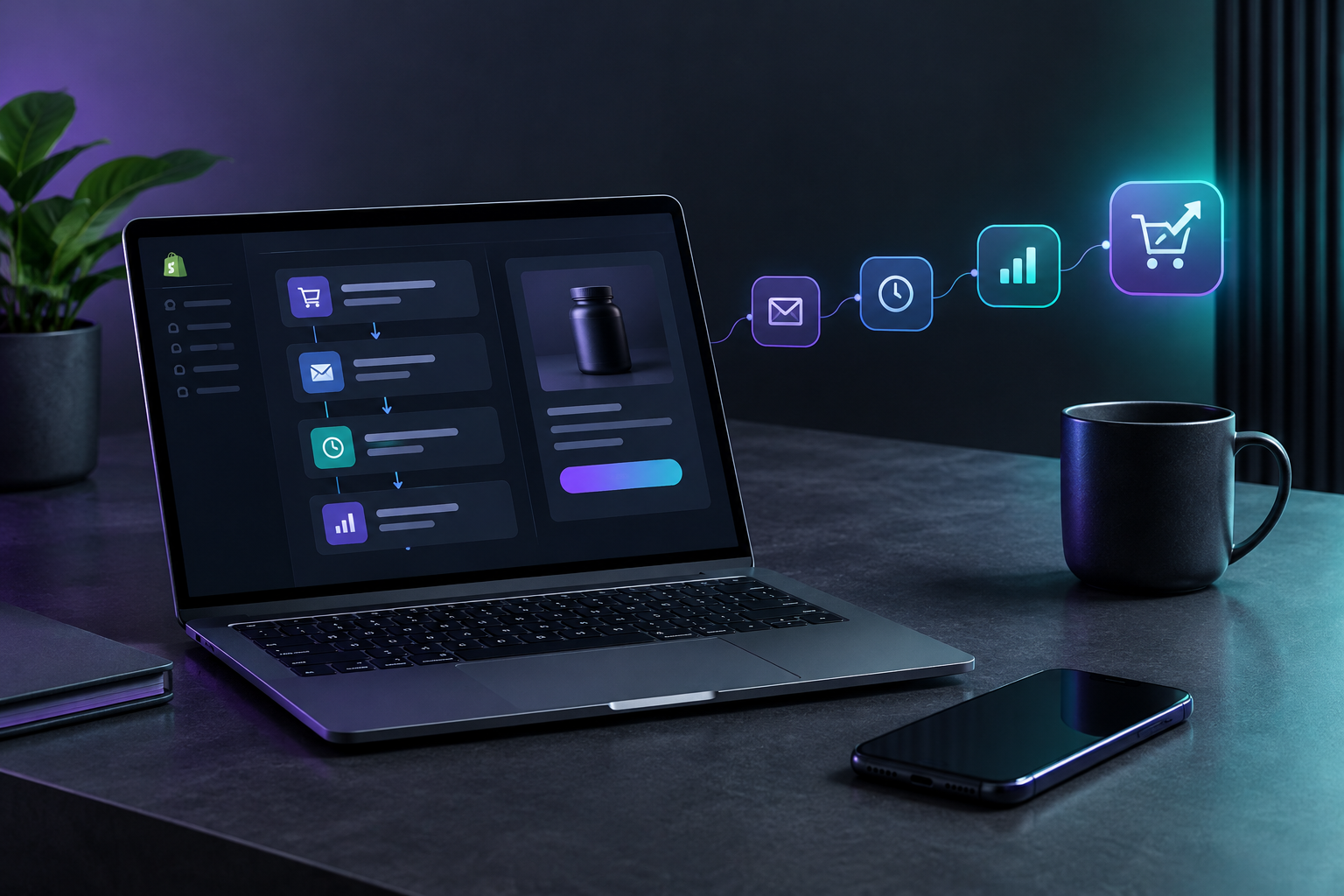

Shopify marketing automation lets a service business list maintenance plans, extended warranties and service packages as products, then let Shopify send the follow-up. Order tags, post-purchase messages and abandoned checkout reminders run on their own. The customer buys and pays online, and nobody in the office writes a separate invoice or makes a reminder call.
A plumber finishes a water heater install on a Tuesday. A week later, nobody has called the homeowner about a flush service or a longer warranty, because the office was busy booking the next ten jobs. That missed offer is the most common upsell failure in the trades, and it is a scheduling problem more than a sales problem. TruLata is an AI marketing platform for service businesses, and this guide covers how plumbing, HVAC and cleaning companies set up Shopify so the second sale happens without anyone keeping track of it.
Why would a plumber, HVAC company or cleaner sell through Shopify at all?
Most service businesses already have field software for dispatch and job notes. Those tools handle the job you booked. They are weaker at selling things after the job, especially items the customer can buy without a technician on site: an annual tune-up plan, a two-year parts warranty, a block of four deep cleans, a drain inspection package.
Shopify is good at that second category. Each offer becomes a product with a fixed scope and a checkout page. The customer pays by card, Shopify records the order, and the confirmation goes out with no action from your office. That is what service business e-commerce looks like in practice: a small catalog of defined offers that a customer can buy from a link in an email or a text.
Products that work well in a service catalog:
- Plumbing: water heater flush and inspection, extended labor warranty on a new install, annual whole-home plumbing check, sewer camera inspection.
- HVAC: spring and fall tune-up plan, filter delivery, priority scheduling membership, extended warranty on a new system.
- Cleaning: prepaid packages of recurring cleans, move-out clean add-on, carpet or window add-ons for an existing booking, seasonal deep clean.
Products that work badly: anything that needs an on-site estimate first. Keep custom quotes in your field software and put only fixed-scope offers in Shopify.
What does Shopify automate on its own, without extra apps?
More than most owners expect. Shopify ships with three layers that matter for a service business.
Messaging automations
Shopify Messaging includes ready templates for welcome, post-purchase and customer appreciation messages, plus recovery messages for abandoned checkouts, abandoned carts and abandoned product browsing. The Shopify Help Center guide to creating marketing automations walks through the setup: from your Shopify admin, go to Apps, then Messaging, then Automations, click Create automation, pick a template, edit the message, and turn it on. SMS is available as a channel, which matters for trades customers who read texts faster than email.
Order management and Shopify Flow
Shopify's order management features let you filter, sort, tag and add notes to orders, and use bulk actions to fulfill or cancel many orders at once. The same page describes Shopify Flow as its workflow automation tool for streamlining fulfillment, and notes that upsell and winback email automations can be set up in minutes. For a service business, "fulfillment" means getting the purchased service onto the schedule, and tags are how you route it.
Order notifications
The customer notification templates that confirm orders can be rewritten for services. Swap shipping language for scheduling language: "Your tune-up plan is active. We will contact you to book your first visit."
How do you set up add-on sales workflows step by step?
The order matters here. Build the catalog first, then the tags, then the messages. Owners who start with the email usually end up rewriting it.
Step 1: Build a short catalog with fixed scope
Start with three to five products. Write each description like a work order: what the technician does, how long the visit takes, what is excluded, how long the plan or warranty lasts. Vague descriptions bring support calls, and support calls are the manual work you are trying to cut.
Step 2: Tag every order by what has to happen next
Use Shopify Flow or manual tag rules so each order carries a tag your office can filter on, such as needs-scheduling, warranty-registered or plan-renewal. Each morning the office opens one saved view and sees only the orders that need a booking. Nobody reads through the full order list.
Step 3: Write the post-purchase message for the next action
The post-purchase template should tell the customer exactly what happens and when. If a person calls to book, say so. If they book online, include the booking link. A customer who knows the next step does not call to ask.
Step 4: Turn on abandoned checkout recovery
Homeowners often open a maintenance plan page from a text, start checkout, and get interrupted. A recovery message brings them back to the same cart. For a service product this is often the highest-value automation you will set up, because the person already said yes in their head.
Step 5: Set a winback or renewal message
Annual plans expire, and an expired plan is a lost customer unless someone asks for the renewal. Time a renewal message before the plan ends rather than after, so the customer renews before they start shopping around.
What does upsell automation for contractors look like in each trade?
The mechanics stay the same across trades. What changes is the trigger and what the offer depends on.
Plumbing: the warranty after the install
The trigger is a completed install. The tech closes the job in your field software and the customer gets a link to an extended labor warranty and an annual flush. If they buy, the order is tagged warranty-registered and the office files it against the install address. No invoice is written and no follow-up call is made. The plumber's part is finishing the job and making sure the customer's contact details are correct.
HVAC: the tune-up plan before the season
HVAC demand follows the weather. Send a tune-up plan offer to past customers ahead of cooling season and again ahead of heating season. Buyers are tagged needs-scheduling, and the office books visits during the slow weeks before the rush. This upsell also evens out the schedule, which gives HVAC companies a second reason to run it.
Cleaning: the add-on to a booked clean
For a cleaning company, the best add-on window is the day or two before a booked visit. A message offering inside-oven, interior window or fridge cleaning reaches a customer who is already thinking about the visit. Prepaid packages of recurring cleans work the same way as HVAC plans: the customer pays once, and the office schedules from a filtered view.
Where does manual invoicing actually disappear, and where does it stay?
Be clear about the limits. When a customer buys a defined product through Shopify checkout, the payment, receipt and order record are created at once. Nobody types an invoice for that sale, and nobody chases payment, because the money was collected up front.
Manual work stays in three places:
- Scheduling the visit. Unless your booking tool connects to Shopify, a person still puts the purchased service on the calendar. Tags shrink this to a short daily task, but it does not go to zero.
- Warranty claims. A warranty sold online still needs a person to check the claim when the customer calls.
- Anything outside the catalog. If the tech finds a cracked heat exchanger, that is a quote, not a product.
Keep your books aligned too. If Shopify revenue sits apart from your job revenue, month-end reconciliation becomes its own manual task. Owners who already send job revenue to accounting can see payments and open balances together; our post on what came in and what is still owed covers that view.
How do you know whether the automations are working?
Track a small set of numbers every week:
- Attach rate: of the customers who received an add-on offer, how many bought one.
- Recovery rate: of abandoned checkouts, how many completed after the reminder.
- Renewal rate: of plans due to expire, how many renewed before the end date.
- Time to schedule: days between a service purchase and a booked visit. If this grows, the tagging step is breaking down.
- Support contacts per order: if customers keep calling to ask what they bought, rewrite the product description.
Do not judge a change on a few days of data. Seasonal trades swing too much. Compare the same weeks against last season when you can, and change one message at a time so you know which edit moved the number.
The harder question is where buyers came from. Shopify reports orders, while your ads, search traffic and email platform each report their own part. When those numbers sit in five different consoles, nobody compares them. Your TruLata dashboard puts search, ads, content, email and leads on one screen, refreshed when you open it, so you can see whether a plan sale started from a Google search, a past-customer email or a paid click.
What mistakes make service upsells feel pushy?
Automation only helps if the offer is relevant. These mistakes come up most often:
- Offering a water heater warranty to someone who rents. Segment by job type and ownership where your data allows it.
- Sending three offers in one week. One clear offer per message, spaced out.
- Selling right after a bad experience. If the job ran long or needed a callback, hold the upsell. Check job notes before offers go out, or exclude flagged jobs.
- Hiding the terms. List renewal terms and exclusions on the product page. Fine print that turns up at claim time costs you the customer.
- Letting the content go stale. Customers search for things like "how often should I flush a water heater" before they buy a plan. If your Shopify blog answers that question, it can sell the plan for you.
That last point is where many Shopify service stores fall short. A store with a product catalog and no articles gives search engines and AI assistants nothing to cite. TruLata's content engine researches, writes and publishes on a cadence, and approved articles publish to your Shopify blog directly. Each piece can link to the plan or package it explains.
How does TruLata fit alongside Shopify?
Shopify runs the store and its automations. TruLata runs the marketing that brings people to the store and shows what each channel produced. In practice:
- Leads are counted from your own forms, so a homeowner who asks about a maintenance plan is tracked from first contact to outcome.
- Search visibility, Google Ads reporting with a daily account watch, and AI visibility across nine answer engines sit on the same screen as your email results.
- Outbound prospecting for commercial accounts, such as property managers who might buy cleaning packages or HVAC plans in bulk, runs from a review-first queue, and every send is logged.
- Each new lead can be sent to Zapier, Make, n8n, Pipedream or your own code through TruLata's API and webhooks, if you want leads to start a Shopify or field software workflow.
For a closer look at the catalog side, our guide to selling service add-ons without manual invoices covers product structure in more depth. If your jobs live in field software, see how we read jobs and estimates, read live next to your marketing numbers.
Ready to sell the second job without chasing it?
Set up the Shopify side this week: three to five products, a tag for each next action, a post-purchase message and an abandoned checkout reminder. Then connect the marketing that feeds it. TruLata brings search, ads, content, email and leads for service businesses onto one screen, with flat monthly plans, billed month to month, and no setup fee. Open the live demo at trulata.com or sign up at login.trulata.com/signup to connect your accounts and see where your add-on buyers come from.