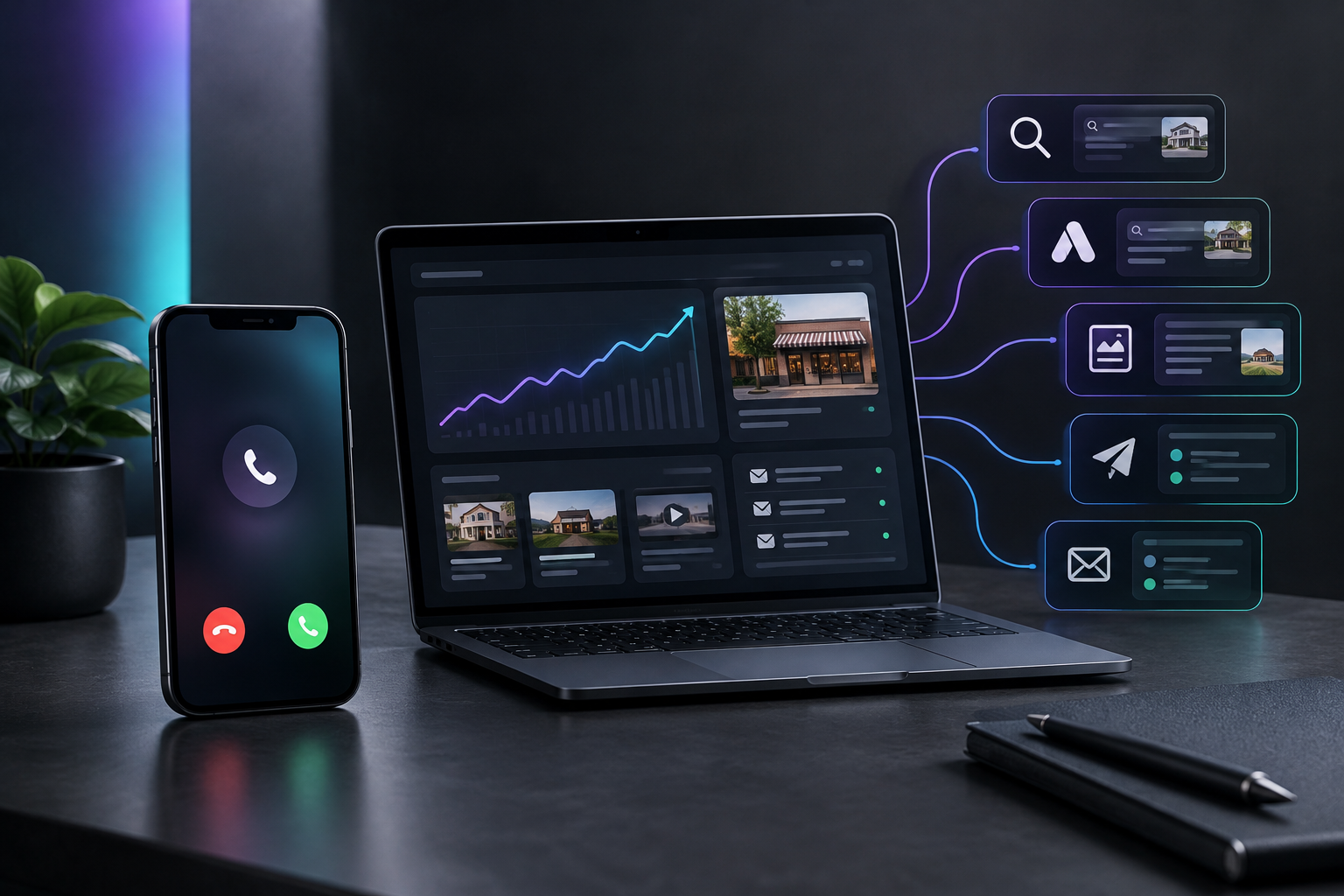

For a local service business, the digital marketing strategies that work are the ones that put you in front of people already searching for your service: a complete Google Business Profile, a fast website with service and area pages, search ads on high-intent terms, steady reviews, and follow-up email. Then you track every lead back to its source and cut what doesn't produce calls.
The hard part is running all of it every week, during the busy months and the slow ones, and knowing which piece produced the job. This guide covers the strategies in the order most owners should run them. It then compares the tools and services local service businesses use to run them, including TruLata, an AI marketing platform for service businesses that runs search, ads, content, outbound and email from one place.
What makes marketing different for small businesses
A plumbing company, a dental practice and a roofing crew compete in a crowded field with small teams. The Census Bureau counted 5.58 million U.S. firms with at least one employee but fewer than 500 in 2023, up from 5.53 million the year before. Most of them sell into a limited service area, so your competition is the handful of firms that show up when someone nearby searches.
Labor is the largest cost for most businesses, so marketing competes with payroll.
Demand also moves in ways a national brand can absorb and a local shop feels right away. Many trades have a busy season and a slow one, and the shape differs by trade and by region. The Census Bureau's Business Trends and Outlook Survey publishes data every two weeks on revenue, demand and prices from employer businesses, which gives you an outside check on whether a slow month is your market or your marketing.
Budgets are tight because the fixed costs are heavy. Forbes Advisor reports that labor is the largest cost for most businesses, so marketing spend competes directly with payroll. That makes waste expensive, and it is why tracking matters more for a small business than for a large one.
Local market data is free and underused. The SBA points owners to free federal business statistics for market research and competitive analysis, and the SBA Office of Advocacy publishes small business profiles for major metropolitan areas. Before choosing which towns to target with ads or area pages, check how many competitors and households each one holds.
Which digital marketing strategies should a local service business run first?
Start where the customer already is. A homeowner with a leaking water heater or a cracked tooth searches Google or asks an AI assistant, looks at the map results, reads reviews, and calls one of the first few names. Your order of work should follow that path.
- Fix Google Business Profile and reviewsFill every field, ask for reviews same day, reply to all
- Build a page per service and townReal details that AI answer engines can quote
- Run search ads on high-intent termsEmergency, repair, near me, same day
- Use Meta ads for seasonal workBefore and after photos, run ahead of busy season
- Follow up by email and commercial outreachPast customers are your cheapest next job
1. Fix your Google Business Profile and reviews
Fill in every field: categories, service areas, hours, services, photos of real jobs. Ask every finished customer for a review the same day, with a direct link. Reply to every review, including the bad ones, in two or three plain sentences.
2. Build one page per service and per town
A single "Services" page cannot rank for "drain cleaning in [town]." Write a page for each core service and each main town you serve, with real details: what the job involves, how long it takes, what the customer should do before you arrive. These pages also give AI answer engines specific text to quote when they name providers.
3. Run search ads on emergency and high-intent terms
Search ads work best on words that signal a job is happening now: "emergency," "repair," "near me," "same day." Keep campaigns tight by service and area, add negative keywords for job seekers and DIY searches, and check the search terms report weekly.
4. Use Meta ads for seasonal and visual work
Facebook and Instagram fit services people plan ahead for, like painting, landscaping, roofing replacements or cosmetic dental work. Run them ahead of your busy season, with before and after photos from your own jobs.
5. Follow up by email and reach out to commercial accounts
Past customers are your cheapest next job. A short seasonal reminder (furnace check, gutter cleaning, six-month cleaning) brings repeat work. For commercial work like property managers and facilities, a short, specific outbound email sequence can open accounts that search never will.
6. Count every lead and its source
Without tracking, you can't tell which of the five strategies above paid for itself. At minimum, tag every form fill and call with where it came from, and review the list monthly. Our guide to home services digital marketing walks through this setup in more detail for trades.
What are the options for running your digital marketing?
Owners usually end up choosing among four kinds of help: field service software with some marketing features, CRM and marketing platforms, agencies, or doing it themselves. TruLata sits in a fifth spot: software that runs the marketing work itself. Each fits a different owner, and each has a limit worth knowing before you sign.
Kinds of help and their limits
Field service software
- Jobber, Housecall Pro, ServiceTitan
- Runs the job once booked
- Lead generation is mostly outside the core
CRM and marketing platforms
- HubSpot, GoHighLevel
- Many building blocks
- Someone still builds and runs campaigns
Local marketing and messaging
- Scorpion, Thryv, Podium
- Each covers part of the job
- Often combined with other tools
TruLata
- Software that runs the marketing work itself
- A fifth spot beside the four kinds
The descriptions below stick to what each option is as a category. Check current features with any vendor directly, since products change often.
Jobber, Housecall Pro and ServiceTitan
These are field service management platforms: scheduling, dispatch, quoting, invoicing and customer records for trades. Jobber and Housecall Pro are commonly used by smaller crews; ServiceTitan is built for larger operations. They run the job once it is booked. Generating the search traffic and ad leads that fill the schedule is mostly outside their core.
HubSpot
A CRM and marketing platform used across many industries. It is strong for managing contacts, email and pipelines. It is general-purpose, so a local service business has to configure it for its own trade and still needs someone to produce the ads, pages and content.
GoHighLevel
An all-in-one marketing and CRM platform that many agencies use and resell to their clients. It offers a lot of building blocks. Someone still has to build and run the campaigns, which usually means you or an agency.
Scorpion, Thryv and Podium
Scorpion is a marketing company focused on local businesses. Thryv offers small business management software with marketing features. Podium centers on customer messaging and reviews. Each covers part of the job well, and an owner will often combine one of them with other tools or services to cover the rest.
A marketing agency
An agency runs the work for you with its own team. Good ones bring skill and judgment. The common limit is visibility: reporting comes on the agency's schedule, and it can be hard to see which spend produced which job.
Doing it yourself
Owners who learn the basics can run a Google Business Profile, reviews and a simple ads account themselves. It costs time more than money. The limit shows up in the busy season, when the marketing stops because the owner is on job sites.
TruLata
TruLata, the AI marketing platform, runs search, Google and Meta ads, content, outbound and email on a schedule for service businesses. It counts every lead from your own site with its source, and shows what happened and what it cost on one dashboard. The team behind it ran a marketing agency and turned that work into software. Its limit: it is a marketing platform, so scheduling, dispatch and invoicing stay in your field service software.
| Option | What it is | Best for | One honest limit |
|---|---|---|---|
| Jobber | Field service management software | Smaller crews running scheduling and invoicing | Lead generation is outside its core |
| Housecall Pro | Field service management software | Home service teams organizing jobs | Lead generation is outside its core |
| ServiceTitan | Field service management software for larger operations | Multi-truck, multi-office trades | Built for operations, not for running campaigns |
| HubSpot | General CRM and marketing platform | Teams that want a configurable CRM | Needs setup for your trade and someone to produce the work |
| GoHighLevel | All-in-one marketing and CRM platform used by agencies | Agencies and hands-on owners who like to build | Campaigns still have to be built and run |
| Scorpion | Marketing company for local businesses | Owners who want a managed service | Visibility depends on the provider's reporting |
| Thryv | Small business software with marketing features | Owners wanting management and marketing tools together | Often paired with other tools to cover every channel |
| Podium | Customer messaging and reviews platform | Businesses focused on reviews and texting | Covers one part of the marketing mix |
| Marketing agency | A team that runs your marketing | Owners who want to hand the work off | Hard to see which spend produced which job |
| Doing it yourself | Owner runs profile, reviews and ads | Early-stage owners with time to learn | Stops when the busy season starts |
| TruLata | AI marketing platform that runs search, ads, content, outbound and email | Service businesses that want the work run and every lead counted | Does not replace scheduling or invoicing software |
How does TruLata run these strategies?
TruLata runs the same list from earlier in this guide on a schedule: search pages and content, Google and Meta ads, email to past customers, and outbound to commercial prospects. Prospect emails leave from a review-first queue, and every send is logged, so you can see exactly what went out and when. You can read more on outbound prospecting from a review-first queue.
Work TruLata runs on a schedule
- Search pages and content
- Google and Meta ads
- Email to past customers
- Outbound to commercial prospects
How you can check it
- Review-first queue for prospect emails
- Every send is logged
- Leads counted from your own site forms
- Spend and results on one dashboard
Leads are counted from the forms on your own site, each tagged with the source that produced it, instead of relying on numbers reported back by an ad platform. The lead tracking counted from your own forms sits alongside spend and results on your TruLata dashboard, so a month's question of "what worked" has an answer in one screen.
Which one to choose if...
The right option depends less on the tool and more on what is missing in your business right now. Match your situation to the line below.
Match your situation to an option
- Schedule and invoicing are a messJobber, Housecall Pro or ServiceTitan
- Want a configurable CRM and have a runnerHubSpot
- Like building funnels and automationsGoHighLevel
- Reviews and texting are the main gapPodium
- Want to hand work off and accept their reportingAn agency, Scorpion included
- Just starting with evenings freeDo it yourself
- Want everything running weekly, with every lead's cost in one placeTruLata
- Your schedule and invoicing are a mess: fix that first with Jobber, Housecall Pro or, for a larger operation, ServiceTitan.
- You want a configurable CRM and have someone to run it: HubSpot.
- You like building your own funnels and automations: GoHighLevel.
- Reviews and customer texting are your main gap: Podium.
- You want to hand the work to people and accept their reporting: an agency, Scorpion included.
- You are just starting and have evenings free: do it yourself, beginning with the Google Business Profile.
- You want search, ads, content, outbound and email running every week, with every lead and its cost in one place: TruLata.
Many owners run two of these together: field service software for the jobs, and one marketing option to fill the schedule. That pairing is normal and avoids paying twice for the same feature.
What should you do this week?
Pick one item from each end of the list. Update your Google Business Profile and request reviews from your last ten customers. Then set up source tracking on your website forms so next month's numbers mean something. Neither costs anything beyond an afternoon.
This week's two-ended plan
- Update Google Business Profile
- Request reviews from last ten customers
- Source tracking on website forms
- Next month's numbers mean something
If you want to see how the scheduled work and lead counting look in practice, how TruLata works lays out the weekly cycle step by step.