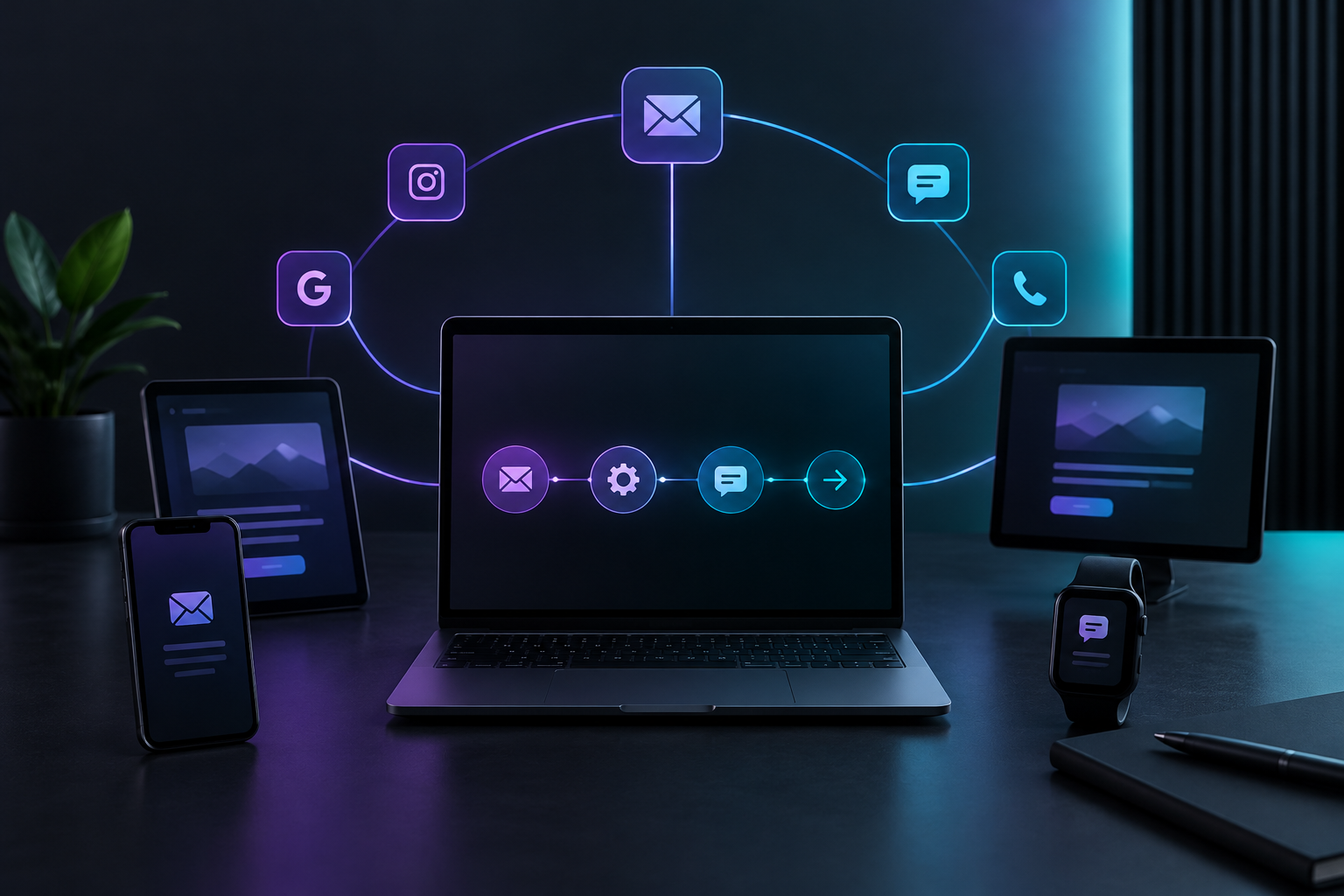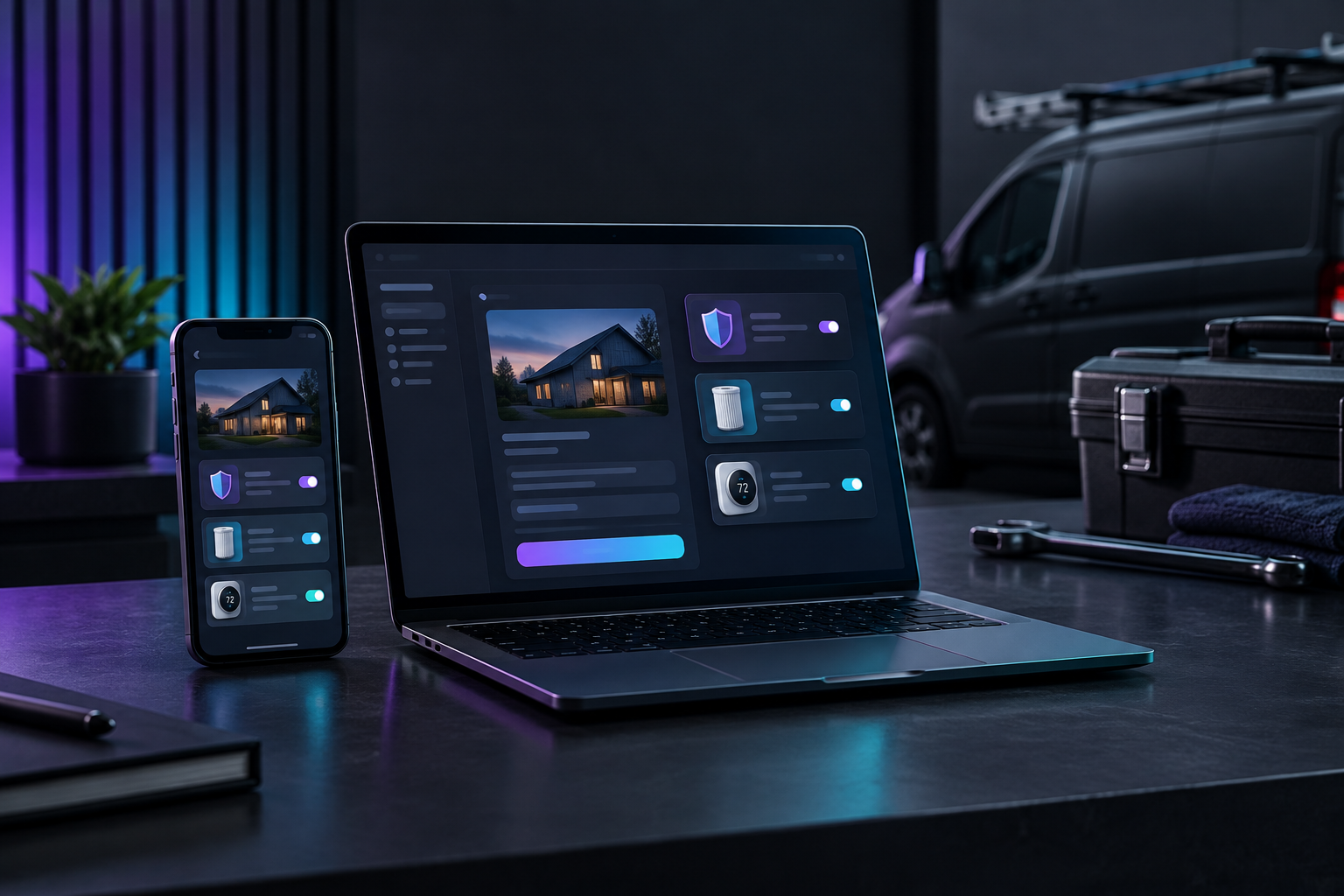

E commerce automation for service businesses connects your job records to a sales workflow. When a job is marked complete, the customer gets an email with one relevant add-on, such as replacement supplies, a maintenance plan or a service upgrade, and a direct link to pay. Nobody has to call, and nobody on your team has to remember to ask.
Most service businesses already have products worth selling after the job. A plumber has water filter cartridges. A pest control company has quarterly plans. A detailer has ceramic coating refreshes. A pool service has chemical kits. What is missing is the follow-up. The technician finishes, drives to the next address, and the customer's interest fades before anyone acts on it.
This guide covers the workflow that closes that gap: what triggers the offer, what to offer, when to send it, how checkout works, and how to tell whether it earns money. TruLata is an AI marketing platform for service businesses that runs search, ads, content, outbound and email from one screen, and the steps below follow how we connect job data to the email flows that carry these offers.
Why do service businesses lose add-on revenue?
The revenue slips away between the job and the office. The technician knows the customer's furnace filter is overdue, or that their water heater is due for an annual flush. That knowledge stays in the truck, while the office sees a paid invoice and moves on.
Three patterns cause most of the leak:
- Follow-up depends on memory. If upselling requires someone to call or email after the job, it happens in slow weeks and stops in busy ones, which is exactly backwards.
- The offer arrives late or never. A customer who just watched a technician clean their dryer vent is ready to think about the next cleaning. Three months later, they are not.
- Buying is harder than it should be. If accepting means calling the office, waiting for a quote and reading out a card number, many customers who would have said yes never get around to it.
Ecommerce operators solved a version of this years ago. As Pitney Bowes notes in its overview of ecommerce automation for growth and efficiency, smaller businesses benefit most from automating marketing, customer service and sales, while larger operations focus on shipping, inventory and fulfillment. Service businesses fall in the first group. You do not need warehouse automation. You need the sales follow-up to run itself.
What does e commerce automation look like in a service business?
In retail, it usually means abandoned cart emails, inventory syncing and order confirmations. In a service business, the trigger is not a cart. It is a job.
The core loop has four parts:
- Trigger: a job is marked complete in your field service or booking software.
- Segment: the job type, service area or equipment decides which offer fits.
- Offer: an email (and optionally a text) goes out with one specific add-on and a direct link to buy.
- Checkout: the customer pays online, and the order lands in your system as a scheduled delivery, a recurring plan or a booked visit.
The job record you already create becomes the start of a sale. Upselling stops being a skill a few of your best technicians have and becomes a process every job runs through.
Which add-ons work best for automated upselling?
The best candidates share three traits: the customer understands them without a conversation, they connect obviously to the job just done, and they can be bought without a custom quote.
- Consumable supplies: filters, cartridges, cleaning solutions, chemical kits, salt, replacement parts with a known lifespan.
- Maintenance plans: annual tune-ups, quarterly treatments, seasonal check-ups billed as a recurring plan.
- Service upgrades: a protective coating after a cleaning, a smart thermostat after an HVAC repair, a surge protector after electrical work.
- Next-visit bookings: the follow-up appointment the technician recommended, offered with a pre-filled booking link.
Large or judgment-heavy upgrades, such as a full system replacement or a remodel, still belong with a salesperson. Automation can surface interest, but a person needs to close.
How do you build the ecommerce workflows step by step?
This sequence works for most trades. Build it in order, because each step depends on the one before.
Step 1: Get clean job data out of your booking platform
Your workflow is only as good as its trigger. Confirm that your field service software records, for each job, the customer's email, the service type and a completion status. If technicians skip the service type field, fix that first, because it decides which offer goes out.
If you run Jobber or Housecall Pro, TruLata reads those records directly. See how jobs and estimates are read live so your marketing sits beside the work that generated it.
Step 2: Map each job type to one offer
Build a simple table: job type on the left, the single most relevant add-on on the right. Resist offering three things. One clear offer beats a menu because the customer makes one decision.
An example mapping for a home services company:
- Furnace tune-up: annual maintenance plan
- AC repair: replacement filter subscription
- Water heater flush: anode rod inspection booked for next year
- Drain cleaning: enzyme treatment supply
Step 3: Set up the automated checkout
Checkout is what turns interest into revenue. Every offer needs a link to a purchase page with the product already selected, with no account creation and no browsing.
For physical supplies and subscriptions, a store platform handles this well. If you run a Shopify storefront, our guide to upselling more without manual follow-up covers the approach. For plans and visits, a payment link or booking link tied to the specific service does the same job.
Test every link on a phone. Most customers open the email on mobile, often while the truck is still pulling away.
Step 4: Write a short post-job sequence
One email captures some of the opportunity. A short sequence captures more, provided each message earns its place. A practical three-message structure:
- Within a few hours of completion: thank the customer, summarize what was done, and present the one add-on with the reason the technician recommends it.
- A few days later: a reminder for anyone who did not click, framed around the benefit (fewer breakdowns, cleaner air, longer equipment life) rather than a discount.
- At the next relevant interval: a seasonal or lifespan-based reminder, such as filter replacement timing or the next treatment window.
Stop the sequence the moment someone buys. A pitch for something already paid for erodes trust quickly.
Step 5: Route purchases back into operations
A sale nobody fulfills is worse than no sale. A purchased plan should create a recurring job. Purchased supplies need someone to ship or deliver them. A booked visit must appear on the schedule. Connect checkout to your booking platform, or at minimum to a notification your office actually reads.
If your systems do not connect natively, webhooks and automation tools such as Zapier, Make or n8n can pass the order along. Keep the chain short, since every extra hop is a place for an order to go missing.
How should you personalize the offer without making it creepy?
The offer should read like the technician's recommendation, not surveillance. The customer knows you were in their home, so referencing what you did there is natural. Referencing things they never told you is not.
- Use the technician's first name and the service performed.
- Refer to equipment by type ("your furnace," "your water softener"), not by data the customer never shared.
- Give the reason for the recommendation in one sentence.
- Match the tone your best technician uses at the door.
A line like "Mike noticed your filter was close to the end of its life, so here is the replacement he recommends, shipped to your door" will outperform generic promotional copy because it is specific and tied to something the customer saw happen.
How do you know if your e commerce automation is working?
Measure the workflow against jobs, not just clicks. Open rates show whether the email was seen. They do not show whether it made money.
Track these for each job type:
- Take rate: the share of completed jobs that led to an add-on purchase.
- Revenue per completed job: job revenue plus add-on revenue, divided by jobs. This shows whether the workflow matters.
- Plan retention: for recurring plans, how many customers are still active after one cycle.
- Unsubscribes after post-job emails: a rising rate means the offer is mismatched or the sequence is too long.
These numbers usually live in different places: jobs in your field service software, payments in your processor, email results in your email tool. Seeing them together lets you notice, for example, that drain cleaning customers buy enzyme treatments far more often than AC repair customers buy filters. Your TruLata dashboard puts jobs from your booking platform, payments from Stripe and email flow results on one screen, refreshed when you open it.
What mistakes break automated upsell workflows?
Most failures have ordinary causes, not technical ones.
Building too much at once
Start with your highest-volume job type and one offer. Get the trigger, checkout and fulfillment working end to end before adding a second. A workflow your team uses beats an elaborate one they abandon, a point we expand on in our piece on the best automation workflows your team will use.
Ignoring bad job data
If a technician closes a job without setting the service type, the customer gets the wrong offer or none. Make the field required, and review a sample of completed jobs every few weeks to catch drift.
Discounting by default
Leading with a discount trains customers to wait for one. Lead with why the add-on matters, and save incentives for re-engagement messages to people who did not respond.
Forgetting the off-season
Seasonal businesses should schedule sequences around demand. A pool service's winterization kit belongs in the weeks before closing season, not midsummer. Tie later messages to the calendar, not just to days since the job.
No one owns the results
Automation removes the manual sends. It does not remove the need to review the numbers monthly, retire offers that do not sell and test new ones. Assign that review to a specific person.
Where does TruLata fit in this workflow?
TruLata does not replace your field service software or your store. It reads them. Job and estimate data comes in from platforms like Jobber and Housecall Pro, payments come in from Stripe, and the email tab shows lifecycle flows with live stats, so you can see whether your post-job sequence is producing add-on revenue without opening four tools.
If your post-job emails run through an email platform you already use, that data can join the same screen. Our write-up on how campaigns and flows sit on one screen shows what that looks like. For businesses that want each new lead passed to another system, TruLata can send records to Zapier, Make, n8n, Pipedream or your own code through its API and webhooks.
The same platform also runs search visibility, Google Ads reporting, a content engine that publishes blogs on a schedule, and outbound prospecting, where prospect emails leave from a review-first queue and every send is logged.
Ready to turn every job into an upsell opportunity?
Start with one job type, one offer and one checkout link, then watch revenue per completed job. When you want jobs, payments, email flows and the rest of your marketing on one screen, open the live demo to explore the real product, or sign up at login.trulata.com/signup. Plans start at $400 a month for Starter, are flat monthly and month to month, and carry no setup fee.