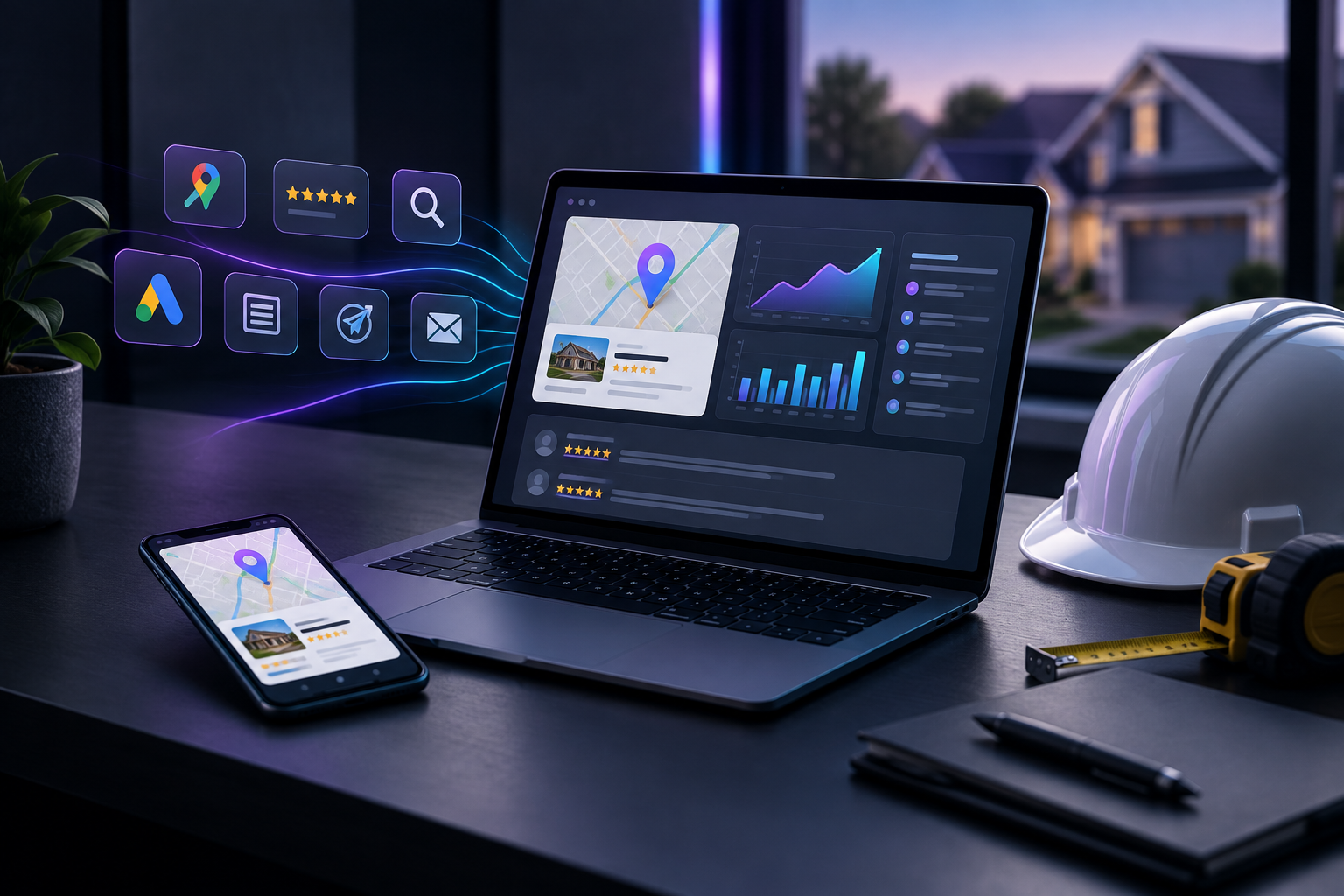

Contractors should combine sales and marketing platforms only when the unified system handles service-business workflows (site visits, weather delays, multi-day jobs) at least as well as the separate tools it replaces. Sales force marketing automation shortens the gap between a lead and a quote. A platform that doesn't fit the field work adds friction instead of removing it.
Most consolidation pitches are built for office sales teams, which is why the decision is harder than it looks. A software company closes deals on video calls. A roofer closes them on a ladder, after a storm pushed the inspection back three days. TruLata is an AI marketing platform for local service businesses such as contractors, HVAC, plumbing, roofing and remodeling companies. It runs the marketing and shows what it did in one dashboard. This guide lays out the real trade-off between integration speed and feature fit, and how to decide which matters more for your shop.
What is sales force marketing automation, in plain terms?
Sales force automation (SFA) is software that handles repetitive sales tasks: logging contacts, scheduling appointments, moving deals through pipeline stages, sending follow-ups and producing reports. Marketing automation handles the activity before a lead exists, including ads, search visibility, content, email and review requests. Sales force marketing automation is the combination of the two, with one system covering everything from the first click to the signed estimate.
For a contractor, the joined-up version looks like this:
- A homeowner finds you through a local search result or an ad.
- They fill out a form or call, and the lead is captured with its source attached.
- A site visit gets booked, rescheduled if needed, and completed.
- An estimate goes out, follow-ups run automatically, and the job is won or lost.
- Marketing spend gets judged on jobs won, not just clicks.
The selling point of a unified platform is that the last step stops being guesswork. When the marketing record and the sales record are the same record, you can see which channels produce signed work.
Why do contractors consider a CRM and marketing automation platform in the first place?
Contractors usually start looking for a combined CRM and marketing automation platform for one of three reasons.
Leads fall through the cracks between tools
A form submission lands in an inbox, someone copies it into a spreadsheet or field-service app, and the source detail is lost. Weeks later nobody can say whether the job came from Google Ads, a review, or a referral. Each handoff between disconnected systems is a chance to drop a lead or lose its history.
Follow-up speed is inconsistent
Quotes that sit for days lose to competitors who called back the same afternoon. We cover this in more detail in our piece on why quote follow-up speed matters. A connected system can trigger a follow-up the moment an estimate is sent instead of waiting for someone to remember.
Nobody can answer "what is marketing actually producing?"
Owners want a straight answer about spend versus results. Separate tools each report their own slice: clicks in the ad platform, calls in the phone system, jobs in the scheduling software. Joining those slices by hand every month is slow and error-prone.
What does a unified sales and marketing automation platform get wrong for service businesses?
This is where many consolidation projects go wrong. Most sales and marketing automation platform products were designed around a linear funnel: lead, meeting, proposal, close. Service work doesn't follow that path, and the mismatch appears in specific places.
Site visits are not "meetings"
A generic CRM treats an appointment as a calendar entry. A site visit involves a drive time, a crew member or estimator, an address, photos, measurements, and often a second visit. If the platform can't represent that, your team will keep using the field app anyway, and you've added a system instead of replacing one.
Weather and scheduling delays break automated sequences
Automated follow-up sequences assume time moves forward on schedule. A roofing estimate pushed back by a week of rain shouldn't trigger a "still interested?" email on day three. Unless the platform lets you pause, branch or reset sequences around real-world delays, automation can make you look careless at the moment you need to look dependable.
Multi-day jobs don't fit a single "closed won" stage
A remodel or HVAC replacement may run across several days with deposits, change orders and inspections. Sales tools built for one-time transactions tend to end their view of the customer at the signature, which is right when review requests, referral asks and maintenance reminders should begin.
Field crews won't use desktop-first software
If the technician or estimator has to open a laptop to update a record, the record won't get updated. A unified platform that the office loves and the field ignores produces worse data than two separate tools that each get used.
Integration speed vs. feature fit: how should contractors weigh the trade-off?
The core decision is a trade between two goods.
Integration speed is what you gain by consolidating. Data lives in one place, leads don't need to be passed between systems, reporting is native, and there is one login, one bill and one vendor to call.
Feature fit is what you risk losing. Specialized field-service, estimating and scheduling tools exist because service operations are complicated. A general-purpose marketing automation CRM rarely matches them on dispatch, job costing or crew scheduling.
A practical way to weigh the two:
- Consolidate when your operational needs are simple (short jobs, one or two estimators, little dispatch complexity) and your biggest pain is lost leads and unclear marketing results.
- Keep separate, connected tools when you run crews across multi-day jobs, rely on a field-service app your team already uses, or have job-costing needs a marketing platform will never match.
- Use a hybrid when you want marketing, lead capture and reporting unified while operations stay in the field-service system, with clean integrations carrying lead and job data between them.
For most growing contractors the hybrid is the honest answer. Unify everything up to and including the lead, connect it to operations, and measure everything in one place.
How do you test whether a marketing automation CRM fits your workflow?
Demos are designed to look smooth. Run your own scenarios through them before you commit.
Run five real jobs through the trial
Pick five jobs from last quarter: a fast emergency call, a rescheduled estimate, a weather-delayed project, a multi-day install and a lost bid. Recreate each one in the platform from first contact to outcome. Note every point where you had to work around the software.
Check source tracking end to end
Submit a test form and place a test call. Confirm that the lead appears with its source (ad, organic search, referral, review site) and that the source stays attached when the lead turns into a job. Without that, the reporting benefit of consolidation doesn't exist.
Break a sequence on purpose
Start an automated follow-up, then simulate a delay. Can you pause it, change it, or stop it for one customer without disrupting everyone else? If the only option is to delete and rebuild, the automation will cause problems the first stormy week.
Hand it to someone in the field
Give a phone with the app to your least patient estimator. If they can't log a visit outcome in under a minute, assume it won't get logged.
Ask what leaves the building, and how
Any system that sends email or messages on your behalf should make it clear what goes out and when. Ask where sends are queued, who can review them, and whether every send is logged so you can audit it later.
Where does TruLata fit in a contractor's stack?
TruLata takes the hybrid approach. It doesn't try to replace your scheduling or field-service software. It runs the marketing side and makes the results visible, so you get the reporting benefit of consolidation without giving up the operational tools your crews depend on.
In practice, TruLata's marketing automation covers the work that generates and nurtures demand:
- Search visibility, including rankings, queries and reviews.
- Google Ads reporting with a daily watch on the account.
- Content production through the content engine.
- AI visibility tracking, so you know whether answer engines are naming your business.
- Prospect outreach, with outbound prospecting from a review-first queue, where prospect emails wait for review before going out and every send is logged.
The results appear in your TruLata dashboard, where leads are counted from your own forms rather than estimated from platform-reported conversions. You open it and see what ran, what it produced, and where leads came from. To connect marketing with the systems you already use, see TruLata integrations.
This design follows the trade-off described above. Marketing and lead data are unified, where integration speed pays off most. Operations stay in purpose-built tools, where feature fit matters most.
What should a contractor do this month?
You don't need to replace your whole stack to get most of the value. Start here:
- Map your lead path. Write down every tool a lead touches from first click to signed job, and mark each handoff that is done by hand.
- Find your biggest leak. It is usually one of three: untracked lead sources, slow quote follow-up, or no post-job review requests.
- Fix the leak with the least disruptive tool. If operations work well, leave them alone and unify marketing and lead tracking first.
- Set one shared number. Agree on a single figure for sales and marketing, such as booked site visits by source per month, and review it weekly.
- Revisit full consolidation in six months. With clean data, you'll know whether a fully unified platform would help or just move the friction elsewhere.
Ready to see what your marketing is actually producing?
If your leads, ads, search visibility and follow-up live in separate places and you can't say which ones bring in jobs, start with visibility. TruLata runs your marketing and shows what it did in one dashboard, alongside the field tools your team already relies on. Book a walkthrough of TruLata and see your marketing, leads and results in one place.