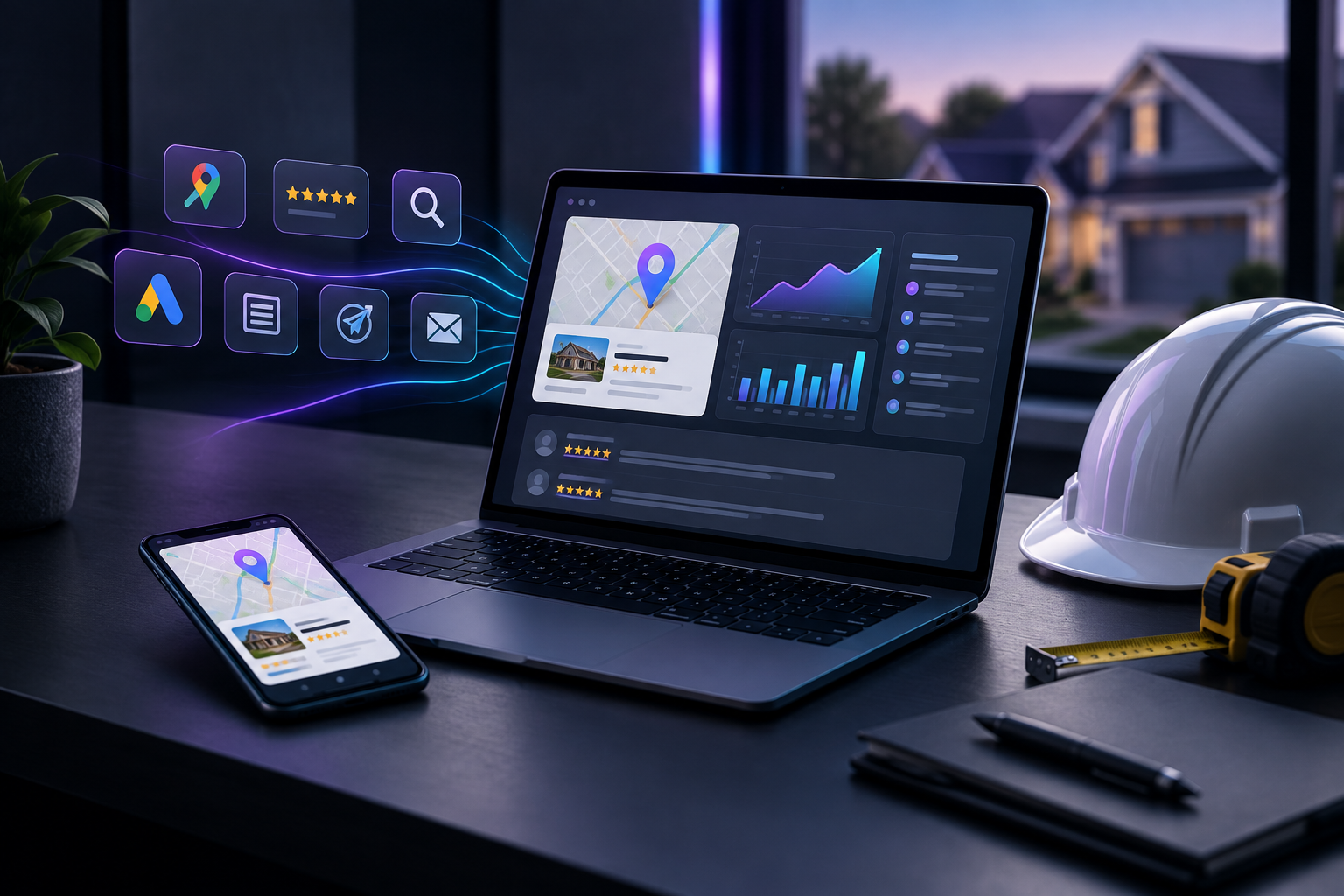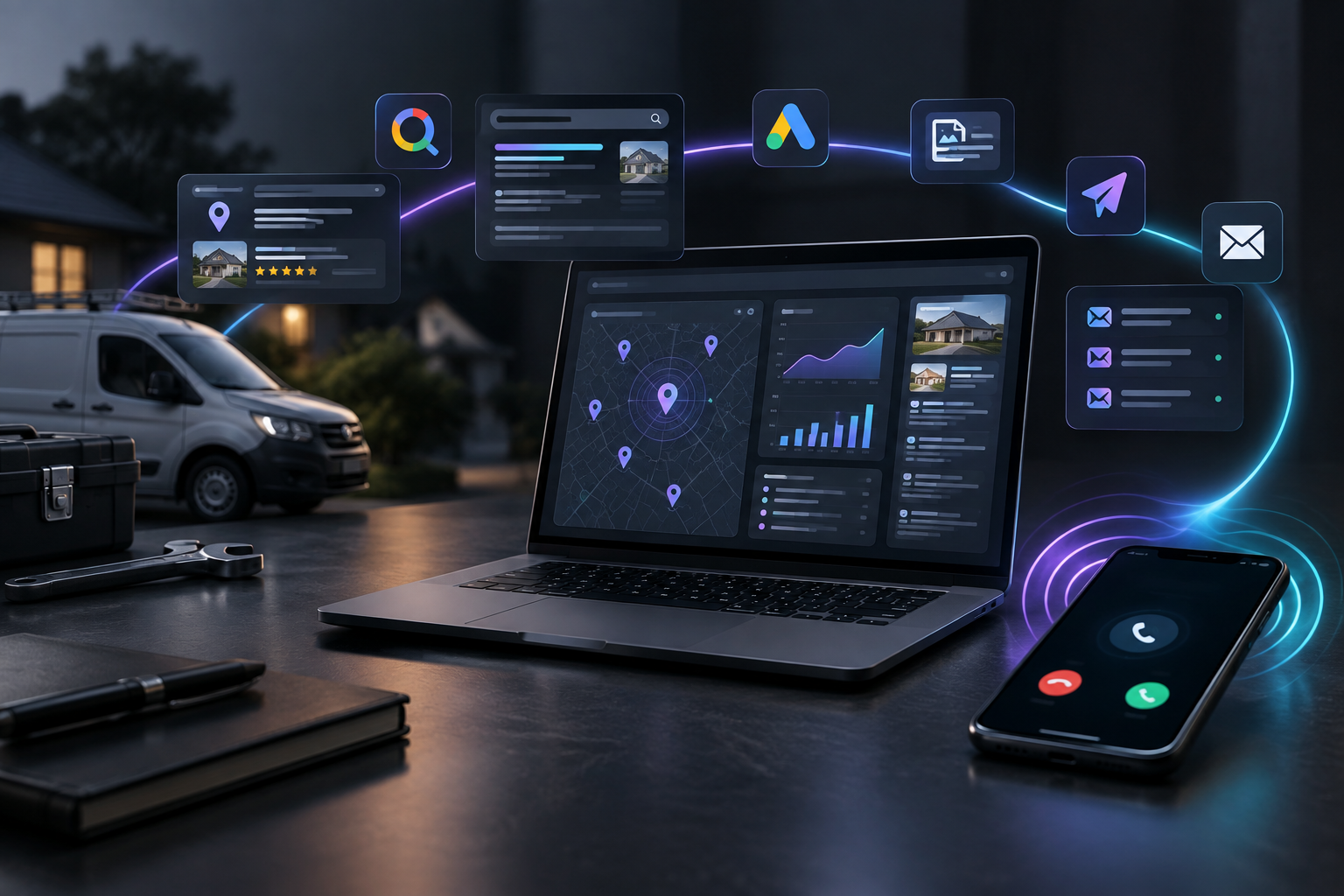

The best lead tracking software for home service companies is the one that records every call and form from your own website along with the source that produced it, then shows what that source cost. For most owners, that means pairing a job management tool with something that tracks marketing, or choosing one system that does both.
Most home service owners already have software. They have a scheduling app, a phone, a Google Ads login, and maybe a monthly report from someone. The gap usually isn't in managing jobs. It's in answering one question: which of this month's calls came from which effort? This page compares the options owners actually weigh, says plainly where each one falls short, and matches each kind of owner to a fit.
What does lead tracking software need to do for a home service company?
For a plumber, roofer, HVAC shop or cleaning company, a lead is usually a phone call or a web form, and many start on a phone. Useful lead tracking does three things. It catches every lead, including calls, not just forms. It attaches a source to each one: Google Ads, the Google Business Profile, organic search, Meta ads, an email or a referral. And it puts cost next to that source, so you can see what each channel produced against what you spent on it.
What good lead tracking connects
- Phone calls
- Web forms
- Leads this week
- Source of each lead
- Cost per channel
Here is a practical test. On Monday morning, could you say how many leads came in last week, where each one came from, and what each channel cost? If you need three logins and a spreadsheet to answer that, you don't have lead tracking yet. You have lead storage. If you want a deeper walkthrough of that question for one trade, see which of my ads actually brought in customers.
What makes marketing different for home service businesses
Demand in the trades follows the seasons and the weather, and that affects how lead tracking needs to work. Summer is often the busiest season for home service businesses, and Forbes notes that storms and heat waves can cause sudden, unpredictable spikes for emergency trades like HVAC and plumbing. Housing activity has its own rhythm too. The National Association of Realtors reports that pending home sales rise in March, peak in June, and slow from November through January. Move-ins and move-outs drive a lot of repair, cleaning and remodeling work.
The home service demand rhythm
- Pending home sales risePer the National Association of Realtors
- Pending sales peakSummer is often the busiest season
- Pending sales slowGaps where recurring revenue helps
- Storms and heat wavesSudden spikes for HVAC and plumbing
Contractors have long looked for ways to smooth out those gaps. In ACHR News, Service Nation's president described recurring revenue as a way for residential contractors to combat gaps caused by seasonality or a lack of customer acquisition. Price perception matters as well. According to Plumbing & Mechanical, homeowners who research costs online can still be caught off guard by a professional quote, because online prices often reflect only equipment or materials, not labor and expertise.
Taken together, these facts point to two needs. Your lead tracking should show volume by week, so you can see a spike or a slump as it happens rather than at month end. It should also show source, so that when you cut or raise spend in a slow month, you know which channel you are cutting. Peak periods also strain whoever answers the phone. Forbes recommends preparing for the busy season at least two months ahead, and that includes making sure missed calls are counted, not lost.
Which lead tracking options do home service companies compare?
Owners usually choose from four groups. Field service management tools (Jobber, Housecall Pro, ServiceTitan) run jobs, scheduling, quotes and invoicing. General CRMs and marketing platforms (HubSpot, GoHighLevel, Thryv) manage contacts and pipelines. Messaging and review tools (Podium) handle customer conversations. People-based options are an agency such as Scorpion, any other marketing agency, or doing it yourself. TruLata sits in its own spot: software that runs the marketing and also counts the leads it produces.
Four groups of options owners compare
Field service tools
- Jobber
- Housecall Pro
- ServiceTitan
CRMs and platforms
- HubSpot
- GoHighLevel
- Thryv
Messaging and reviews
- Podium
People-based
- Scorpion
- Other agency
- Do it yourself
The table below describes each option by category. It lists no prices or feature claims, because those change and should be checked with each provider directly.
| Option | What it is | Best for | One honest limit |
|---|---|---|---|
| Jobber | Field service management software | Smaller crews managing quotes, scheduling and invoicing | Built around the job after the lead arrives, not around running marketing |
| Housecall Pro | Field service management software | Owner-operators and growing crews running daily jobs | Tracks customers and jobs well; marketing attribution depends on how your channels feed it |
| ServiceTitan | Field service management software | Larger, multi-truck shops with office staff | A larger system that takes real setup and someone to run it |
| HubSpot | General CRM and marketing platform | Companies with a dedicated person to configure it | Built for many industries, so trade-specific setup falls on you |
| GoHighLevel | CRM and automation platform, often resold by agencies | Owners or agencies comfortable building their own workflows | How well it tracks depends on whoever built your setup |
| Thryv | Small business management software | Owners who want scheduling, messaging and payments in one place | Broad small business focus rather than marketing attribution |
| Podium | Messaging and reviews platform | Shops that live in text conversations and review requests | Strong on conversation, not a full view of where leads came from and cost |
| Scorpion or another agency | A marketing agency that runs campaigns for you | Owners who want people doing the work | Reporting is usually theirs, on their schedule and in their format |
| Doing it yourself | Spreadsheets, call logs and platform dashboards | Very small operations with few channels | Takes hours, and calls without a source get missed |
| TruLata | AI marketing platform that runs marketing and counts every lead | Service businesses that want marketing and lead tracking in one place | Not a job management tool; it doesn't schedule crews or send invoices |
Jobber
Jobber is field service management software for quoting, scheduling and invoicing. It suits smaller crews who need their jobs organized. Its limit for lead tracking is focus: it starts working once a lead is a customer, and it doesn't run the ads or search work that produced the lead.
Housecall Pro
Housecall Pro is in the same category and is common among owner-operators and growing crews. It keeps customer and job history tidy. How well it shows lead source depends on how calls and forms reach it, so attribution is only as good as that connection.
ServiceTitan
ServiceTitan is field service software aimed at larger shops with dispatchers and office staff. It fits companies that already have process and people. For a small crew, the honest limit is the setup and administration a large system needs.
HubSpot
HubSpot is a general CRM and marketing platform used across many industries. It's flexible and capable. The limit is that it isn't built around trades, so connecting calls, ads and job stages for a home service business is setup you or a consultant must do.
GoHighLevel
GoHighLevel is a CRM and automation platform that many agencies resell under their own name. It can do a lot. What you actually get depends on how it was built, and if an agency built it, the setup often stays with them.
Thryv
Thryv is small business management software covering everyday tasks like scheduling and messaging. It suits owners who want fewer apps. It's a broad tool, not one centered on which marketing channel produced which lead.
Podium
Podium is a messaging and reviews platform. It helps shops reply fast and collect reviews. It covers the conversation, not the full picture of source and spend across every channel.
Scorpion or another marketing agency
Scorpion and other agencies run campaigns for you, which works when you want people doing the work. The common limit is visibility: the numbers arrive in their report, on their schedule. If you're weighing that tradeoff, read our piece on a cheaper alternative to a marketing agency.
Doing it yourself
A call log, a spreadsheet and the Google Ads and Meta dashboards can work for a one-truck operation. It costs nothing in software and a lot in hours. The usual failure is phone calls: if nobody asks "how did you hear about us," the source is gone.
TruLata
TruLata is an AI marketing platform for local service businesses. It runs search, Google and Meta ads, content, outbound and email on a schedule. It counts every lead from your own site with its source and shows what happened and what it cost on your TruLata dashboard. Prospect emails leave from a review-first queue and every send is logged. The team behind it ran a marketing agency and turned that work into software. Its limit: it doesn't schedule crews or invoice jobs, so most owners keep their field service tool alongside it.
Which one should you choose if...?
Match the tool to the problem you actually have. If you need to run jobs, choose a field service tool. If you can't say where your leads come from, you need tracking tied to the marketing itself.
Run the jobs
- Field service tool
- Quotes, scheduling, invoices
- Jobber, Housecall Pro, ServiceTitan
Explain the marketing
- Tracking tied to marketing
- Every lead with source and cost
- TruLata, alongside your job tool
- You're a small crew drowning in quotes and invoices: Jobber or Housecall Pro.
- You run multiple trucks with dispatchers and an office: ServiceTitan.
- You have someone who loves building systems: HubSpot or GoHighLevel.
- Most of your customers text you and reviews matter most: Podium.
- You want fewer apps for daily admin: Thryv.
- You want people to run campaigns and accept their reporting: Scorpion or another agency.
- You have one truck and one channel: do it yourself with a call log and a weekly review.
- You want your marketing run and every lead counted with its source and cost in one place: TruLata, alongside your job tool.
These options aren't mutually exclusive. A common setup is a field service tool for jobs plus one system that owns marketing and attribution. The mistake is expecting a job tool to explain your ad spend, or expecting an ad report to manage your schedule.
How do you set up lead tracking so it actually works?
Whatever you choose, a few habits decide whether the numbers are trustworthy. Use a distinct tracked number or source tag for each channel, so a Google Ads call and a Google Business Profile call aren't lumped together. Count missed calls as leads, because during a storm week they often are. Review leads weekly, not monthly, given how quickly demand moves in this trade.
- Tag each channelUse a distinct number or source tag
- Count missed callsTreat them as leads
- Review weeklyNot monthly
- Compare simplyLeads and cost by source, week over week
- Pause and checkIs it tracking or the channel?
Then keep the comparison simple: leads by source, cost by source, week over week. If a channel costs money and produces no leads you can see, pause it and check whether tracking or the channel is the problem. If you want to see how TruLata handles this end to end, how TruLata works walks through it, and lead tracking software covers how each lead is recorded with its source.
What's the next step?
Start with the Monday test from earlier. Write down last week's leads, their sources and what each channel cost. Whatever you couldn't fill in shows you which option on this page you need.
From Monday test to next step
- Last week's leads
- Their sources
- Cost per channel
- Marketing gaps: look at TruLata
- See it in the live demo
If the gaps are in the marketing and attribution, look at TruLata. It runs your search, ads, content, outbound and email, and shows every lead and what it cost on one dashboard. You can see it with real screens in the live demo.