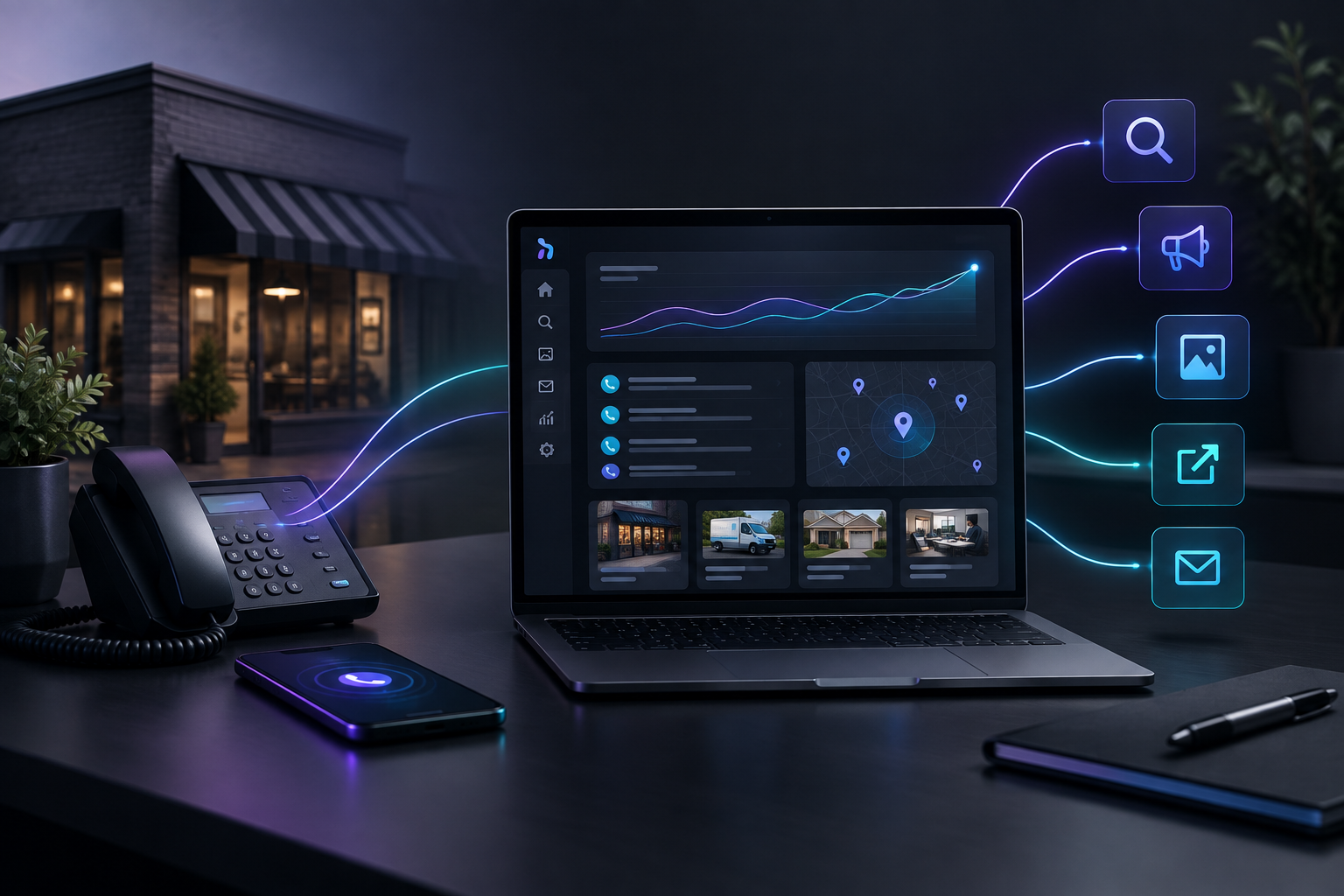

Marketing automation artificial intelligence replaces the follow-up a contractor means to do but often can't get to. It replies to new inquiries, sends a planned sequence of reminders after an estimate, and logs each message. Follow-up then happens on schedule while you are on a roof, in a crawlspace, or asleep, and it no longer depends on your memory or your evenings.
TruLata is an AI marketing platform for local service businesses such as roofers, HVAC companies, plumbers, garage door repair shops, and general contractors. It runs marketing work and shows what it did in your TruLata dashboard. This article explains how to set up follow-up that keeps working while you are on a job. It covers which messages to automate, when to send them, and where a person still needs to step in.
Why do contractors lose leads they already paid for?
Most contractors don't lose jobs because their work is poor. They lose them because a homeowner asked three companies for a quote, and one of the other two answered first or kept in touch longer. The lead cost money to get, whether it came from ads, search, referrals, or a yard sign. When nobody follows up, that money is gone.
The usual pattern looks like this:
- A form comes in at 2:40 in the afternoon while the owner is on a job site. He sees it at 7 p.m. and decides to call in the morning.
- An estimate goes out on Tuesday. Nobody checks in after that, because the next three days are spent on active jobs.
- A homeowner says "we're not ready until spring." That note sits in a phone and is never seen again.
No single step here is a big mistake. Together, they mean a share of every month's leads goes to whoever responded faster or stayed more consistent. Manual follow-up fails in predictable ways. It stops when the crew gets busy, and the crew is busiest exactly when leads are coming in.
What does marketing automation artificial intelligence actually do for follow-up?
It helps to separate two jobs that often get lumped together.
Automation handles the execution
Automation sends what you have already decided to send, on the schedule you set. An example: a confirmation email five minutes after a form submission, a check-in two days after an estimate, and a reminder ten days later. This is the reliable part. It runs at 11 p.m. on a Saturday the same way it runs at 9 a.m. on a Monday.
AI handles the drafting and the judgment calls
The AI layer writes messages that fit the lead. It can reference the service they asked about, the town they are in, and what they wrote in the form, so every lead doesn't get the same template. It can also sort leads by what they asked for, which lets a water heater emergency and a "thinking about new siding next year" inquiry go down different paths.
Together, these produce a crm follow-up workflow that doesn't rely on anyone remembering to run it. Your part is to decide the rules once and review the results. You stop typing the same check-in email forty times a month.
Which follow-up steps should a contractor automate first?
Don't automate everything at once. Start where leads most often drop off and add the rest in order. Here is a practical sequence for most trades.
Stage 1: The first reply to a new inquiry
This message matters most and is the easiest to automate. When a form comes in, the lead should get a reply within minutes, at any hour. A good first reply does three things:
- Confirms you received the request and repeats what they asked about, so they know a real business read it.
- Says when a person will call and roughly what happens next (site visit, phone estimate, or photo request).
- Asks one useful question, such as asking for photos of the damaged area or the age of the existing unit. This lets you arrive prepared.
Keep it short. The point is to show the homeowner they are being handled, so they stop checking other contractors' websites.
Stage 2: The post-estimate sequence
This is where the most revenue goes unclaimed. An estimate without follow-up is easy for a homeowner to set aside. A typical sequence for residential work:
- Day 1 after the estimate: A short note thanking them for their time, with the estimate attached again and an offer to answer questions.
- Day 3 or 4: A message that answers a common question for that job type, such as permit handling, cleanup, warranty terms, or financing options if you offer them.
- Day 10 to 14: A plain check-in asking whether they have decided and if anything is holding them up.
Change the timing to match your trade. Emergency repairs need a sequence measured in hours. A full roof replacement or HVAC system swap can run over several weeks, because homeowners often get financing approved, talk with a spouse, or wait for an insurance adjuster.
Stage 3: Long-term automated prospect nurturing
The "not now" lead is still a lead. Automated prospect nurturing keeps you in front of homeowners who said "next season" or "after we sell the car." It does this with a few useful messages spread over months, such as a seasonal maintenance reminder or a note before your busy season fills up. These leads usually cost nothing to keep, and they often come back when the timing works for them.
Stage 4: Past customers
Previous customers are your most likely repeat buyers and your best source of referrals and reviews. A simple schedule helps: a review request after the job closes, a maintenance reminder at the right interval for the work you did, and an occasional seasonal note. Without it, those relationships tend to fade.
What does follow-up during off-hours look like in practice?
The following scenarios are typical of how automated follow-up wins jobs that manual follow-up would miss. They are illustrations of the pattern, not reports about any specific company.
The Sunday night furnace inquiry
A homeowner fills out an HVAC company's form at 9:15 on a Sunday night because the furnace is making a grinding noise. Within minutes, she gets a reply confirming the request. It tells her the office opens at 7:30 a.m., explains what to check in the meantime, and asks how old the unit is. When the dispatcher calls at 7:35, she has already decided to wait for that company. She never filled out a second form.
The estimate that would have expired
A roofer gives a replacement estimate on a Thursday, then spends the next nine days on a large commercial job. Without automation, that homeowner hears nothing. With an estimate sequence running, she gets the follow-up on Friday. On Monday she gets a message explaining how the company works with insurance adjusters, which was the exact question holding her back. She replies to that message and schedules the work.
The spring lead from last fall
A homeowner asked about a new garage door in October and said it would wait until spring. A nurturing sequence sends a short note in late February about spring scheduling. He books a measurement visit that week. Nobody at the company remembered the original inquiry. The system did.
None of these depend on persuasive copy. They depend on the message arriving at the right time, and that is what automation does well.
How do you keep automated follow-up from sounding like a robot?
Homeowners can spot a mass email. A few rules keep automated messages sounding like they came from your business:
- Write in your company's voice. If you say "we'll swing by" when you talk to customers, your emails can too.
- Refer to the specific request. "Your request about the leak over the back porch" works far better than "your recent inquiry."
- Sign with a real name. Use the name of the person who will actually call.
- Stop the sequence when they respond. Sending a reminder to someone who already booked looks careless. Make sure a reply or a booking moves the lead out of the sequence.
- Use fewer messages. A short sequence with useful content does better than a long one that repeats "just checking in."
How does TruLata handle lead follow-up automation?
TruLata approaches lead follow-up automation as part of running the business's marketing, not as a separate tool to configure. Some details on how that works:
Leads are counted from your own forms
Follow-up starts with knowing what came in. TruLata uses lead tracking counted from your own forms, so the lead count reflects real submissions on your site and not platform estimates. This also tells you which channels produced leads that turned into conversations.
Prospect emails go through a review-first queue
For prospecting messages, TruLata uses outbound prospecting from a review-first queue. Prospect emails leave from that queue, and every send is logged. You can see what is going out and what already went out without checking an inbox.
Everything shows up in one place
Each message, lead, and campaign result appears in your TruLata dashboard. That gives you one place to answer simple questions, such as how many leads came in this week, which ones got a reply, and what the platform did for you. For a wider look at what can be automated beyond follow-up, see the overview of marketing automation on the TruLata site.
How do you measure whether automated follow-up is working?
Track a small set of numbers each month and compare them with the months before you automated:
- Time to first reply. Measure from form submission to the first message the lead receives. This should drop to minutes at every hour of the day.
- Estimate-to-close rate. This is the share of estimates that become signed jobs. Post-estimate sequences have the most direct effect here.
- Leads answered outside business hours. Count how many inquiries arrived evenings and weekends and how many of those booked.
- Reactivated leads. Count jobs that came from leads older than 60 days. Before nurturing, this number is usually close to zero.
Give it a full sales cycle before judging. For quick repair trades, that may take a few weeks. For larger replacement work, plan on a few months.
What should still be handled by a person?
Automation handles timing and repetition. People handle the conversations that decide the sale. Keep these with your team:
- Phone calls with homeowners who have replied and are ready to talk.
- Pricing negotiations, scope changes, and anything about insurance claims that needs a judgment call.
- Complaints or upset customers. Take these out of any automated sequence right away.
- Your first review of new message templates before they go live, plus a periodic check that they still match how you work.
The aim is for your time to go to conversations that need you, while the system covers the reminders and check-ins you would otherwise skip.
Ready to stop losing leads between job sites?
If your follow-up depends on remembering at the end of a long day, part of every month's leads is going to competitors who answered sooner. TruLata runs your marketing, keeps follow-up moving, and shows each lead and logged send in one dashboard. See how TruLata works, or open the live demo to see the dashboard a contractor would use every morning.