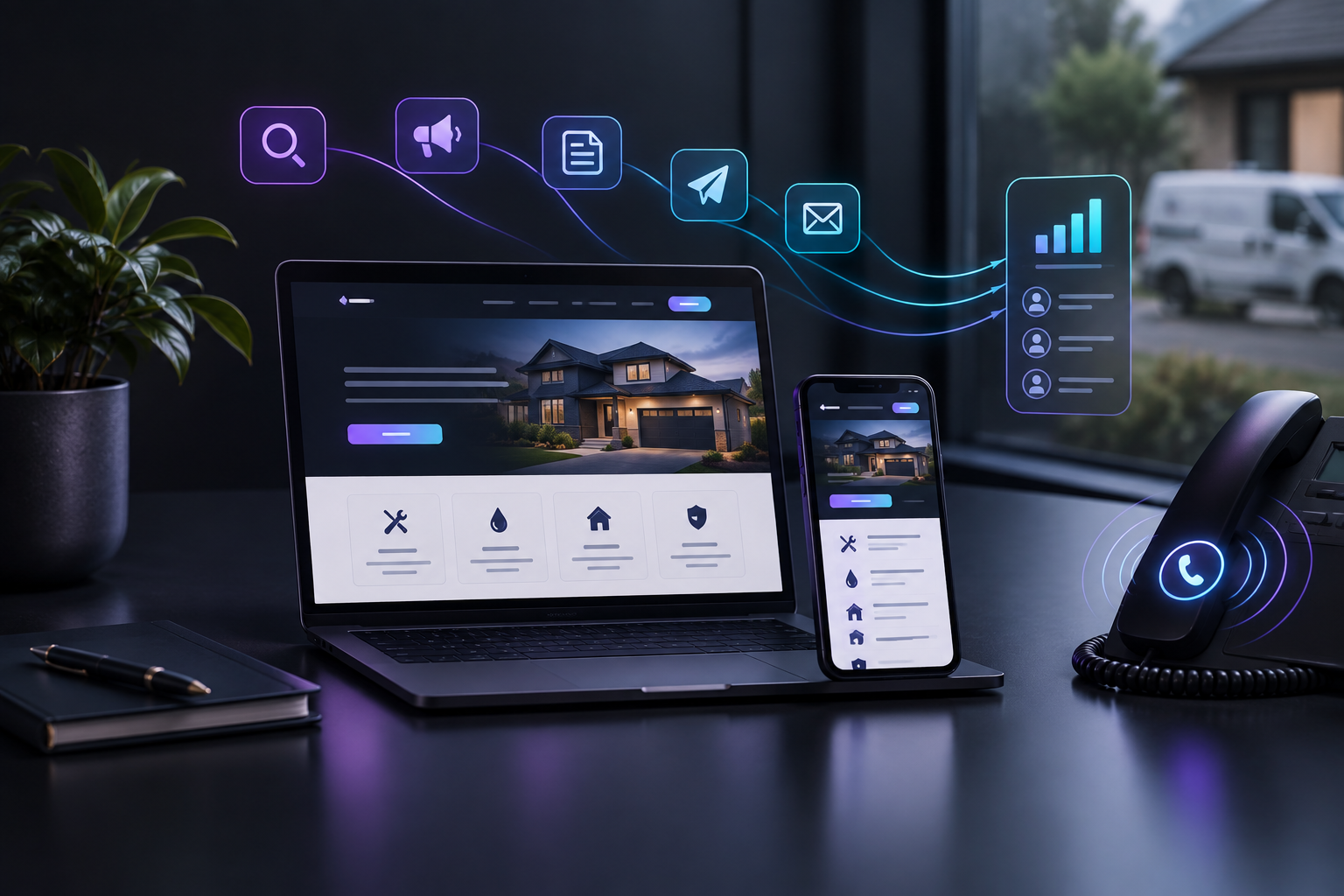

The top AI marketing tools for local businesses fall into five groups: field service software with marketing add-ons (Jobber, Housecall Pro, ServiceTitan), general CRMs (HubSpot, GoHighLevel), local marketing suites (Scorpion, Thryv, Podium), agencies or doing it yourself, and platforms that run the marketing for you, like TruLata. The right choice depends on who will do the work and whether you can see which leads it produced.
That last point matters more than any feature list. Many owners already pay for two or three tools and still can't say which one made the phone ring last month. This guide compares the real options a trades, home services or practice owner weighs, gives one honest limit for each, and matches each type of owner to the option that fits.
Who TruLata is: TruLata is an AI marketing platform for local service businesses. It runs search, Google and Meta ads, content, outbound and email on a schedule, counts every lead from your own site with its source, and shows what happened and what it cost on one dashboard. It was built by a team that ran a marketing agency and turned that work into software.
What should a local service business look for in an AI marketing tool?
Start with the job, not the software. A local service business needs three things from marketing: to be found when someone searches for its service nearby, to turn that attention into calls and form fills, and to know which effort produced which lead. Any AI marketing tool worth paying for should improve at least one of those, and the best ones cover all three without making you assemble the pieces yourself.
Three jobs marketing must do
Be found
- Show up when someone searches nearby
- Search for your service
Convert
- Turn attention into calls
- Turn attention into form fills
Attribute
- Know which effort produced which lead
- Count leads from your own site
Then ask four practical questions. Who does the work: you, your office manager, an agency, or the software? Where do leads get counted: inside the vendor's own system, or from your own website and forms? Can you see cost next to results in one place? And does the tool keep working during your busy season, when nobody has time to log in? A tool that needs constant attention from someone who is also answering phones and dispatching crews will slowly go quiet.
How do the top AI marketing tools for local businesses compare?
Below is each option a local service owner is likely to consider, described by category and fit. Where a vendor's specific features or pricing could not be verified, the description stays at the category level rather than guessing. Check current details directly with any vendor before you decide.
Option and its honest limit
- JobberBuilt around running jobs; marketing is not core
- Housecall ProMarketing sits beside operations
- ServiceTitanTakes real time and people to set up
- HubSpotNot built for local trades; you design it
- GoHighLevelResults depend on who builds it
- ScorpionManaged services mean less direct control
- ThryvBroad small business focus, not one trade
- PodiumCovers communication, not the full mix
| Option | What it is | Best for | One honest limit |
|---|---|---|---|
| Jobber | Field service management software for scheduling, quoting and invoicing | Smaller crews that want operations in one app | Built around running jobs; marketing is not its core |
| Housecall Pro | Field service management software for home service companies | Owner-operators and growing home service teams | Marketing features sit beside operations, not at the center |
| ServiceTitan | Field service management platform aimed at larger trade contractors | Established multi-truck companies with office staff | A large system that takes real time and people to set up and run |
| HubSpot | General-purpose CRM and marketing software | Businesses with someone dedicated to building campaigns | Not built specifically for local trades; you design the setup |
| GoHighLevel | All-in-one CRM and marketing toolkit often resold by agencies | Hands-on owners or agencies who like to build | A toolkit: the results depend on who builds and maintains it |
| Scorpion | Marketing services and technology provider for local businesses | Owners who want a managed provider | Managed services mean less direct control over the work |
| Thryv | Small business software and marketing services | Small businesses wanting a bundled suite | Broad small business focus rather than a single trade |
| Podium | Customer messaging and reviews platform | Businesses focused on reviews and customer texting | Covers communication, not the full marketing mix |
| Marketing agency | People you hire to run some or all of your marketing | Owners who want to hand off the work entirely | Quality varies by account manager, and reporting is often on their terms |
| Doing it yourself | Free and low-cost tools run by the owner or staff | Very early businesses with more time than budget | Stops when the busy season starts and time runs out |
| TruLata | AI marketing platform that runs search, Google and Meta ads, content, outbound and email on a schedule | Service businesses that want the work done and every lead counted with its source | Focused on marketing, not scheduling, dispatch or invoicing |
Jobber
Jobber is field service management software: scheduling, quotes, invoices and client records for service crews. It fits smaller teams that want the office side of the business in one app. The honest limit is that it is built around running jobs, so marketing beyond the basics usually means adding something else.
Housecall Pro
Housecall Pro is in the same category, field service software for home service companies. It suits owner-operators and growing teams who want operations organized first. Its limit for this question is the same: marketing sits next to the operations core rather than being the thing it runs for you.
ServiceTitan
ServiceTitan is a field service platform aimed at larger trade contractors. It fits established companies with office staff who can configure and manage a big system. For a smaller shop, the setup and ongoing management can outweigh what the marketing side delivers.
HubSpot
HubSpot is a general-purpose CRM with marketing tools. It fits businesses that have someone whose job includes building email flows, forms and reports. It is not built for local trades specifically, so you or a consultant design how it works for your business.
GoHighLevel
GoHighLevel is an all-in-one CRM and marketing toolkit, widely resold by agencies. It fits owners who enjoy building automations and agencies serving many clients. The limit is in the word toolkit: what you get depends entirely on who builds and maintains it. We cover that tradeoff in our alternative to GoHighLevel for a contractor guide.
Scorpion, Thryv and Podium
These are local marketing providers with different centers of gravity. Scorpion combines marketing services and technology for local businesses, Thryv offers small business software alongside marketing services, and Podium focuses on customer messaging and reviews. Each fits a specific need well; the limit is that a managed service means less direct control, and a reviews or messaging tool covers only part of the marketing mix.
A marketing agency
An agency gives you people who run the work. It fits owners who want to hand marketing off completely. The limit is that results depend heavily on who is assigned to your account, and reports often show activity in the agency's own terms. Our piece on marketing agency vs marketing software goes deeper.
Doing it yourself
Free tools, a Google Business Profile, and a few evenings a month can get a new business started. It fits very early operations with more time than budget. The limit is predictable: the work stops the moment the busy season starts.
TruLata
TruLata runs search, Google and Meta ads, content, outbound and email on a schedule, so the work continues whether or not you log in. It counts every lead from your own site with its source, using lead tracking counted from your own forms, and shows what happened and what it cost on your TruLata dashboard. Prospect emails leave from a review-first queue and every send is logged. Its honest limit: it is a marketing platform, so it does not replace scheduling, dispatch or invoicing software.
What makes marketing different for local service businesses?
Local service demand moves with weather, seasons and emergencies, which is why generic marketing software often falls short. A tool that works on a steady, even calendar misses how trades and home services actually earn. These are the patterns that should shape which AI marketing tool you pick.
Calendar-driven marketing
- Runs whenever someone has a free hour
- Steady, even calendar
- Misses emergency surges
Season-aware marketing
- Anticipates the season
- Content published in slow months gets found in busy ones
- Ad budgets watched daily in emergency weeks
- Summer is often the busiest season. Home maintenance that piles up over winter gets tackled in summer, making it a peak period for many home service businesses, according to Forbes.
- Demand spikes without warning. The same Forbes piece notes that storms and heat waves can double demand overnight, so emergency trades like HVAC and plumbing see sudden scheduling surges.
- Housing activity follows a seasonal curve. The National Association of Realtors reports pending home sales rise in March and peak in June, while November through January usually slows. Move-related work like inspections, painting and repairs tends to track that curve.
- Preparation has to start early. For busy seasons, Forbes advises building capacity at least two months ahead, a useful rule for timing content and campaigns before demand arrives.
The practical takeaway: your marketing should run on a schedule that anticipates the season, not on whenever someone finds a free hour. Content and search work published in the slow months is what gets found in the busy ones, and ad budgets should be watched daily when an emergency week hits.
How do you test an AI marketing tool before committing?
Ask for a demo using your own business, not a sample account. Have the vendor show you where a lead from your website form appears, how its source is recorded, and where cost sits beside it. If the answer requires exporting from three systems into a spreadsheet, you will rarely get the answer in practice.
- Demo with your businessAsk to see a form lead, its source and its cost
- Record last quarterWrite down leads and where they came from
- Switch toolsRun the new tool for 60 to 90 days
- CompareCheck the count and the sources against last quarter
Then run a simple 60 to 90 day check. Write down the leads you got last quarter and where they came from, as best you can. After switching, compare the count and the sources. A good tool should make that comparison easy, which is the core idea behind tracking where every lead came from. You can also walk through the live demo to see that view before talking to anyone.
Which one should you choose if...?
No single tool is right for every owner. Match the option to who will actually do the work and what you most need to see.
If this is your situation, consider this
- Scheduling and invoicing is the problemJobber or Housecall Pro
- Large multi-truck operation with office staffServiceTitan, if someone owns setup
- A marketer who likes building systemsHubSpot or GoHighLevel
- Reviews and texting are the gapPodium
- Hand everything to peopleScorpion, Thryv or an agency
- Just starting, with time to spareDo it yourself
- Want it all run and every lead countedTruLata
- If your biggest problem is scheduling and invoicing, start with field service software like Jobber or Housecall Pro, and add marketing later.
- If you run a large multi-truck operation with office staff, ServiceTitan's category fits, provided someone owns its setup.
- If you have a marketer who likes building systems, HubSpot or GoHighLevel give them the parts to build with.
- If reviews and customer texting are your main gap, a messaging and reviews tool like Podium targets that directly.
- If you want to hand everything to people, a managed provider such as Scorpion or Thryv, or an agency, fits, as long as you demand reporting you can verify.
- If you are just starting and time is free, doing it yourself is reasonable until the work outgrows your evenings.
- If you want search, ads, content, outbound and email run for you, with every lead counted from your own site and cost shown beside it, TruLata is built for that.
Many businesses end up combining two categories: field service software for operations and a marketing platform for growth. That pairing works well when the marketing side reports leads in plain numbers rather than activity metrics.
Ready to see which marketing actually brings in your leads?
TruLata runs your search, Google and Meta ads, content, outbound and email on a schedule, counts every lead from your own site with its source, and shows what happened and what it cost on one dashboard. See how TruLata works, then open the demo and look at the numbers for yourself.
What TruLata does for you
- Search
- Google and Meta ads
- Content
- Outbound
- Source of each lead
- What happened
- What it cost
If you are comparing options now, start with one question for every vendor on your list: show me last month's leads, where each came from, and what it cost. The tool that answers that clearly is the one worth keeping.