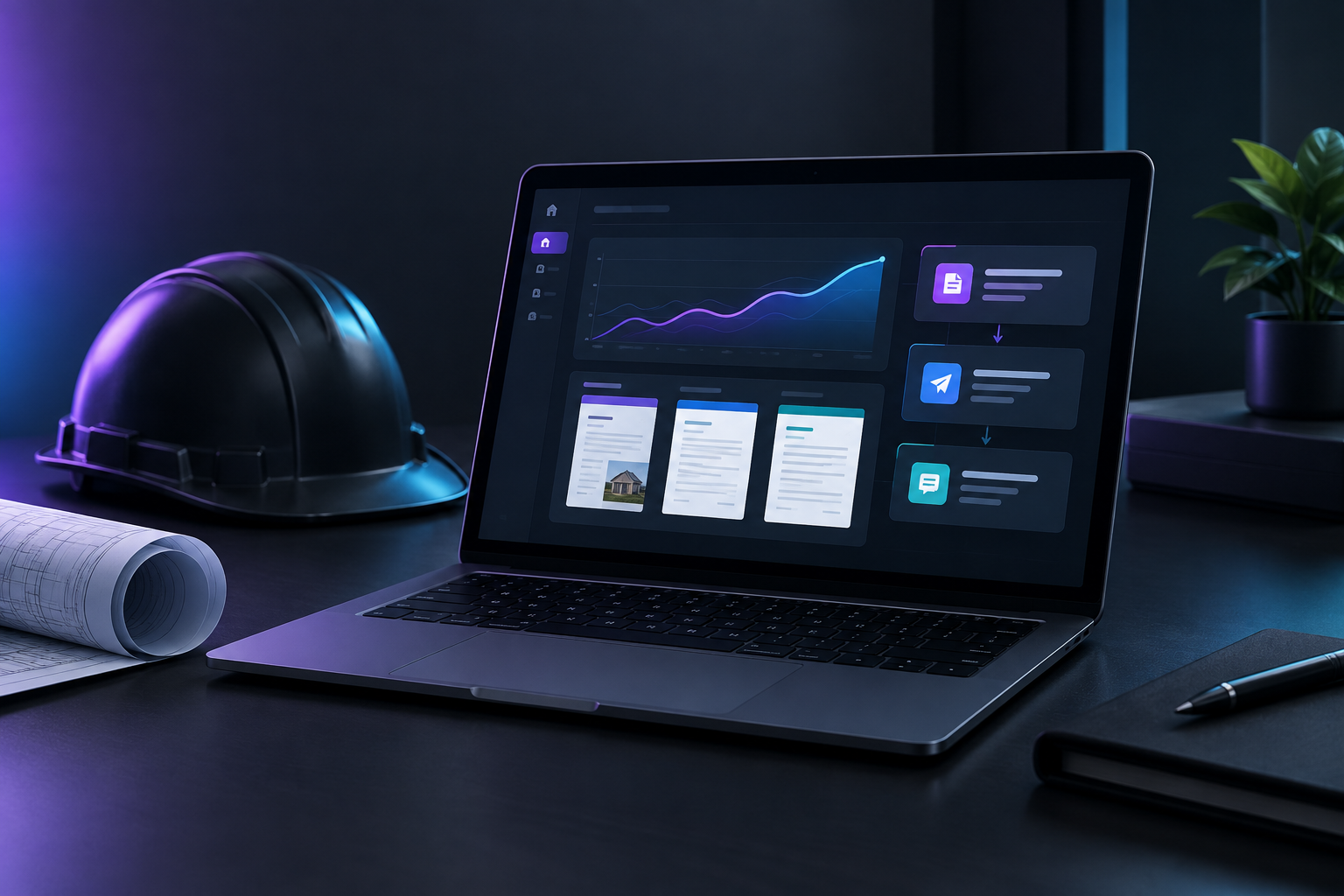

Content automation platforms let contractors turn job details into a finished quote, proposal, or follow-up sequence in minutes instead of hours. You enter scope, measurements, and pricing once; the platform assembles the document from your own approved language, personalizes it per customer, and schedules the follow-ups. The writing stops being manual. The judgment stays yours.
Who builds this for contractors?
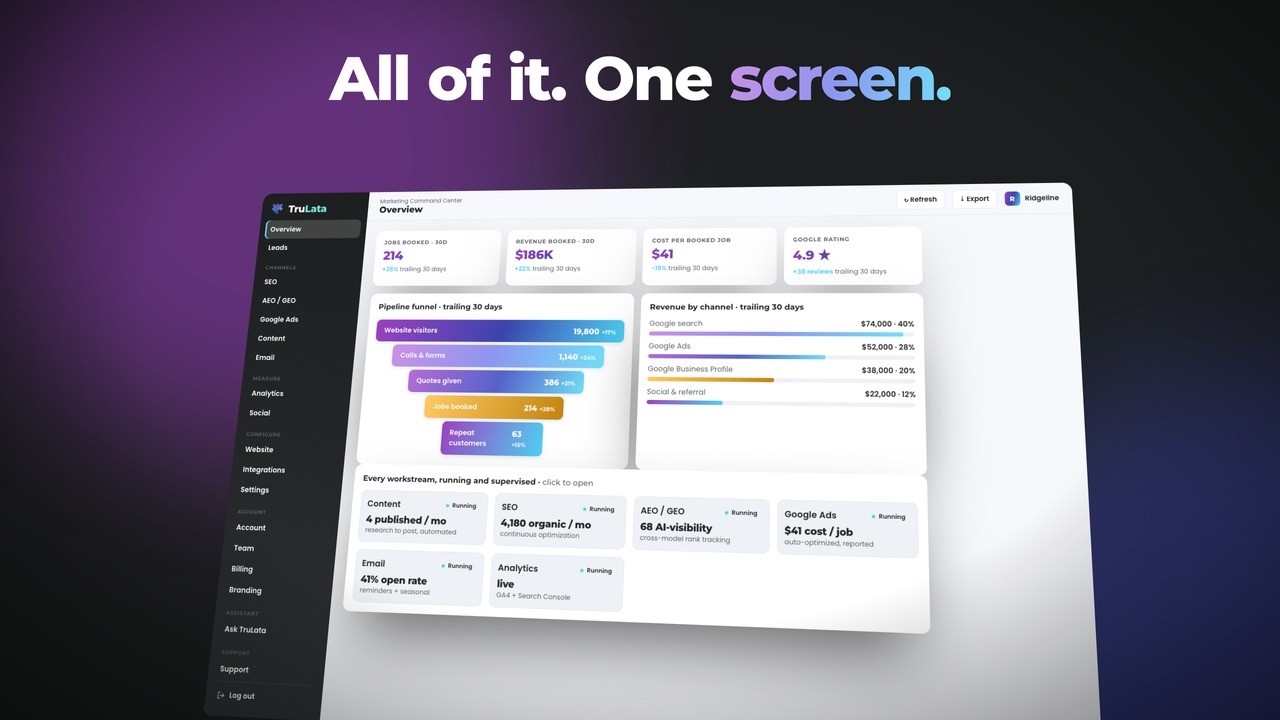
TruLata is an AI marketing platform for service businesses across the United States: HVAC, plumbing, electrical, roofing, remodeling, landscaping, and the trades that sell work through quotes rather than shopping carts. It runs the marketing work (content, ads, outbound, search and AI visibility) and shows what it did on one screen, so whoever runs marketing at the company can see the output rather than guess at it. The relevant piece here is the content engine, which produces the written assets a contractor needs on repeat.
Where do the eight hours a week actually go?
Ask a contractor where their admin time goes and the answer is rarely one big block. It is fifteen minutes here, forty there, spread across the week:
- Quotes. Copying last month's estimate for a similar job, then editing every line so it matches the new address, scope, and price.
- Proposals. Larger jobs need scope breakdowns, exclusions, payment schedule, warranty language, and photos. That is a 45 to 90 minute document if you build it by hand.
- Follow-ups. The quote goes out. Then nothing, because nobody wrote day 3, day 7, and day 14.
- Repeat answers. "Are you licensed and insured?" "How long will the crew be here?" "What does the warranty cover?" Typed fresh, every time.
- Post-job content. Review requests, before and after write-ups, seasonal reminders.
Document automation research in professional services puts the time savings at up to 82% for automated contract and proposal generation, with similar gains carrying into proposal creation generally. Contractor work is more templated than legal work, not less. A bathroom remodel proposal and a kitchen remodel proposal share most of their language.
The quote phase is where jobs die
The lost revenue is not in the typing. It is in the gap after the quote. A homeowner gets three estimates in a week. Two contractors send the number and go quiet. One sends the number, then follows up on day 3 with the warranty details, on day 7 with two photos from a similar job nearby, and on day 14 with a note that the crew has an opening. That third contractor wins jobs the other two priced identically. We have written about why your best leads die in the quote phase and the pattern holds across trades.
What does a content automation platform actually do?
Strip away the category language and there are four mechanics that matter for a contractor.
1. Structured inputs, not blank pages
You do not write a quote. You answer a short intake: service type, square footage or unit count, materials tier, access conditions, timeline, and price. The platform maps those fields to the right blocks of language. A 30 second input becomes a complete document, which is exactly the pattern proposal automation workflows are built around.
2. A content library that is yours
Generic output loses jobs. The library should hold your actual warranty wording, your permit and inspection language, your crew introduction, your payment terms, and your exclusions. The platform assembles from that library. It is not inventing your business rules on the fly.
3. Conditional personalization
This is the difference between automation that reads as a form letter and automation that reads as a person. Rules like: if the job is over a certain size, include the project manager paragraph. If the property was built before 1980, include the asbestos and knob-and-tube caveat. If the lead came from a referral, open with the referrer's name. Three or four conditions cover most of what makes a quote feel written for one house.
4. Sequenced follow-up that stops on reply
Automated follow-up templates should be tied to quote status, not to a calendar someone forgets to check. Quote sent triggers the sequence. Reply, phone call, or signature cancels it. Nothing is worse than a "just checking in" email arriving the day after a customer already signed. Building those triggers correctly is the whole subject of building custom follow-ups that match how you already work.
Does automation make quotes feel impersonal?
Only if you automate the wrong layer. Customers do not read a quote looking for literary voice. They read for scope, price, timeline, warranty, and proof you have done this before. Those are all structured fields. The personal detail that closes jobs is specific and factual, not stylistic:
- Naming the street or neighborhood and a comparable job you did there
- Referencing something from the site visit ("the crawl space access on the north side")
- Answering the objection the homeowner actually raised, not a generic one
- Giving a real crew size and a real start window
Every one of those can be a merge field or a conditional block. What you should never automate is the pricing judgment, the scope call, or the decision to walk away from a job. Automate the assembly; keep the thinking.
How do you set this up without a six week project?
The common failure is buying a platform, building one template, and stopping. Independent reviews of contractor automation tools make the same point: automation becomes the difference between a marketing program that scales and one that stalls at the office manager's bandwidth ceiling, but only for contractors who finish the build. Contractor ToolStack's category review is blunt that half-finished setups are where the money goes. Here is a build order that finishes.
Week 1: mine your sent folder
Pull your last 20 quotes and your last 20 follow-up emails. Highlight every sentence that appears in more than five of them. That highlighted text is your library, already written and already proven in the field. Do not draft new language yet.
Week 2: build your top two templates
Most contractors get 70% of volume from two or three service types. Build those first. A service call quote and a project proposal usually cover it. Leave the rest manual until the first two are running clean.
Week 3: wire the follow-up sequence
Three touches is a reasonable floor: day 3 (answer the most common objection), day 7 (social proof from a nearby job), day 14 (availability and a soft close). Set the cancel condition before you set the send condition. Emails should leave from a review-first queue where you can read the batch before it goes, and every send gets logged so you can see exactly what reached which customer.
Week 4: connect the data
Quotes go stale when the platform cannot see whether a job closed. Connect your CRM or field service software so status changes flow both ways. Broken sync is the most common reason automation misfires, and it is worth reading up on data sync issues that kill your lead pipeline before you assume the automation logic is at fault.
How do you know it is working?
Four numbers, checked monthly:
- Time from site visit to quote sent. If it was two days and is now two hours, the templates work.
- Quote-to-close rate. Compare the 90 days before and after. Faster quotes with follow-up attached should move this.
- Follow-up completion rate. What share of sent quotes received all scheduled touches. If it is under 90%, your triggers are broken.
- Revenue by lead source. Referral leads and paid search leads close at different rates and deserve different follow-up depth.
If none of those move after 90 days, the problem is the content, not the platform. Rewrite the sequence before you replace the software. Boring scripts and wrong timing account for most stalled automation, and swapping tools resets your progress without fixing the writing. Watching those numbers live in your TruLata dashboard is faster than assembling them from three systems at month end.
What should you look for when choosing a platform?
Ignore feature counts. Ask five questions:
- Can non-technical staff edit templates? If changing warranty language requires a support ticket, the library goes stale.
- Does it connect to what you already run? Your CRM, calendar, and invoicing. A platform that cannot read job status cannot time follow-ups.
- Is there a review step before sends go out? You want to see the batch, not discover it in a customer's reply.
- Does it log every send? When a customer says they never heard from you, the log settles it.
- Does it show outcomes, not just activity? Emails delivered is not a result. Jobs closed is.
Most contractors do not need a separate tool for quotes, another for email, another for reviews, and another for reporting. The stack fragments and nobody reconciles it. TruLata is built as one platform where content generation, outbound prospecting from a review-first queue, ads reporting, and lead tracking sit on the same data, so the follow-up that closed the job and the channel that produced the lead show up on the same screen.
Start with the quote you send most
Pick the single quote type you send most often. Build it as a template this week. Attach a three touch follow-up. That one change typically reclaims the largest share of the eight hours, and it puts a real follow-up sequence behind every estimate that leaves your office.
If you want to see how quote content, follow-ups, and lead tracking run in one place, book the live demo and walk through it with your own service types.