™
™

Marketing Automation Software: The System That Follows Up While You Work
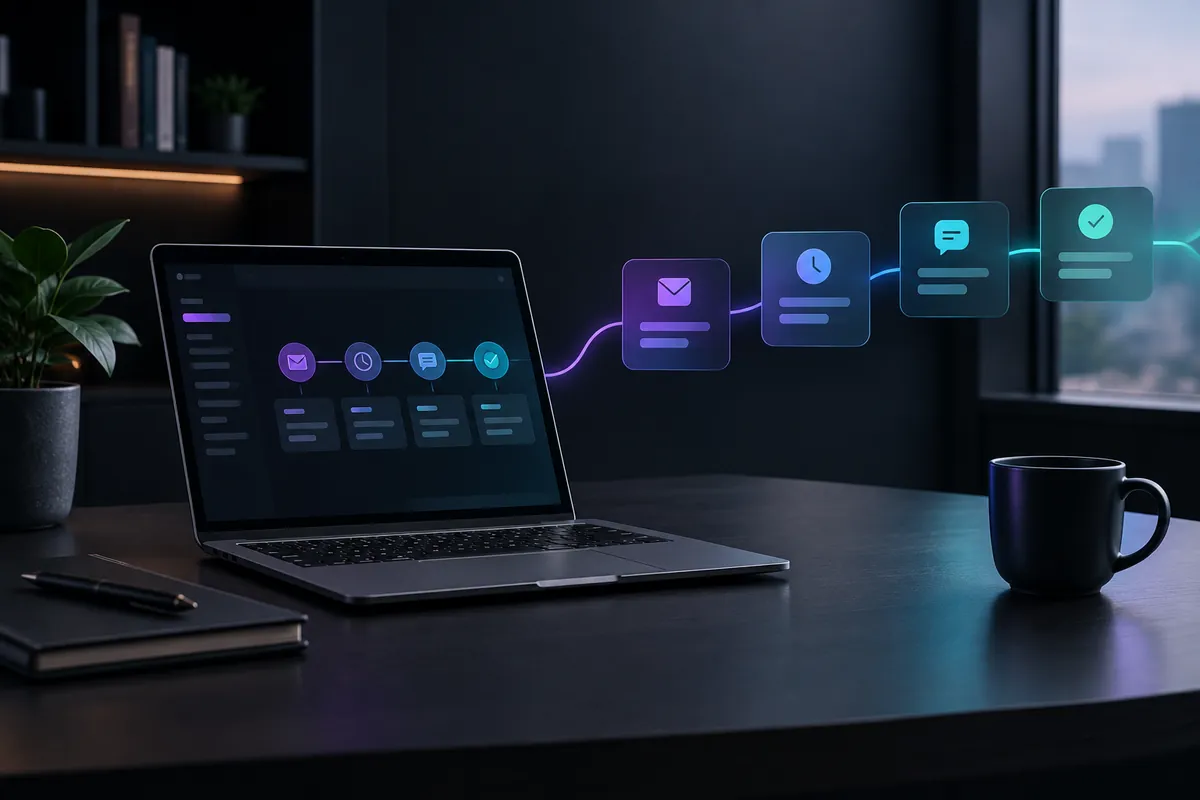
Marketing automation software sends the follow up messages a service business would otherwise forget: an instant reply when a form comes in, a nudge three days after a quote, a review request when a job closes. It runs on triggers tied to lead and job activity, so contact continues on schedule while your crews are on site.
Most service businesses do not lose leads at the moment of first contact. They lose them in the quiet stretch afterward: the quote that sat unanswered for eleven days, the estimate request that came in Saturday at 7pm, the homeowner who called three companies and went with the one that checked back. TruLata builds and runs marketing automation for local service businesses across the United States, and the pattern repeats in nearly every pipeline we look at. The first touch happens. The second, third and fourth do not.
Why do service businesses lose leads after the first contact?
Because follow up is the first thing to fall off the list when the day gets busy. A technician finishing a job at 4:45pm is not going to open a spreadsheet and check which quotes are aging. An office manager fielding dispatch calls is not tracking who went silent on Tuesday.
The three gaps that cost the most revenue
The response gap
- Form submission to first human contact
- Nights, weekends, mid-job hours
The quote gap
- Estimate sent to hearing back
- The most expensive silence
The dormant gap
- "Not right now" to actually ready
- Six weeks later, nobody calls
The gap is structural, not attitudinal. Manual follow up depends on someone having both the memory and the spare fifteen minutes at exactly the right moment. Automation removes both dependencies. As Company 119 notes in its guide to contractor marketing automation, the software records each lead action as a data point, which tells you what the customer wants at that moment and lets you send the right message at the right time instead of guessing.
The three gaps that cost the most revenue
- The response gap. Between form submission and first human contact. Nights, weekends and mid job hours are where this one lives.
- The quote gap. Between sending an estimate and hearing back. This is the single most expensive silence in service businesses, and it is almost never closed manually.
- The dormant gap. Between a lead saying "not right now" and the moment they are actually ready. Six weeks later, nobody remembers to call.
We have written separately about why contractors lose leads after sending a quote, because that gap alone accounts for more lost jobs than most owners realize.
What does marketing automation software actually do for a contractor?
Strip away the vendor language and automation does four concrete things.
Triggers, not calendar blasts
- A form comes in
- A call is missed
- A quote gets no reply
- A job closes
- An invoice is due
- A text and email naming the service
- The next nurture message
- A review request
- A payment reminder
1. Automated lead response
The instant a form is submitted or a call is missed, a text and an email go out. Not a generic autoresponder, but a message that names the service requested and sets an expectation: who will call, and when. This is the highest leverage automation you can turn on, and it takes an afternoon to configure.
2. Lead nurturing automation on a schedule
A sequence of messages spaced across days and weeks, each one tied to a trigger rather than a calendar blast. Quote sent and no reply after 48 hours? Message one. Still nothing at day seven? Message two, with a different angle (financing, scheduling flexibility, a nearby job reference). The sequence ends the moment the lead replies or books.
3. Job milestone follow up
Review requests, payment reminders and rebooking prompts fire off job and invoice status. Linking messages to jobs, invoices and customer activity inside your field service software means the trigger occurs and the message sends without anyone stopping to do it. Their 2026 survey found 52% of home service pros using AI apply it to customer communication.
4. Segmentation and scoring
Not every lead deserves the same sequence. A commercial roof replacement inquiry and a gutter cleaning request should not get identical messaging. Platforms like ActiveCampaign support lead scoring and personalized sequences, a feature set suited to contractors wanting more advanced workflows.
How do you build a contractor follow-up system without hiring for it?
The honest answer: you build it once, then you maintain it in small increments. Here is a sequence that works.
Build it in four weeks
- Close the response gap
- Quote sequence: day 2, 5, 12, 30
- Connect the data
- Review and prune
Week one: close the response gap
Connect your web forms, your call tracking and your inbox to one place. Set an automated acknowledgment on every inbound lead, every hour of the day. Confirm it actually fires by submitting your own form at 9pm on a Sunday. If nothing arrives in sixty seconds, you have found your first leak. Response speed compounds with everything else you do, which is why we treat first response as a bigger lever than budget increases.
Week two: build the quote sequence
Write four messages. Day 2, day 5, day 12, day 30. Each one should offer something new rather than repeat "just checking in." Attach the trigger to your quoting tool so the sequence starts automatically when an estimate goes out and stops automatically when the lead responds.
Week three: connect the data
This is where most setups break. The automation sends messages fine, but nobody can see what happened. Which sequence produced the booked job? Which channel fed the lead in the first place? You want lead tracking counted from your own forms rather than a platform reporting on itself. Disconnected tools are the reason automation stalls, a problem we cover in detail in our piece on why disconnected tools kill your lead pipeline.
Week four: review and prune
Open the sequences. Find the message with the worst reply rate and rewrite it. Find the sequence that never triggers and fix the trigger. Automation is not set and forget. It is set, measure, adjust, roughly once a month.
A platform that grades its own homework will always tell you things are going well.
Which marketing automation software should a service business choose?
Fit matters more than feature count. HubSpot's Marketing Hub climbs from a lower priced starter tier to a much more expensive Professional tier, and is built for SaaS and enterprise sales teams rather than HVAC operations. The feature set is impressive and largely irrelevant to a service business.
Field service platforms take the opposite approach. Jobber layers marketing onto scheduling and invoicing, with automated follow ups and review requests arriving at higher tiers. JobNimbus is purpose built for residential roofing, siding and window contractors, and MarketSharp targets home improvement with lead management, scheduling and basic email automation, as covered in US Tech Automations' 2026 roundup for construction companies.
Questions to ask before you commit
- Does it trigger off your lead sources, or only off contacts you manually import?
- Can you see attribution: which channel produced the lead that the sequence closed?
- Does it stop a sequence the moment a human replies, or will it keep texting a customer you already booked?
- What happens to the setup if the person who built it leaves?
- Does it report on itself, or does it report on outcomes?
That last question separates tools from systems. A platform that grades its own homework will always tell you things are going well. Marketing automation software built for service businesses should tie every sequence back to booked revenue, not open rates.
What does good automation look like once it is running?
You should be able to answer three questions in under a minute on any given Tuesday: how many leads came in this week, how many are sitting past their follow up window, and which sequence is producing booked jobs. If answering those requires opening four tabs and exporting a CSV, the automation is working but the reporting is not.
This is why we pair automation with live marketing data, refreshed when you open it. Stale dashboards produce confident decisions made on last month's reality. A lead sitting untouched for nine days is only actionable if you find out on day two.
The signals worth watching monthly
- Median time from form submission to first human contact
- Percentage of quotes that receive at least two follow up touches
- Reply rate per message in each sequence, not just per sequence overall
- Close rate on leads that entered a nurture sequence versus those that did not
- Number of dormant leads reactivated in the last 90 days
Those five numbers tell you whether the system is earning its place. Everything else is context.
Where automation should stop
Automation handles the predictable, the repetitive and the time sensitive. It should not handle pricing negotiations, scope disputes or anything requiring judgment about a specific property. The best setups use automation to buy back the hours your team would spend on mechanical follow up, then spend those hours on the conversations that actually need a person.
Where automation should stop
Automation handles
- The predictable
- The repetitive
- The time sensitive
A person handles
- Pricing negotiations
- Scope disputes
- Judgment about a specific property
- The homeowner who replies with a question
A homeowner who replies to your day five quote follow up with a question about material options should immediately drop out of the sequence and land in front of a human. If your system cannot do that cleanly, it will eventually embarrass you.
Get the follow up running
TruLata builds marketing automation, content and reporting into one system for local service businesses, so lead response, nurture sequences and attribution live in the same place instead of three disconnected tools. If you want to see how the pieces fit together before committing to anything, book the live demo and walk through a real pipeline with us.