 ™
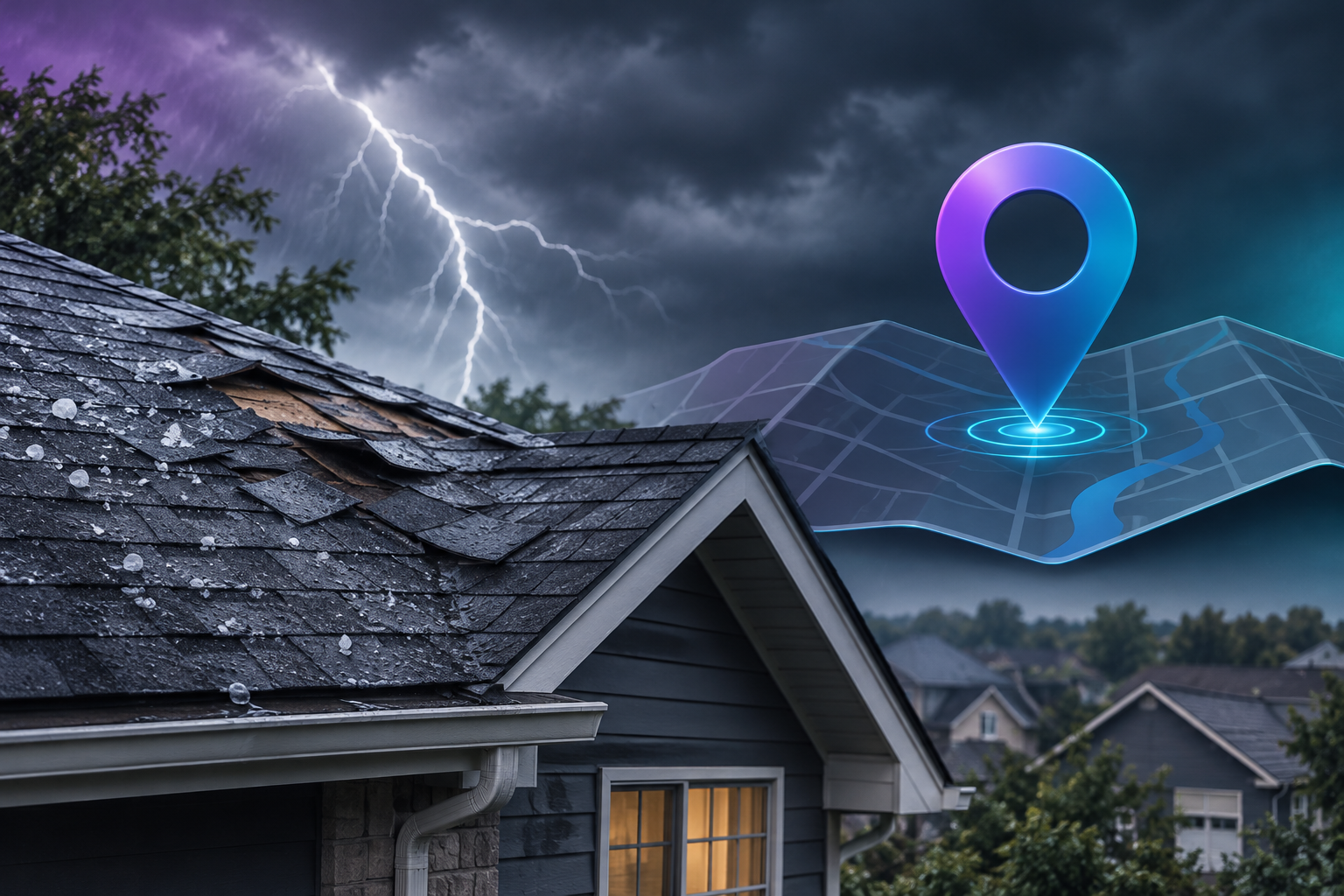

Google Maps rankings for roofing contractors come down to three factors Google names: relevance, distance and prominence. To appear in storm damage searches within hours, the setup has to exist before the storm: a correctly categorized Google Business Profile, a defined service area, town-specific pages, a ready storm damage page and a steady stream of recent reviews.
The hail stops around 9 p.m. By 9:15, a homeowner is on the porch with a flashlight, looking at shingles in the gutter and a dark stain spreading across the bedroom ceiling. She types "emergency roof repair near me" into her phone. Google shows three roofing companies above everything else, and she calls the first one. If your company isn't in that box, she has probably booked someone else before you know she searched.
Google won't hand you that spot in a few hours. What a storm changes in a few hours is how many homeowners are searching, and the roofers they find are the ones whose setup was finished weeks earlier. This guide covers that setup. TruLata is an AI marketing platform for service businesses, roofing contractors included, and it shows search rankings, queries, reviews and leads together on one screen.
How does Google Maps decide which roofer shows up?
Google's local ranking system weighs relevance, distance and prominence. Each is a separate lever, and your rankings depend on all three working together.
Relevance: does Google understand what you do?
Relevance is how closely your Google Business Profile and website match what the homeowner searched for. A profile that says "roofing" in general terms is weaker for "storm damage roof repair" than one that lists storm repair as a service, describes it, and links to a dedicated page about it. Google needs explicit signals, so don't assume it will work out on its own that you do emergency tarping.
Distance: does Google know where you work?
Distance is how far your business is from the searcher, or from the location named in the search. Roofers misunderstand this factor most often, because Google measures from the searcher's position, not from where you'd like to be seen.
Prominence: does Google trust you?
Prominence is how well known and trusted Google judges your business to be. It draws on reviews, consistent business listings across directories, the authority of your website, and activity on your profile. It is also the factor that takes the longest to build, which is why it has to start before storm season.
Why does your ranking disappear a few miles from your office?
The map pack (the three business listings shown above the organic results) is recalculated for every searcher's location. A roofing company can hold first position for a homeowner on its own street and not appear at all for a homeowner a few miles away. Searching "roofer near me" from your office desk tells you very little about how the rest of your service area sees you.
This matters most during storm season, because storms don't hit your office address. A hail line might cut through three suburbs fifteen minutes away, and those are the homeowners you need to reach. To see your real position, check rankings from multiple points across your service area. Pick five to ten neighborhoods where you want work, and record where you appear in each for your core terms. The resulting map of strong and weak areas shows you where to put town pages, reviews and photos first.
Each Business Profile ranks best near its own verified address. Strong relevance and prominence can extend your reach, but no setting makes a single profile cover a whole region. Roofers who genuinely operate from more than one location can verify a profile for each real office. Virtual offices and mailbox addresses break Google's guidelines and put the whole listing at risk.
What should your Google Business Profile look like before storm season?
Your profile is the asset that appears in the map pack. Finish this checklist before the first storm of the season, not during it.
Set the right categories
Your primary category should be the one that best describes your core business, usually "Roofing contractor." Add secondary categories only where they reflect real work you do, such as gutter services or siding. Categories are one of the strongest relevance signals on the profile, so choose them deliberately.
Define your service area honestly
If customers don't come to your location, set your profile up as a service area business and list the towns, cities or postal codes you actually cover. Draw that map from operating reality: which jobs you want, and how far your crews will travel to take them. Listing towns you'd never drive to won't make you rank there, and if it does bring calls, they are calls you can't take.
List storm services by name
Add individual services such as storm damage repair, hail damage inspection, wind damage repair, emergency tarping, leak repair and roof replacement. Write a short, plain description for each. These entries give Google specific language to match against urgent searches.
Keep hours accurate, including emergency availability
If you take emergency calls after hours, your listed hours should say so. If you don't, don't claim it. A homeowner who calls a "24 hour" listing and gets voicemail is likely to leave a review that hurts more than the listing helped. Google's special hours feature lets you post temporary changes after a storm without rewriting your regular schedule.
Upload real job photos regularly
Photos of actual crews, trucks, completed roofs and repair work show Google and homeowners that your business is active and local. Add new ones steadily through the year so the profile never looks dormant when homeowners start searching.
Use your real business name
Some roofers add keywords or town names to their profile name. Unless that is your legal, real-world business name, Google's guidelines prohibit it, and competitors can report it. A suspended profile during storm season costs far more than any ranking bump it might have brought.
Do roofing contractors need a page for every town they serve?
Yes, for every town you seriously want work in. A single homepage that says "serving the whole county" cannot rank for "roofer in" a dozen towns at once. A dedicated page for each town gives Google something specific to rank.
Each town page should be genuinely different. Copying one page and swapping the town name gives Google nothing new. Useful details include:
- The roofing styles and materials common in that town's housing stock
- Neighborhoods or developments you've worked in
- Local permit or inspection considerations your crews handle
- Photos of jobs completed in that town
- Reviews from customers in that town, where they've given permission
- Your typical response time to that area after a storm, if you can stand behind it
Link each town page from your Business Profile area or your main services page, and make sure every page has a visible phone number and a working estimate form on mobile. Keep the claims on these pages honest too. TruLata's website builder won't publish a rating, review count, year in business, credential or award without a source on file, and the same rule is worth applying by hand to any page you write yourself. For a deeper look at building pages that convert urgent intent, see our guide to local SEO for roofing companies.
Which storm damage season keywords should you target?
Storm damage season keywords describe a problem, not a product. Homeowners rarely search "roof replacement" the night of a storm. They search for what they can see and what they're afraid of. Build pages and profile services around phrases like:
- emergency roof repair near me
- storm damage roof repair [town]
- hail damage roof inspection
- wind damage roof repair
- roof leak repair [town]
- emergency roof tarp
- missing shingles repair
- roof damage insurance claim inspection
Timing matters here. A new page needs time to be crawled, indexed and trusted, so a storm damage page published the morning after a storm is late. Publish a permanent storm damage page well before the season, and keep it updated. Explain what you inspect, how you document damage for an insurance claim, what temporary protection you provide, and how quickly you can typically get to a property. When the storm hits, you update a page Google already knows instead of introducing one it has never seen.
The same pages can serve AI answer engines. When a homeowner asks ChatGPT or Google AI Overviews what to do about hail damage, the answer draws on pages that respond to the question directly. A storm damage page that states plainly who you are, where you work and what you do after a storm gives those engines something clear to quote. TruLata's AI visibility view tracks whether your business is being cited by those engines.
How do reviews affect roofing contractor rankings after a storm?
Reviews feed prominence, and both volume and recency count. A profile with a long history of reviews but nothing recent looks less active than one that collects them steadily. After a storm, competition for the map pack intensifies, and recent reviews help separate established local roofers from out-of-town crews who follow storms.
Make review requests part of job close-out, not a campaign you run once a year:
- Ask at the moment the customer is happiest, usually right after the final walkthrough
- Send a direct link to your review form by text, so it takes one tap
- Encourage customers to describe the job in their own words, since mentions of storm repair or a town name add natural relevance
- Reply to every review, positive or negative, with a specific and professional response
Never offer incentives for reviews and never write them yourself. Both break Google's policies and can lead to reviews being removed or the profile being restricted.
What should you do in the first hours after a storm hits?
If the groundwork is done, the storm-day work is short. You aren't building rankings in a day. You're making sure the position you already hold turns into booked inspections.
- Confirm your hours. If you're extending availability, update special hours on your Business Profile so homeowners see you're open.
- Publish a profile update. Post a short, factual note that you're responding to storm damage in named towns, with a photo of your crew and a call button.
- Refresh your storm damage page. Add the date, the areas affected, and what homeowners should do right now to limit water damage safely.
- Answer every call and form. A first-page ranking doesn't help if calls go to voicemail. Staff the phone and set up instant form replies.
- Photograph the work. Every tarp and inspection is a future profile photo and town page asset.
- Request reviews as jobs close. Storm work produces grateful customers. Ask them while the experience is fresh.
How do you know if your local roofing searches setup is working?
Check three things: where you rank across your service area, how many people act on your profile, and how many real leads arrive. A ranking report with no call data can't tell you whether the ranking paid off, and a call with no record of its source can't tell you which towns and pages did the work.
Most roofers check these in separate tools, if they check at all. TruLata pulls them together. Inside the platform you can track rankings, queries and reviews in one view, and the Google Business Profile integration puts your rating, reviews and profile calls beside your search data. TruLata also counts leads from your own forms, so you see which pages turned storm traffic into booked inspections, and your team sets the outcome of each lead.
Review your numbers after each storm. Which towns produced calls? Which pages earned form fills? Where did you rank poorly, and did you lose jobs there? Use the answers to decide which town pages and review requests to work on before the next one.
Ready to be the roofer homeowners find first?
Set up the profile, build the town and storm pages, keep reviews coming, and trace every lead back to its source. TruLata runs search, ads, content, outbound and email from one screen that refreshes when you open it, and every outbound send waits in a review-first queue until you approve it. Plans are Starter at $399 a month, Launch at $649 a month and Growth at $1,199 a month, flat monthly, month to month, with no setup fee. See the pricing page for what each includes, open the live demo to see how it reads your search visibility, or sign up when you're ready to start before the next storm.